Paid PC session timing
Start, extend, transfer, warn, and end paid sessions while every station stays visible to staff.
 InkPlay
PC Session Billing Software
InkPlay helps gaming centers, gaming cafes, and PC lounges bill paid playtime, manage time packages, extend sessions, transfer stations, track cashier shifts, and keep player balances connected to the real branch floor.
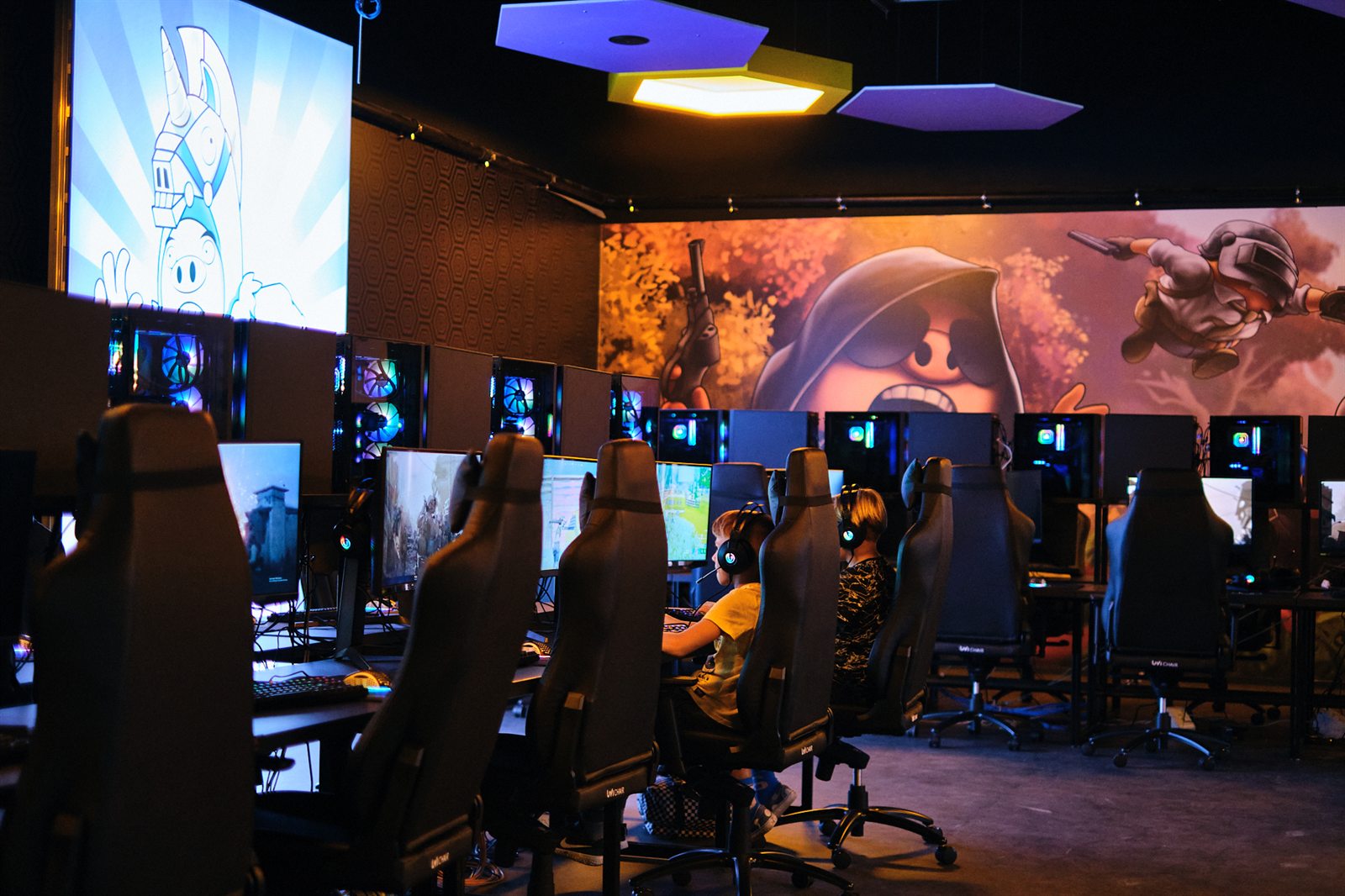
Billing use case
This page is for operators searching for billing and timer software, not a broad venue overview. InkPlay connects paid sessions to the staff counter, the station map, and the player account.
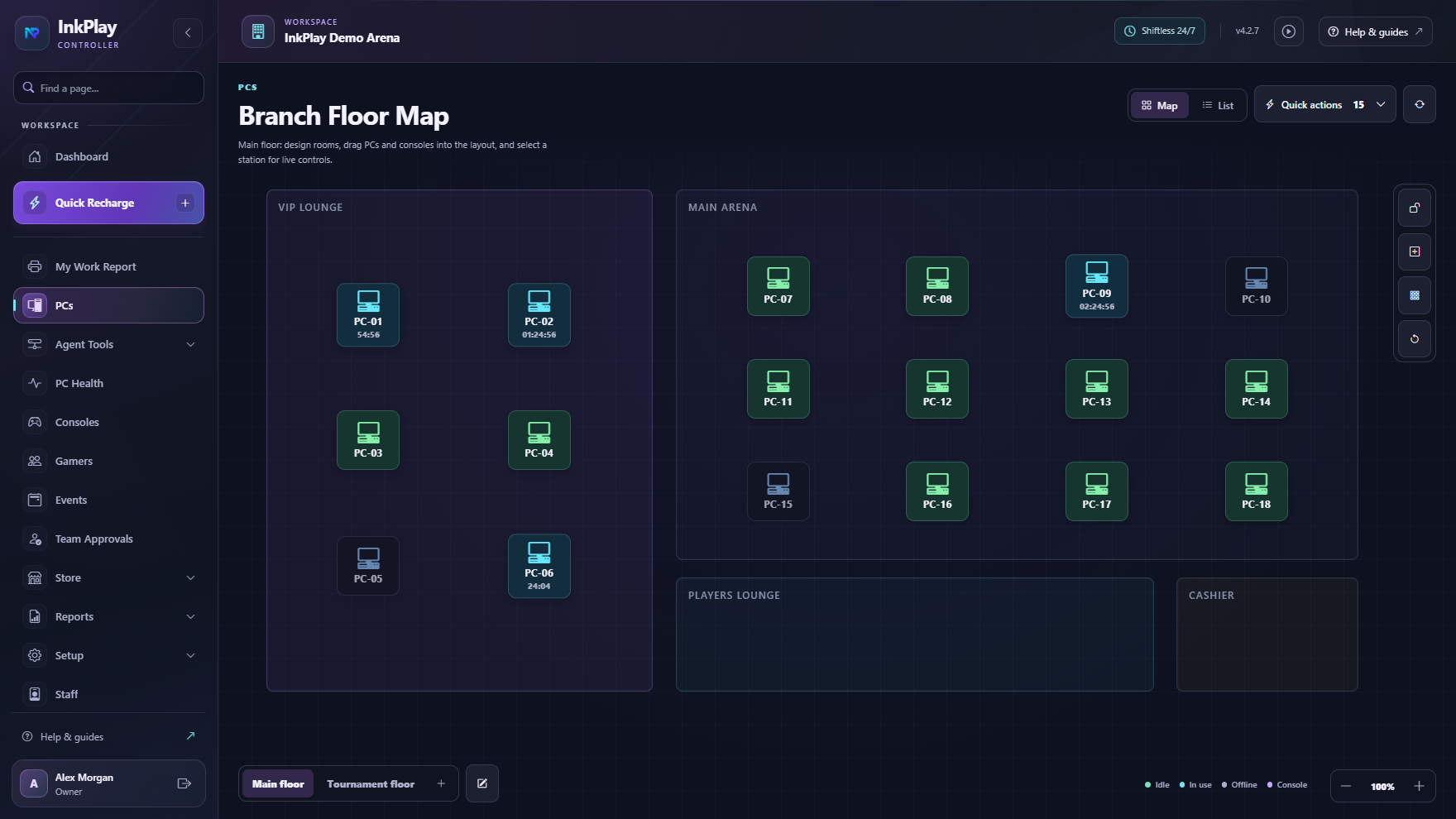
Start, extend, transfer, warn, and end paid sessions while every station stays visible to staff.
Support fixed playtime packages, manual durations, saved balances, guest sessions, and registered players.
Connect session starts, funds, prize points, debts, cashier shifts, and branch transaction history.
Let regulars keep branch-linked balances, activity, QR login, and account context across return visits.
From timer to transaction
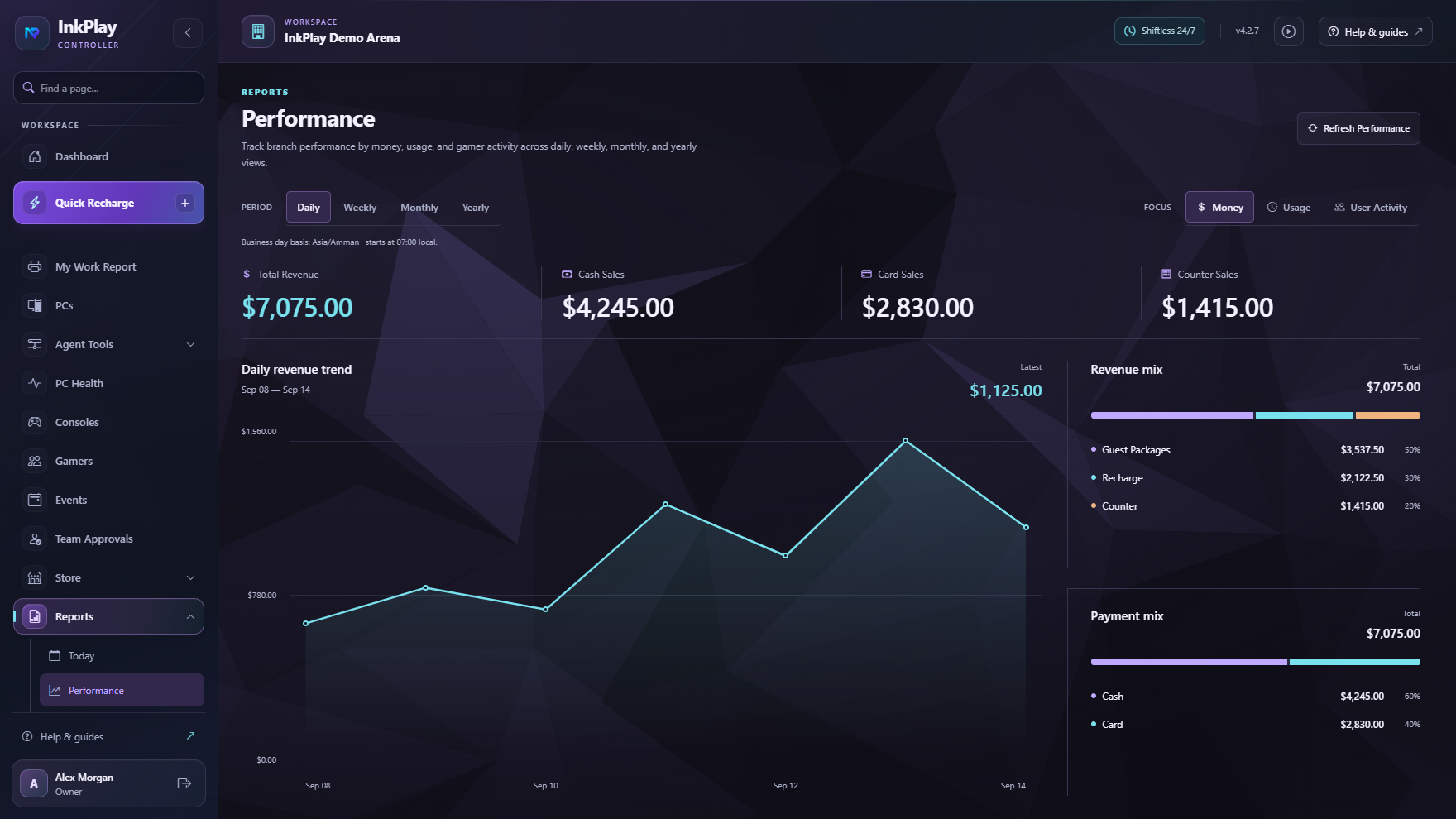
Timers alone do not explain what happened at the counter. InkPlay connects paid playtime to player accounts, guest sessions, branch funds, cashier shifts, station transfers, and reporting so staff can work from one source of truth.
Billing path
Staff pick an available PC or console station from the branch floor view instead of guessing from a list.
Start a guest session for fast service or use a registered account for balances, points, and history.
Apply a package, saved balance, or manual duration, then keep session status visible while the player uses the PC.
Handle extensions, warnings, transfers, support requests, and station state changes without losing billing context.
End the session with branch history, player activity, cashier visibility, and owner reporting signals intact.
Player-facing context
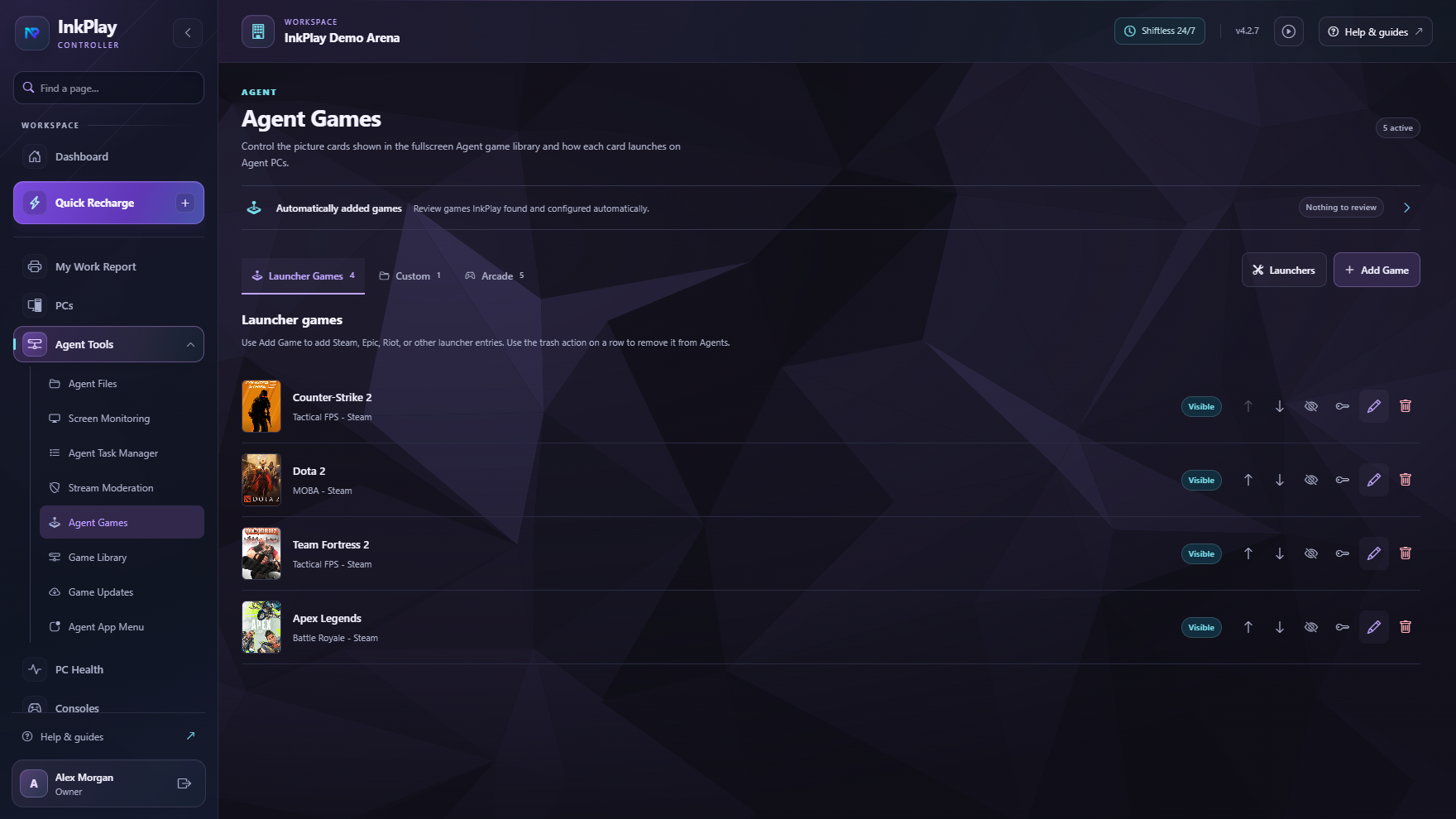
InkPlay Agent can show session time, wallet balance, prize points, games, store requests, and support actions on the PC, while staff handle time, balances, and station control from the Controller.
Questions operators ask
PC session billing software helps gaming venues charge for playtime, track sessions, manage packages and extensions, keep cashier records, and connect usage to player balances or history.
Yes. Staff can run fast guest sessions while regular players can use registered accounts, saved balances, QR login, activity, and branch-linked gamer history.
InkPlay is designed around branch operations that include package-style playtime, manual durations, player funds, prize points, shifts, and live PC status.
No. InkPlay connects billing context to the Agent shell so players can see session status, wallet visibility, support actions, store requests, and controlled venue surfaces.
Ready to bill sessions cleanly
The focus here is playtime billing, packages, station transfers, cashier shifts, balances, and session history.