Multi-room control
Organize PCs by floor, room, type, and map layout so staff can work across more than one space.
 InkPlay
Solutions / Universities
InkPlay helps universities manage student centers, esports labs, event rooms, and shared gaming PCs with one Controller and a clean player-facing Agent.
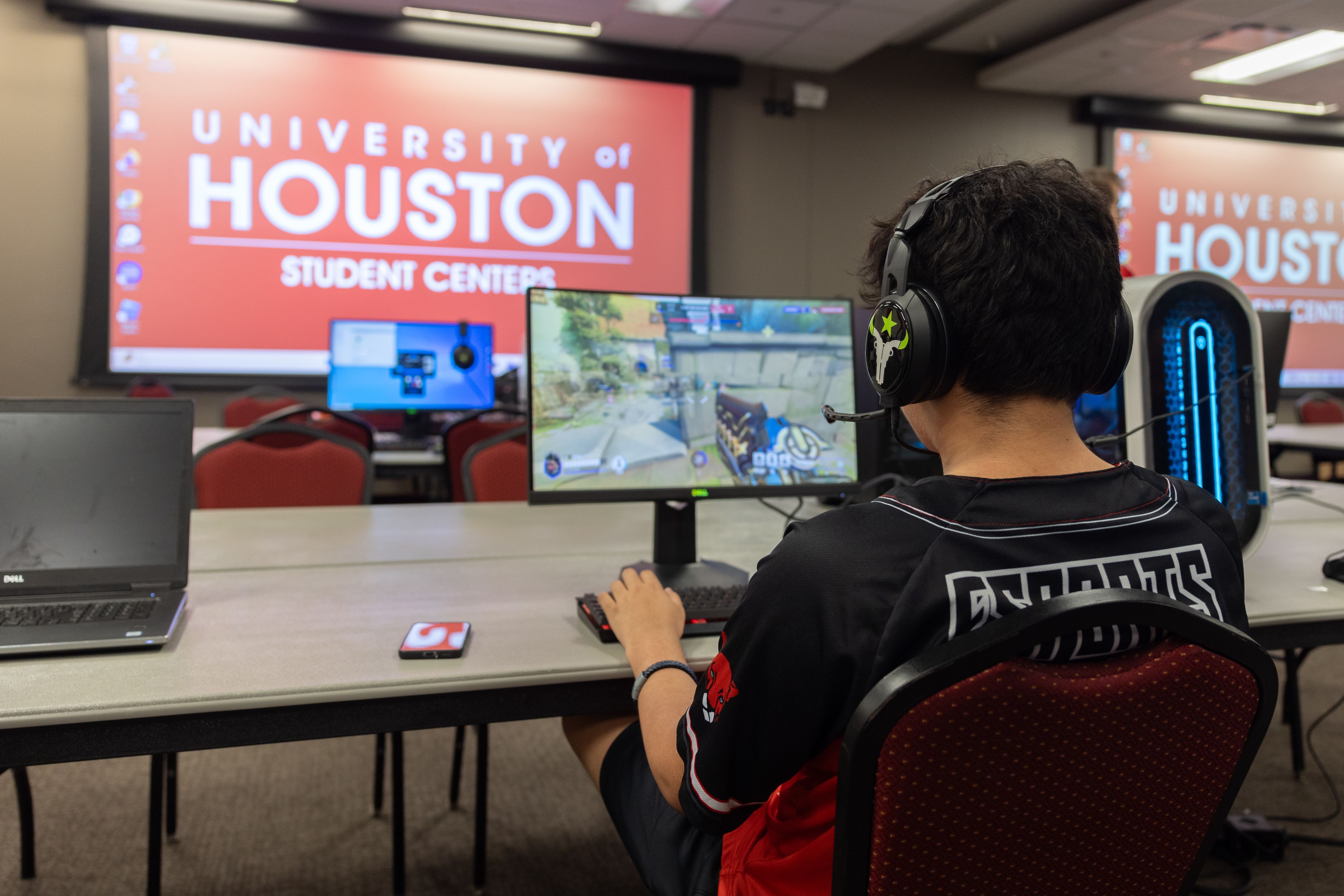
Education operations
Organize PCs by floor, room, type, and map layout so staff can work across more than one space.
Support open play, club nights, tournaments, and timed access without manual tracking.
Use health, task, file, screen, and control tooling as the base for stronger remote support.
Review performance, player activity, sessions, and reports when planning staffing or upgrades.
Real rooms, cleaner control
Use the same foundation for casual open play, organized events, training rooms, or a campus esports lounge.
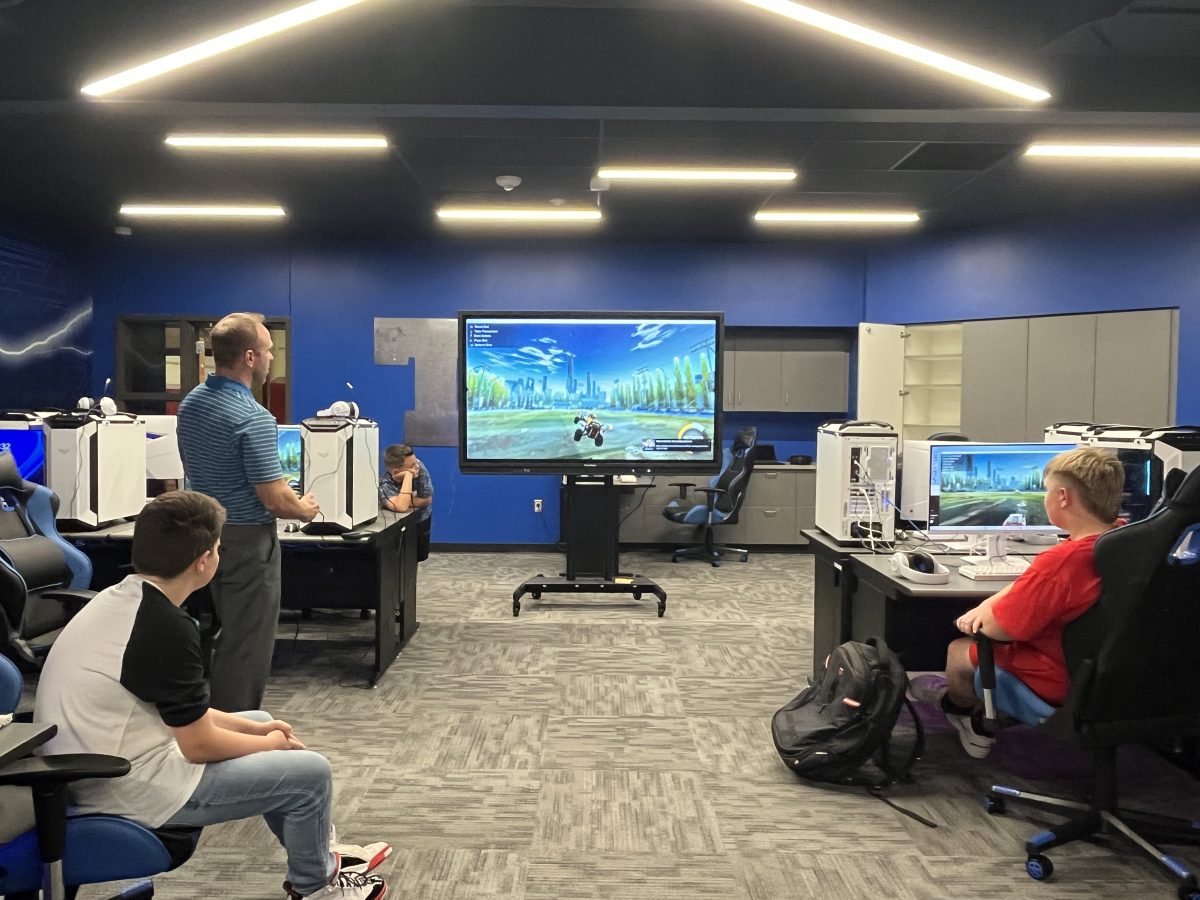
Operating path
Create floors and rooms, place PCs, and keep station status visible.
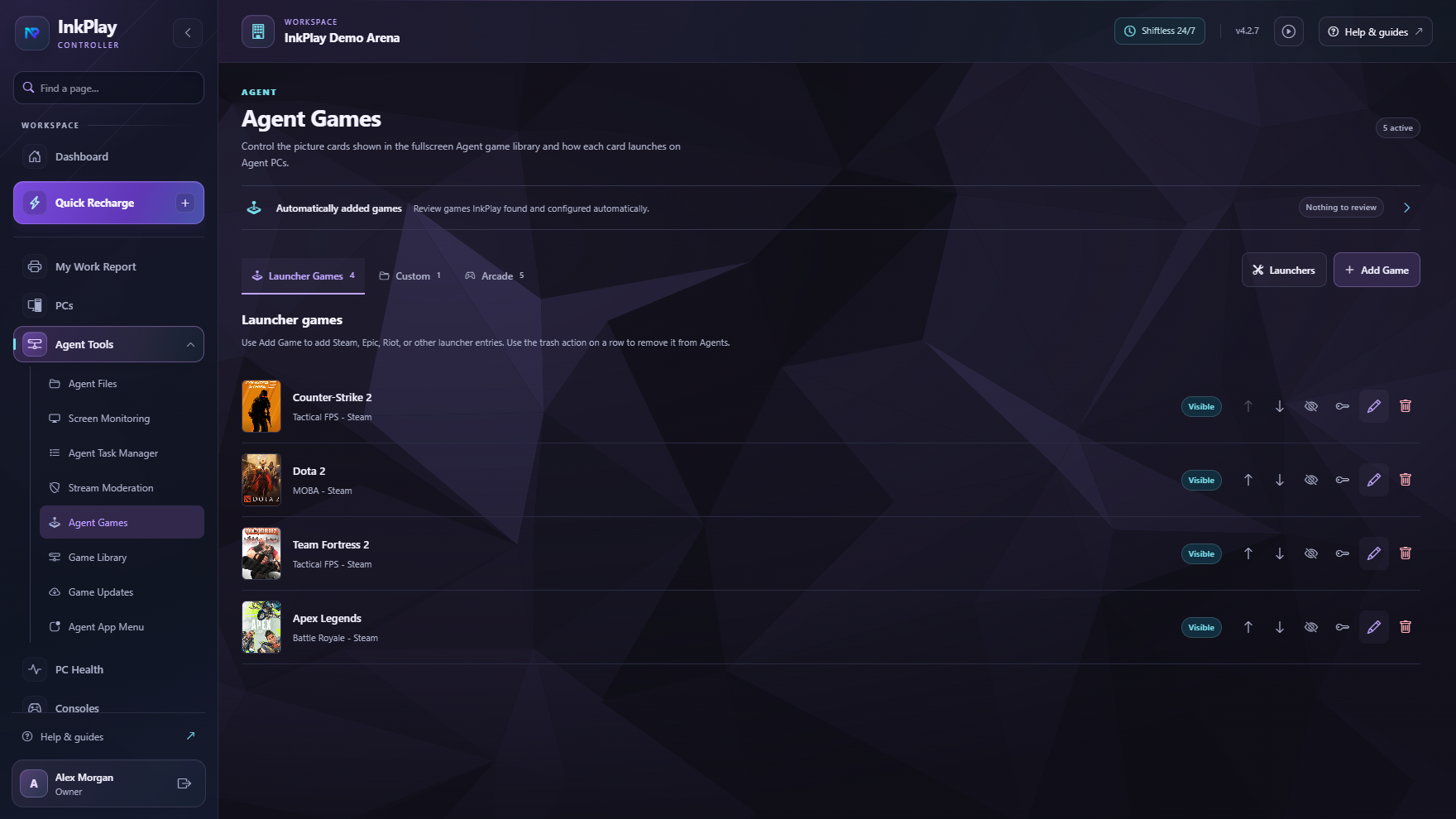
Build the Agent game library with cover art, hover media, and launch behavior.
Use players, groups, time types, staff roles, and permissions for different rooms.
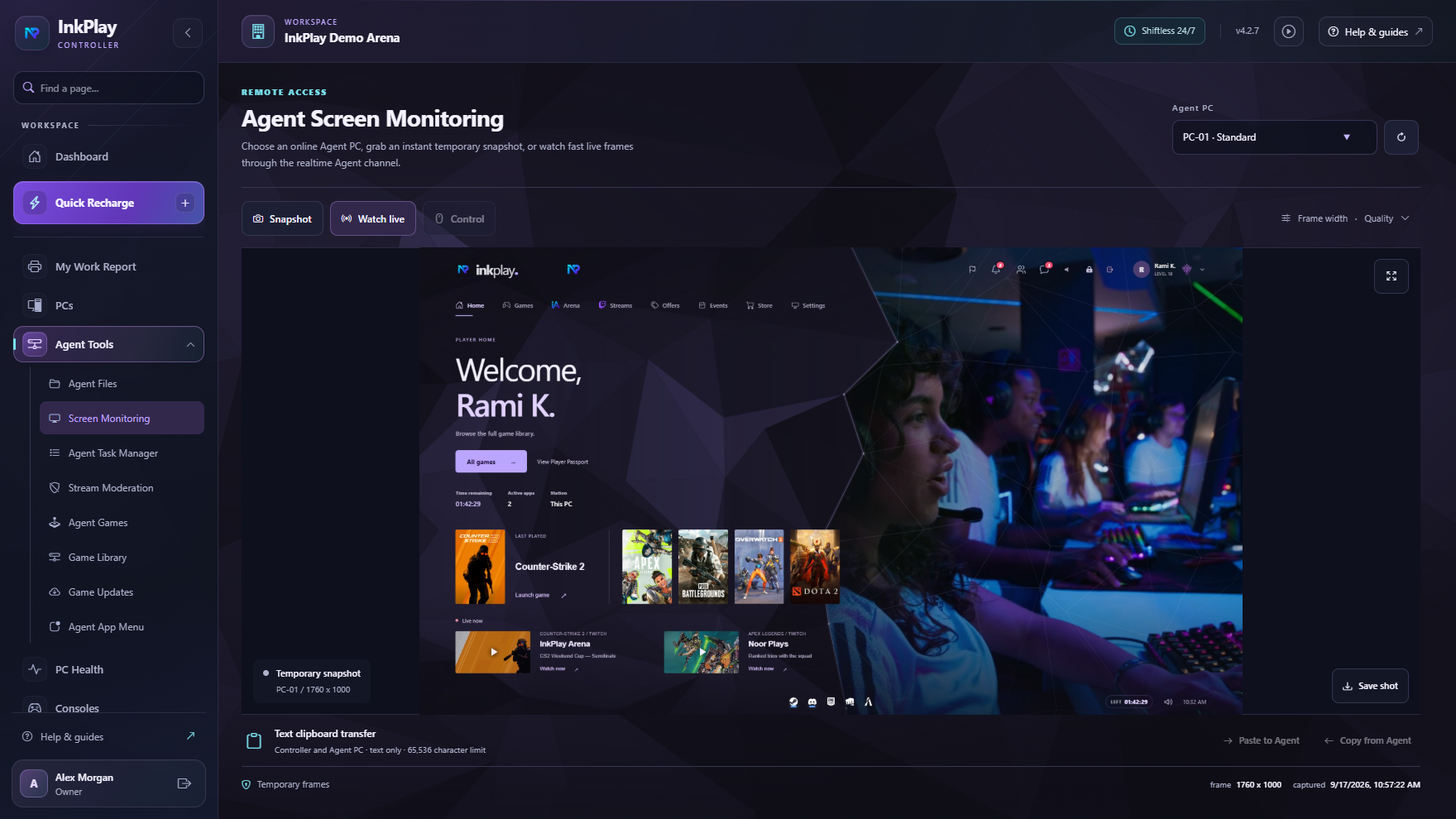
Watch screens, inspect PCs, and prepare for remote control workflows.
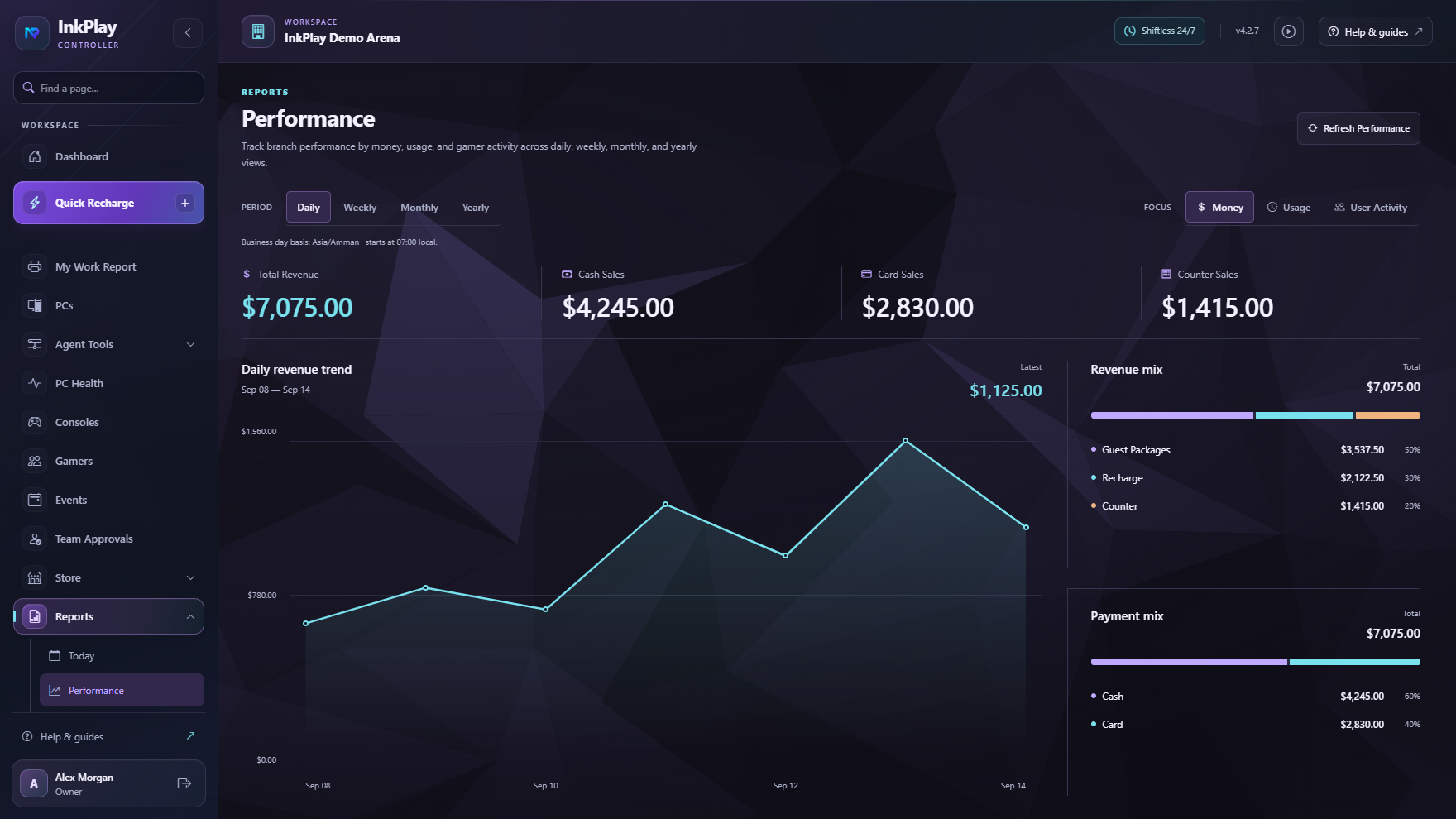
Use reports to see activity trends, busy periods, and room performance.
Centralized management
InkPlay keeps the Controller close to the branch while still giving owners and admins the web portal, reports, releases, subscription state, and account tools they need.
Student-facing shell
The Agent can work as a compact session widget or a fullscreen player shell. Staff decide which games, app shortcuts, support actions, and store options appear.
Ready for the next setup