PC and console control
Approve PCs, run console stations, pair TV displays, map floors, and start sessions from the Controller.
 InkPlay
Solutions / Gaming Centers
InkPlay connects the counter, gaming floor, player PCs, mobile gamers, console TV displays, promotions, and community reach into one local-first system.
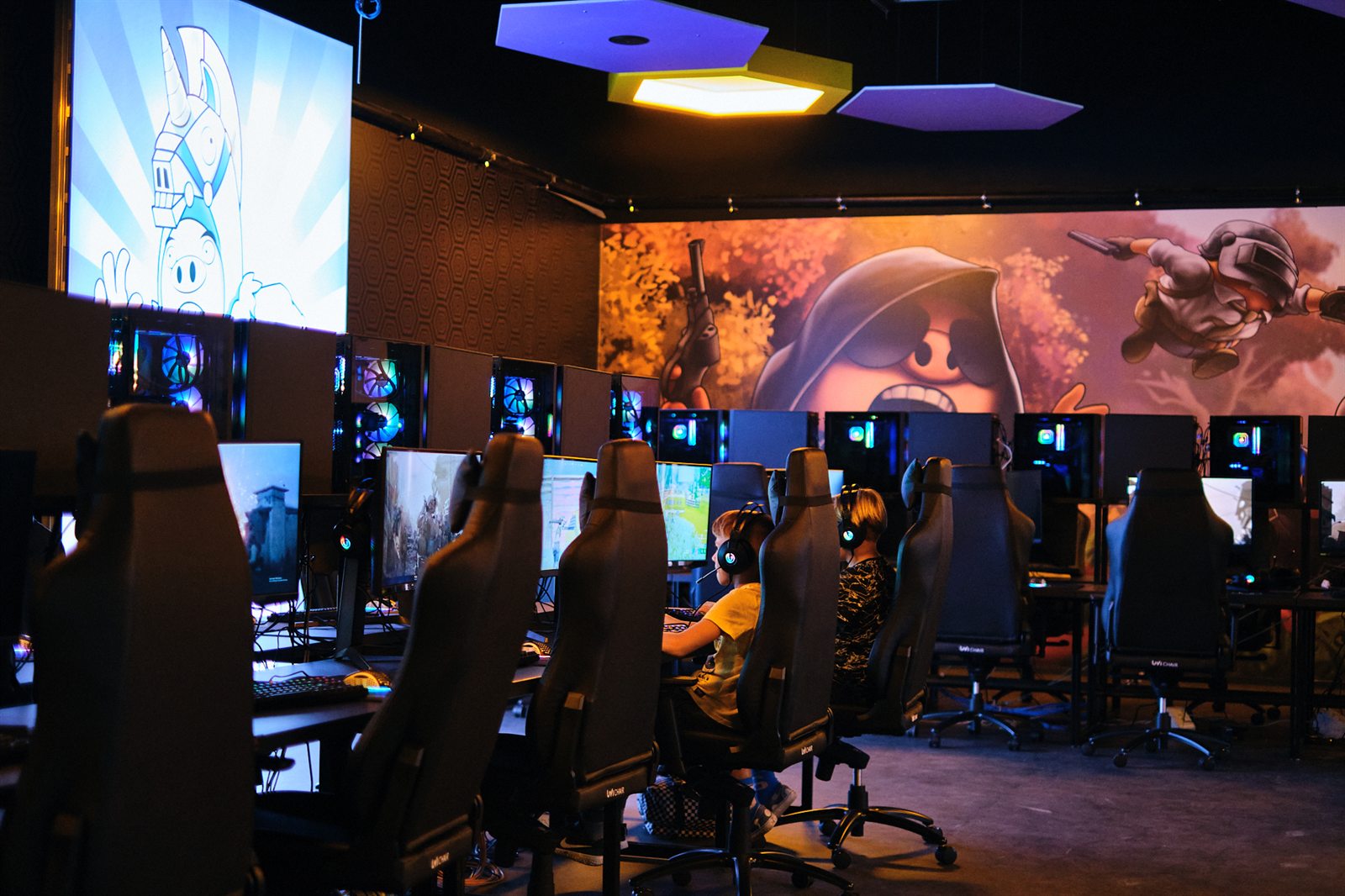
Everything your center needs
Approve PCs, run console stations, pair TV displays, map floors, and start sessions from the Controller.
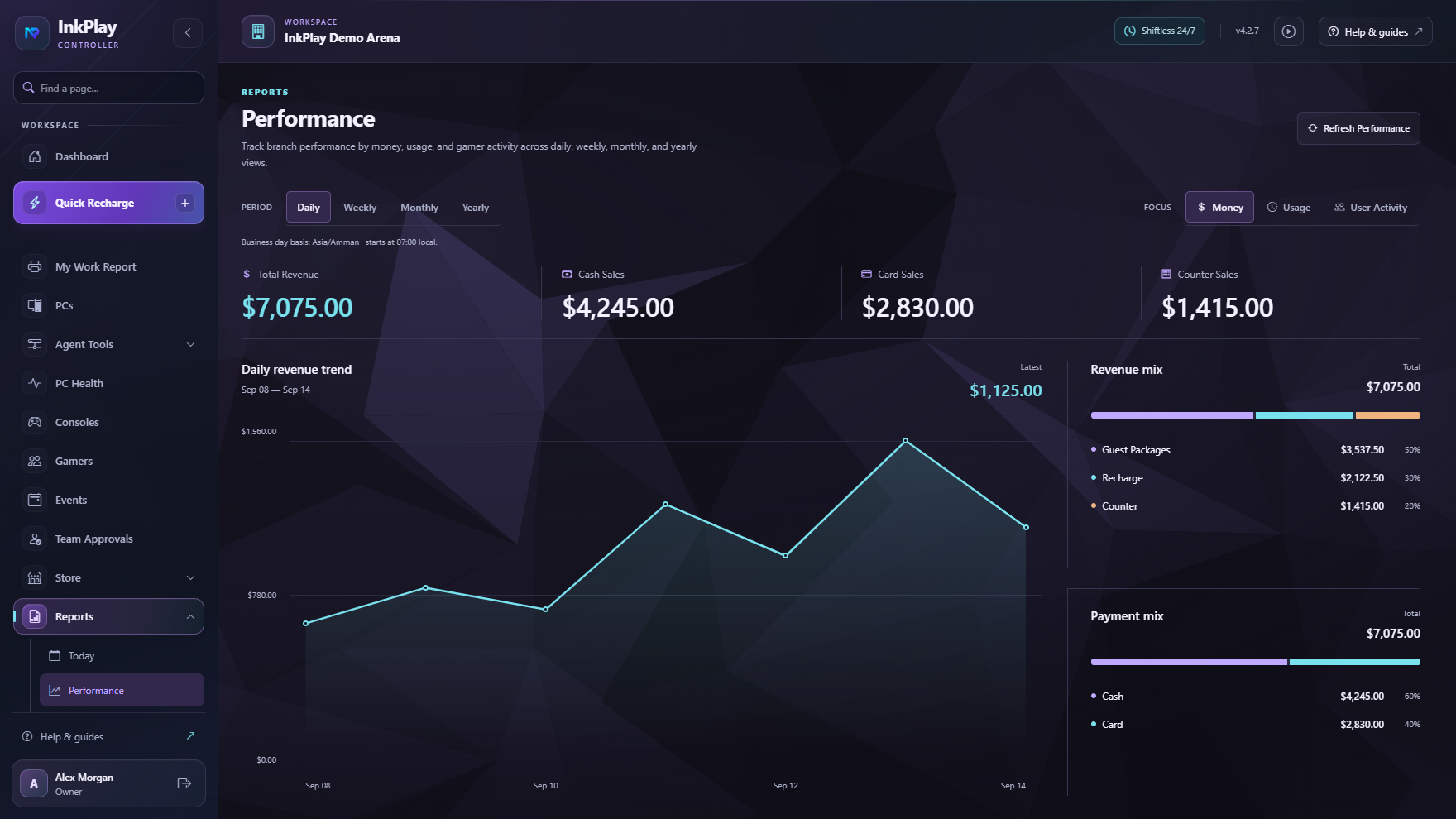
Run shifts, sales, debts, funds deposits, player balances, prize points, and local transaction history.
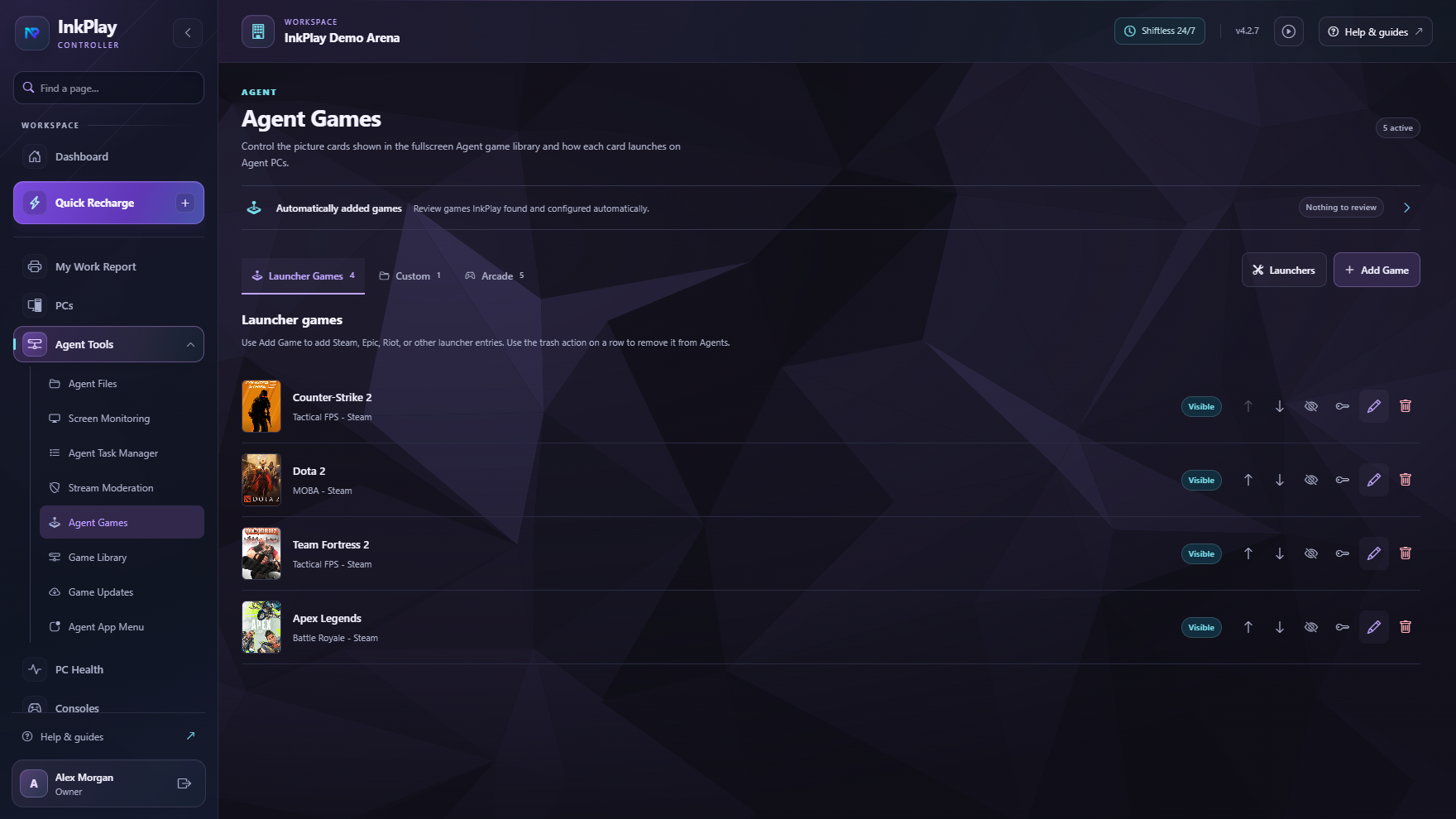
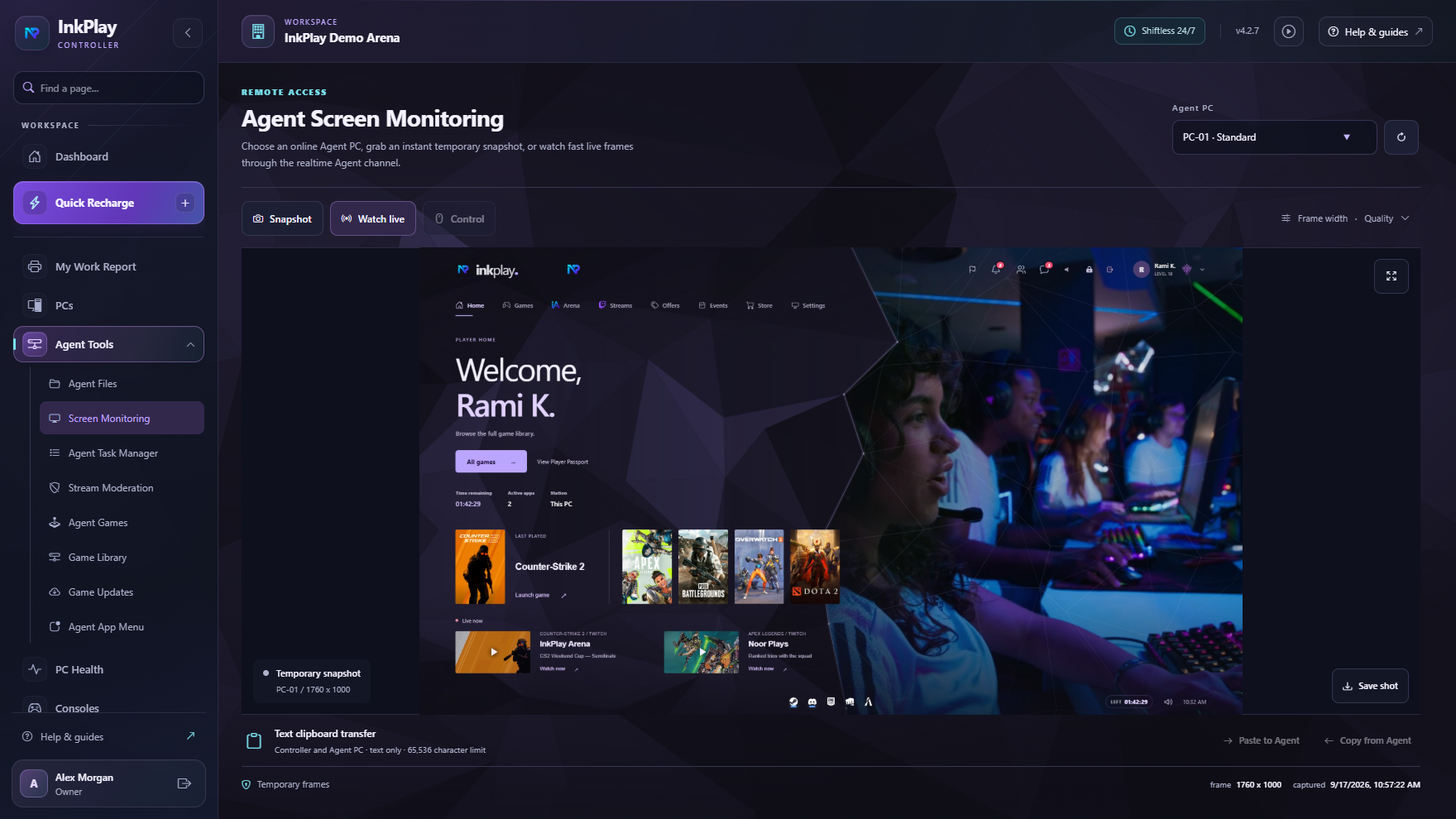
Give Agent PCs a fullscreen game library, wallet and points visibility, store actions, and branded visuals.
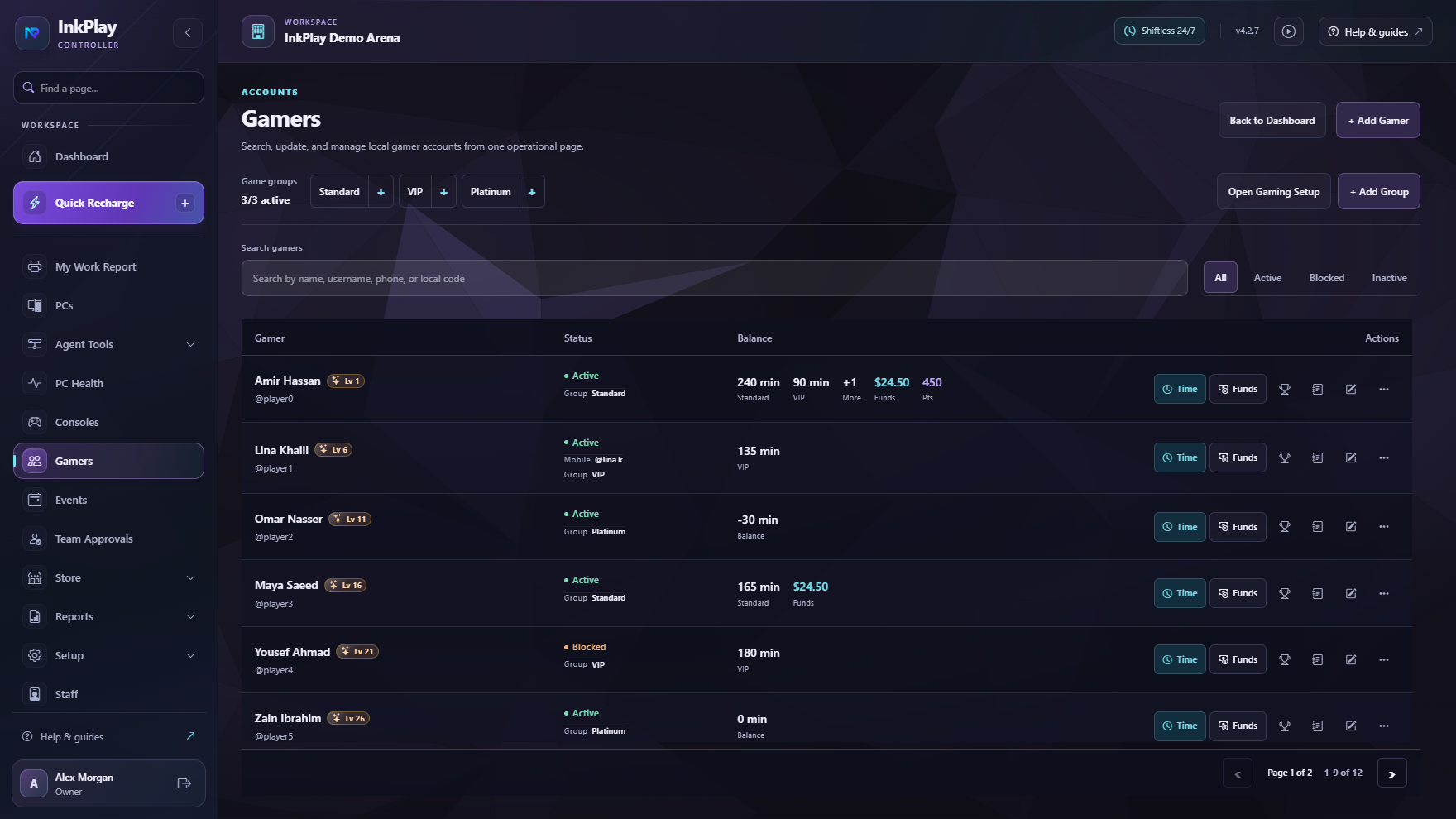
Let gamers use QR login, branch linking, PC requests, squads, friends, teams, and branch-linked activity.
Gaming center journey
The owner creates the branch, then the Controller locks to that local install.
Agents pair locally and become real stations with names, types, and floors.
Staff choose a player, guest, time type, package, or manual duration.
The PC shows games, wallet balance, points, store requests, help, and promotions.
Gamers link accounts, request PCs, build squads, join teams, and return with activity.
Owners inspect reports, manage promotions, surface events, and review community signals.
Centralized management
A gaming center needs more than a timer. Staff need station control, player history, wallets, points, cashier tools, TV displays, and support actions. Owners need activation, subscriptions, reports, releases, promotions, and branch safety without standing at the counter.
For players
Players get games, shortcuts, session timer, wallet balance, prize points, help actions, store access, squads, teams, and event discovery. Staff keep control of what launches and what stays hidden.
Ready to build the venue flow