Owner and staff app
Use Controller for branch setup, PC sessions, staff actions, cashier shifts, balances, reports, and operating visibility.
 InkPlay
Gaming Center App
InkPlay gives gaming centers one connected app experience across staff operations, player PCs, mobile QR login, TV displays, sessions, balances, promotions, and owner visibility.
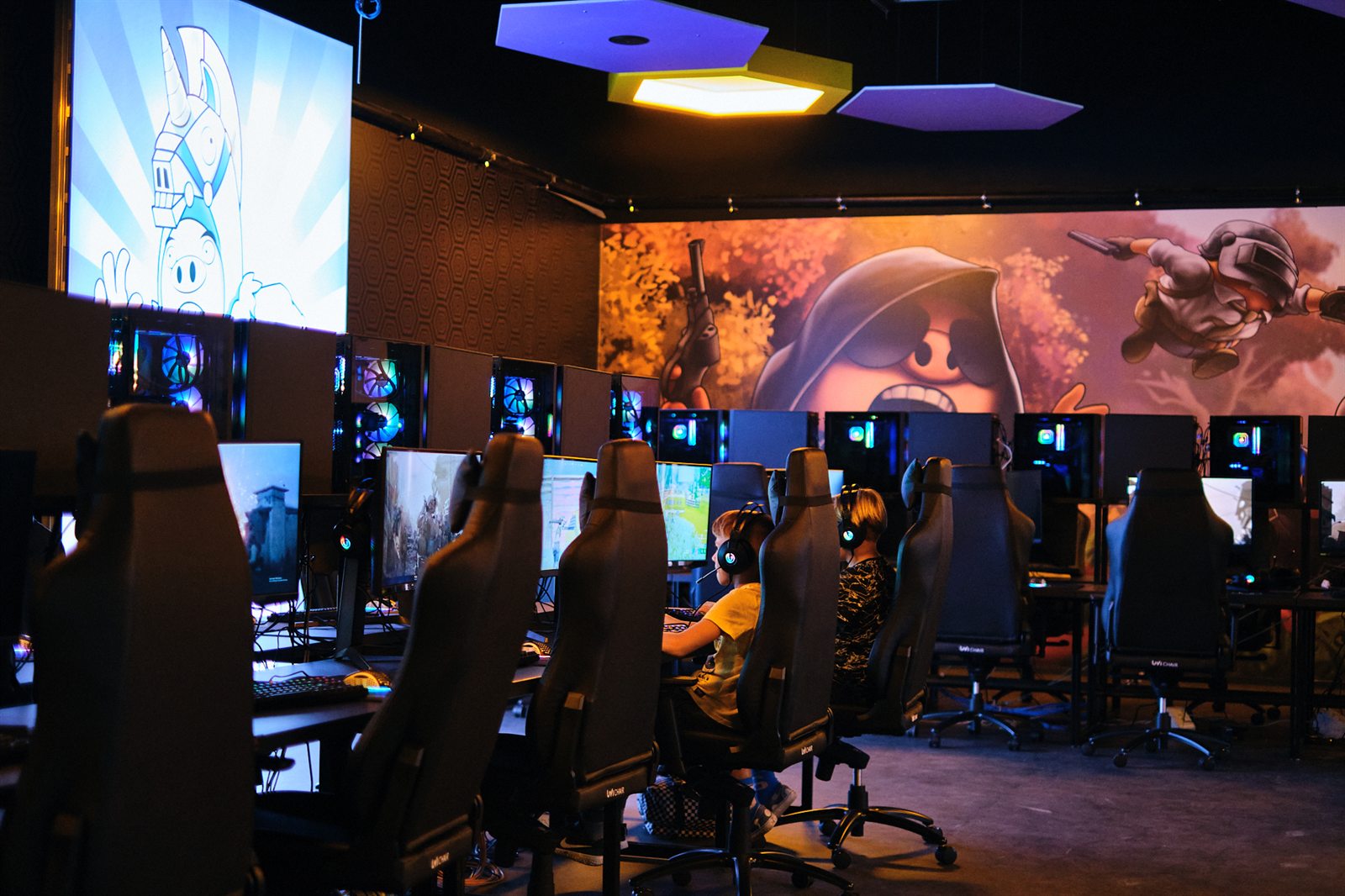
App experience
People searching for a gaming center app usually need more than one screen. InkPlay connects the app surfaces around the venue so owners, staff, and players work from the same branch context.
Use Controller for branch setup, PC sessions, staff actions, cashier shifts, balances, reports, and operating visibility.
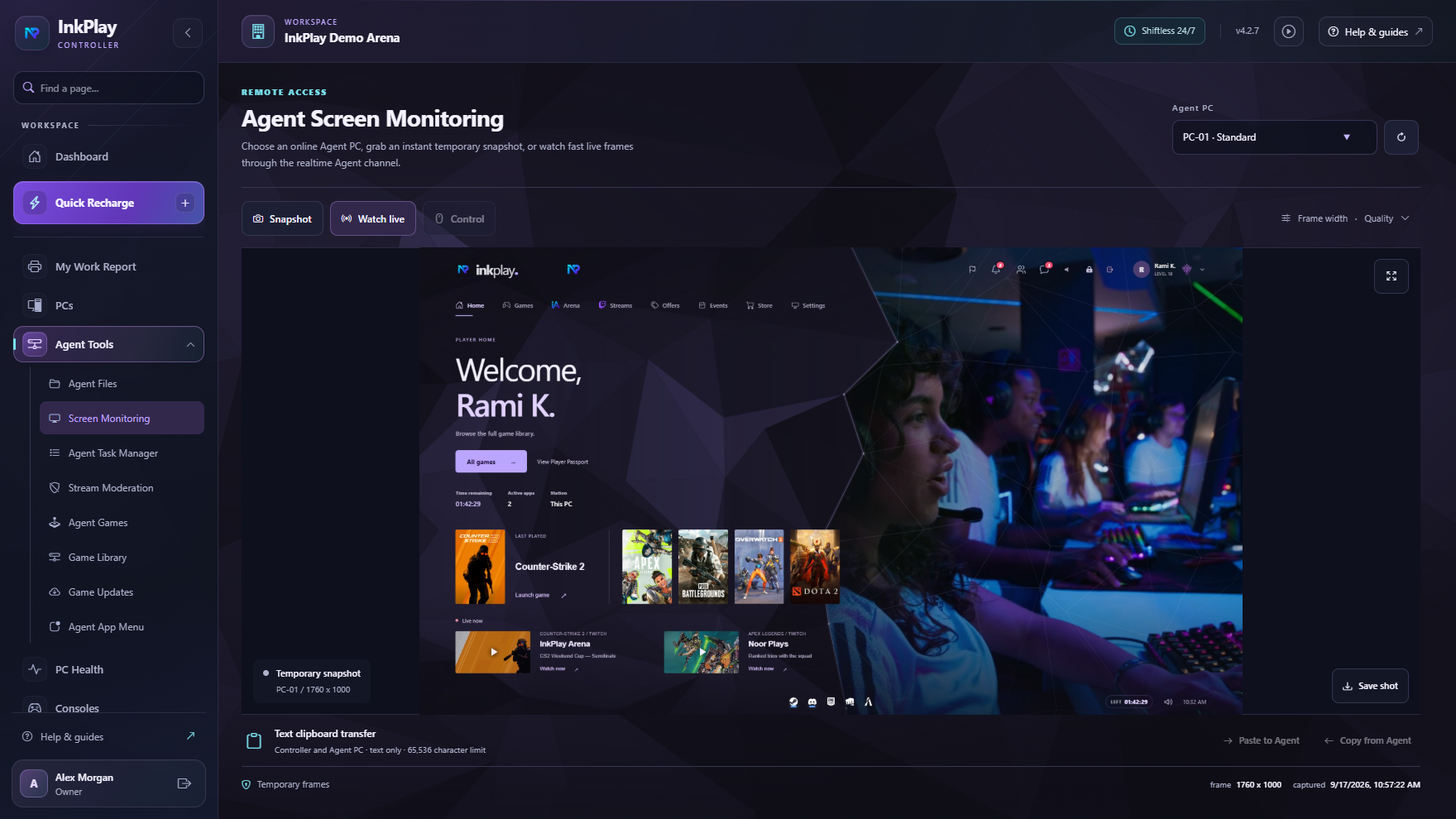
Use Agent on player PCs for games, session status, wallet visibility, prize points, store requests, support, and promotions.
Support QR login, branch linking, PC requests, squads, friends, teams, activity, and return visits for regular players.
Connect TV displays, venue branding, campaign art, event visibility, promotion surfaces, and player-facing messages.
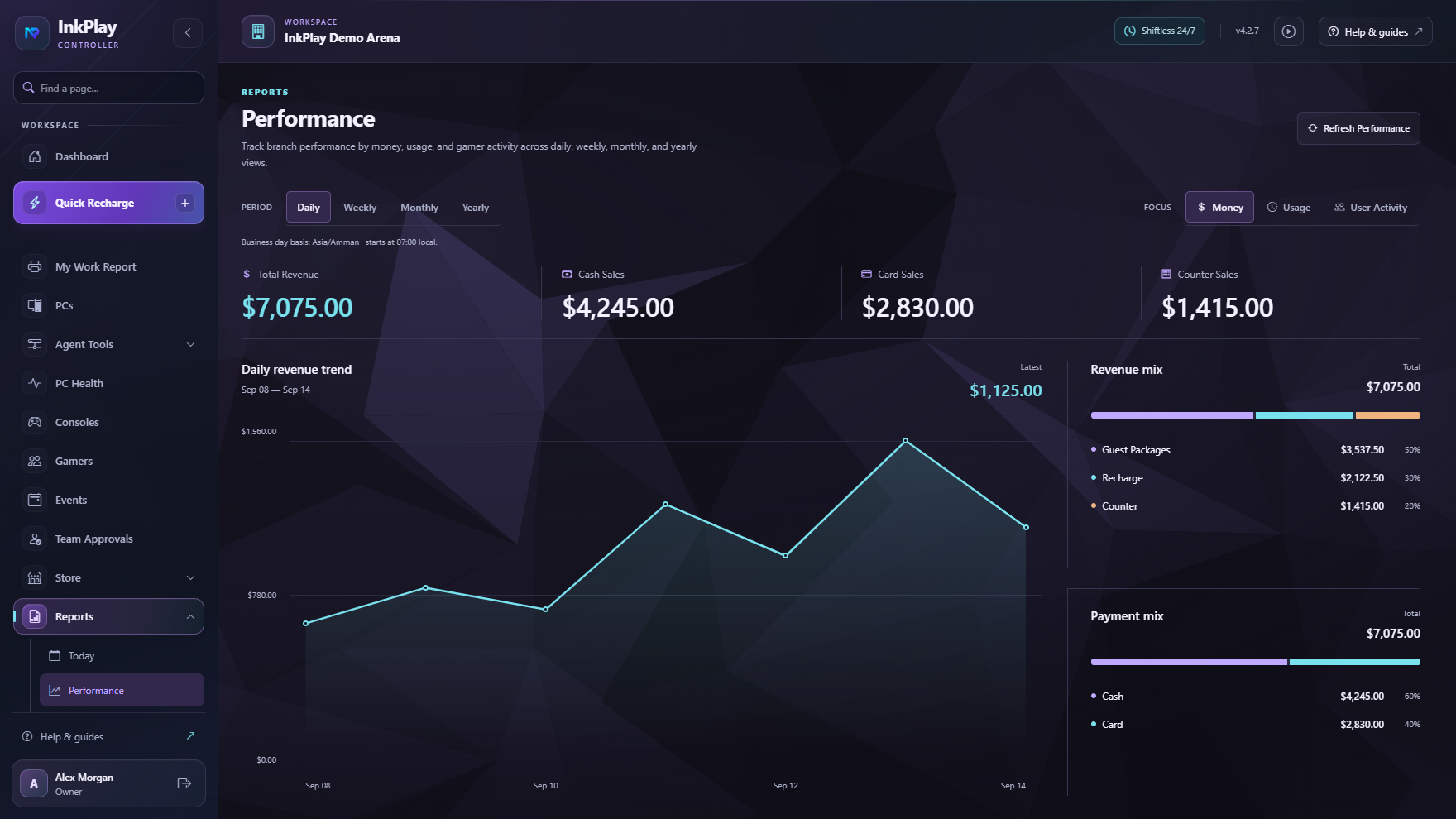
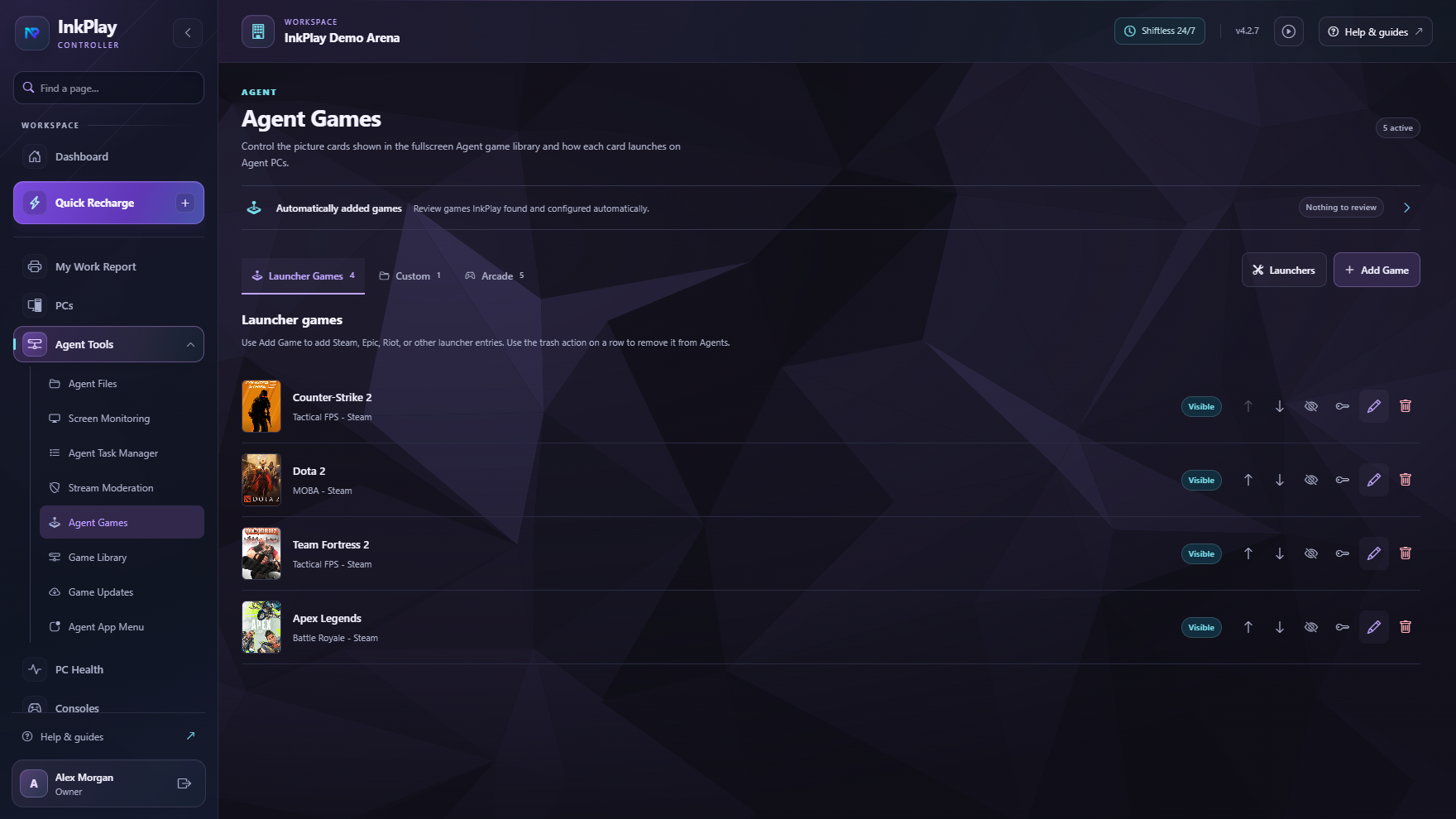
Connected surfaces
InkPlay Controller handles operations, InkPlay Agent shapes the player PC experience, mobile identity supports QR login and gamer activity, and display surfaces help the venue communicate with players.
App flow
Owners create the branch, connect Controller, prepare stations, choose rooms, and keep the local venue context clear.
Agent turns venue computers into controlled player stations with games, session status, wallet visibility, and help actions.
Players can use guest sessions for speed or registered accounts for QR login, balances, points, activity, squads, and teams.
Staff handle packages, manual time, extensions, transfers, cashier shifts, funds, debts, and transaction history.
Use promotions, displays, events, mobile activity, branch history, and community signals to make the center feel alive.
For the customer experience
The player does not need to understand the back office. They see session time, games, wallet balance, prize points, support actions, store requests, squads, teams, and venue activity while staff stay in control.
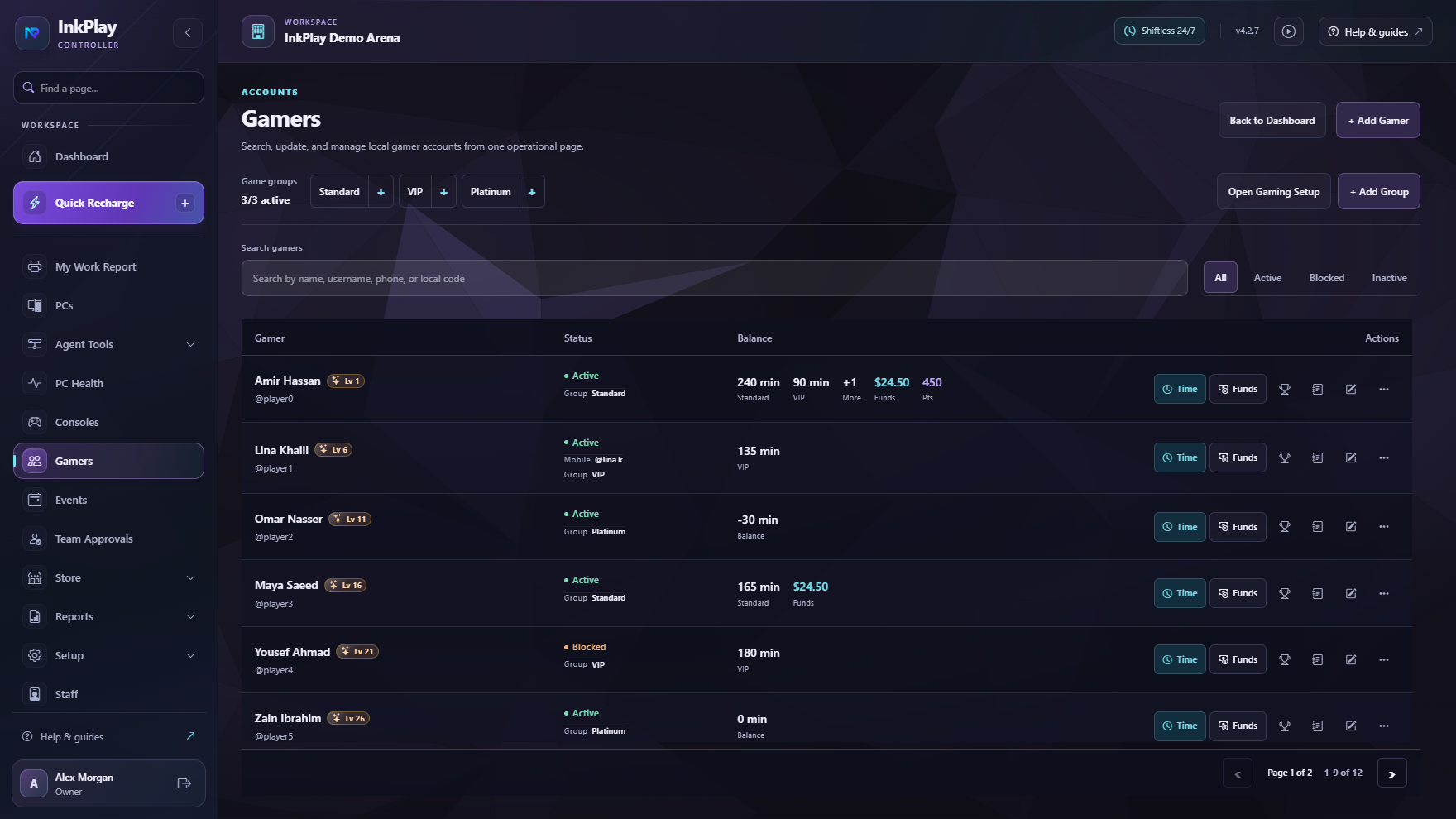
Questions operators ask
A gaming center app helps owners and staff manage the venue while giving players a smoother experience around PC sessions, accounts, balances, games, QR login, support, and activity.
InkPlay is both. Controller supports owners and staff, Agent runs on player PCs, and the mobile flow supports gamer identity, QR login, squads, teams, and branch activity.
Yes. Staff can start quick guest sessions, while returning players can use accounts, balances, prize points, QR login, activity, squads, and team features.
InkPlay covers timing, but it also connects paid sessions to station control, cashier shifts, player balances, reports, PC Agent surfaces, mobile identity, displays, and promotions.
Ready to make the app search clear
The focus here is the connected app experience across owner setup, staff operations, player PCs, mobile identity, displays, and recurring player activity.