Networked PC control
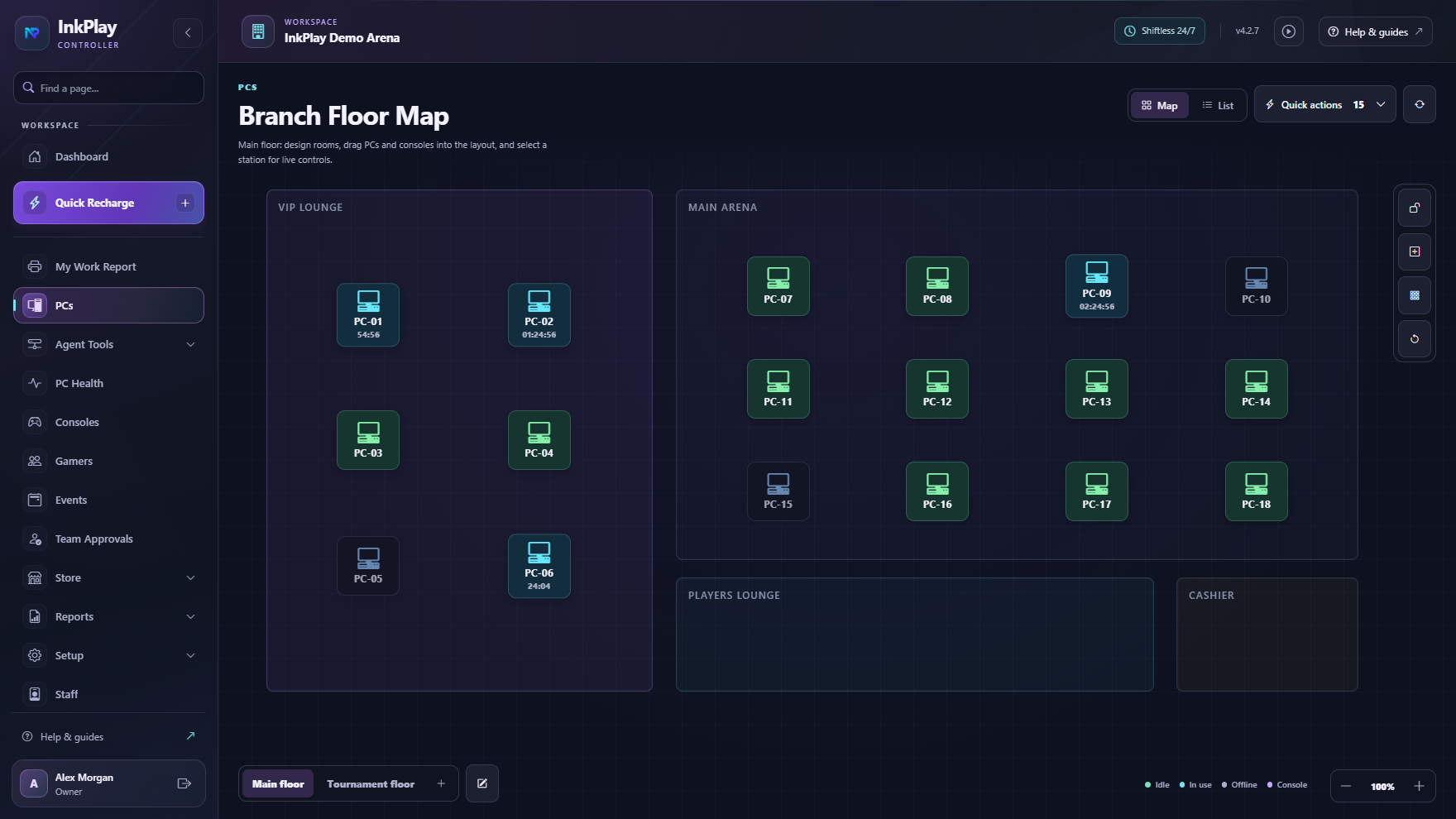
See station state, rooms, PC types, active sessions, warnings, transfers, and support needs from the floor view.
 InkPlay
LAN Center Management Software
InkPlay helps LAN centers, PC rooms, gaming cafes, and gaming centers manage station control, paid sessions, time packages, player accounts, cashier shifts, QR login, Agent PCs, displays, and owner visibility.
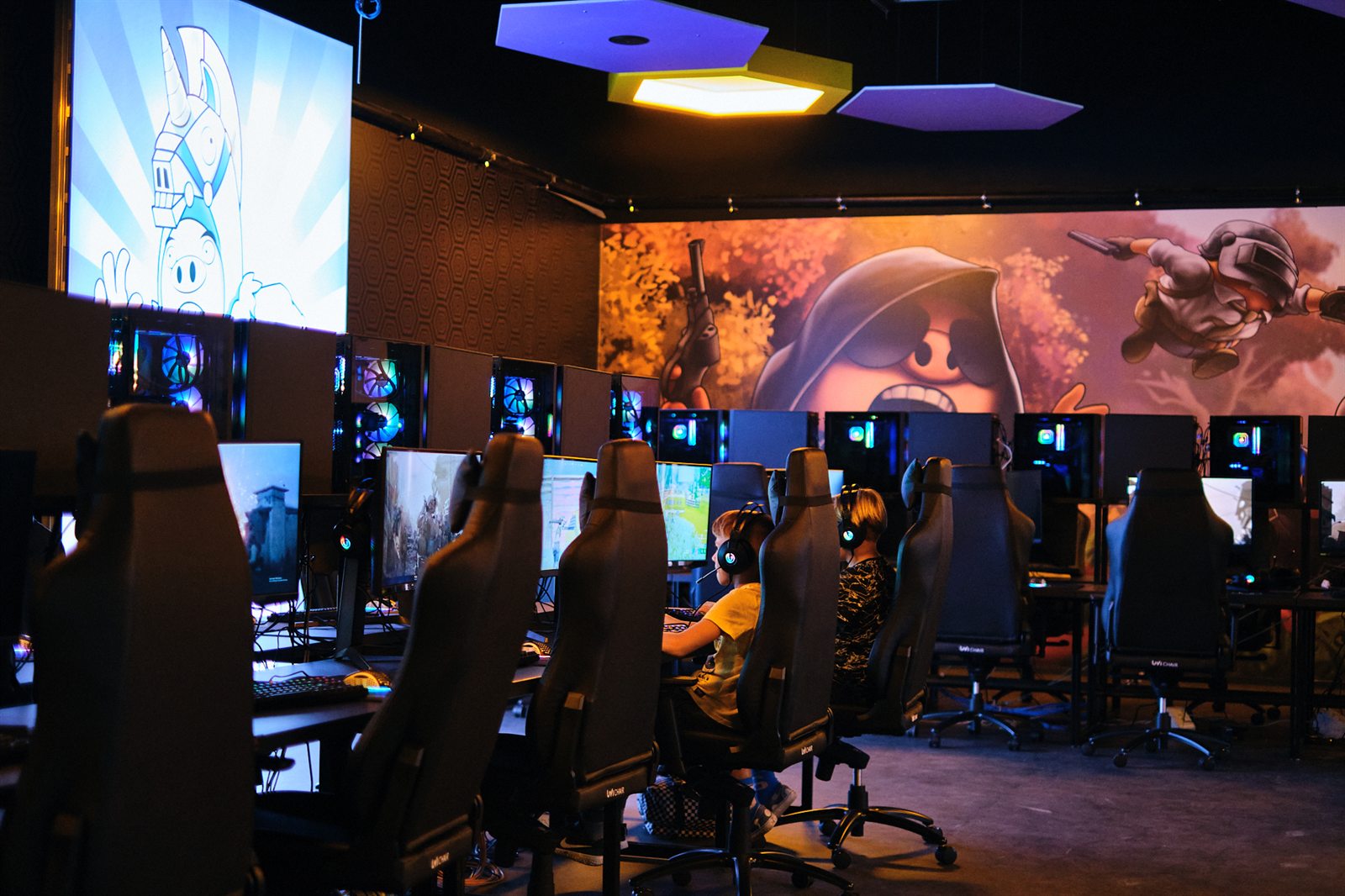
Built for PC-room operations
This page is for owners searching for LAN center software. InkPlay focuses on the operational loop around networked PCs, player time, cashier work, staff visibility, and returning players.
See station state, rooms, PC types, active sessions, warnings, transfers, and support needs from the floor view.
Start guest sessions, registered-player sessions, manual time, package time, extensions, and session history.
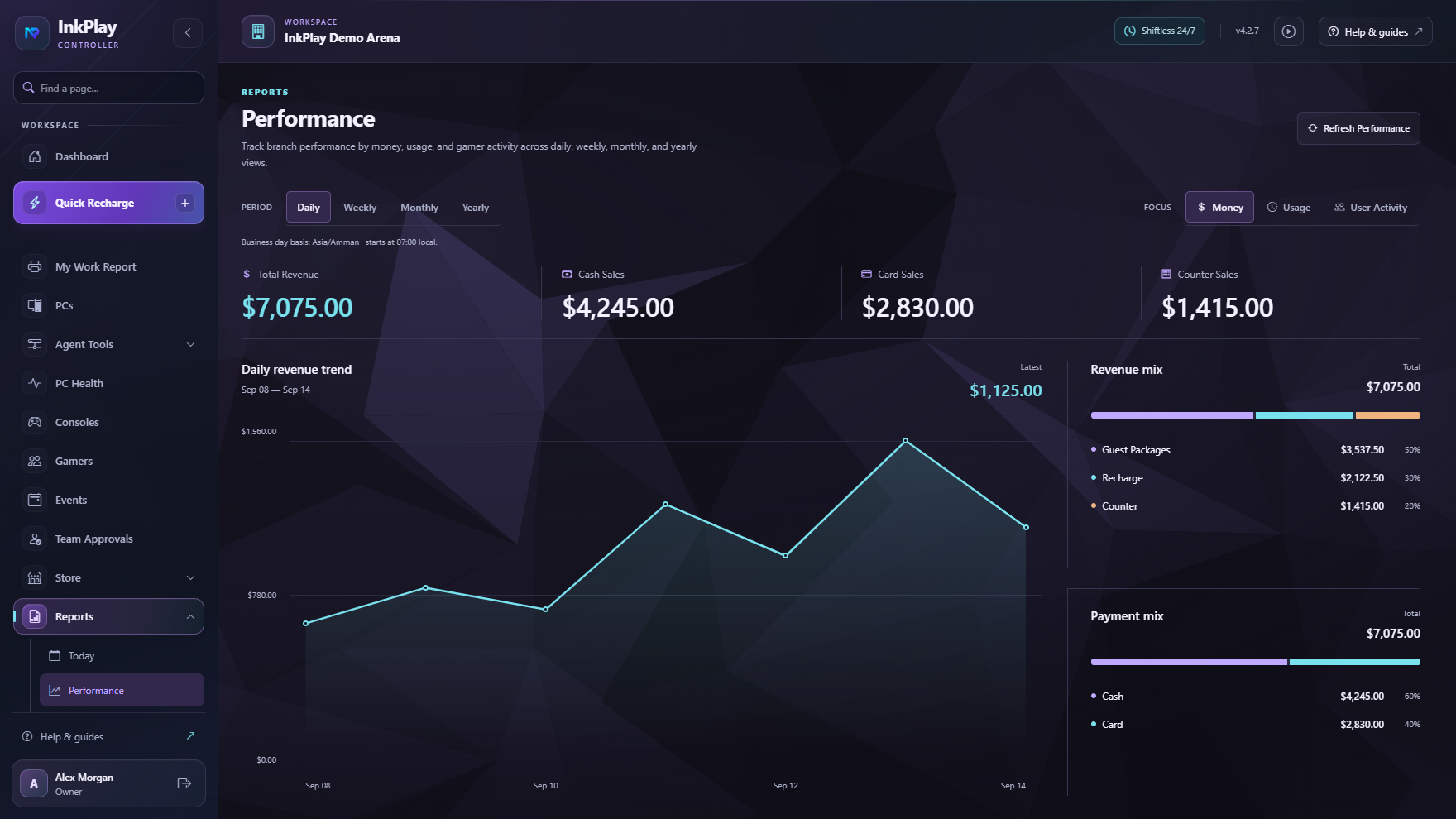
Connect playtime to funds, balances, prize points, debts, cashier shifts, branch transactions, and reports.
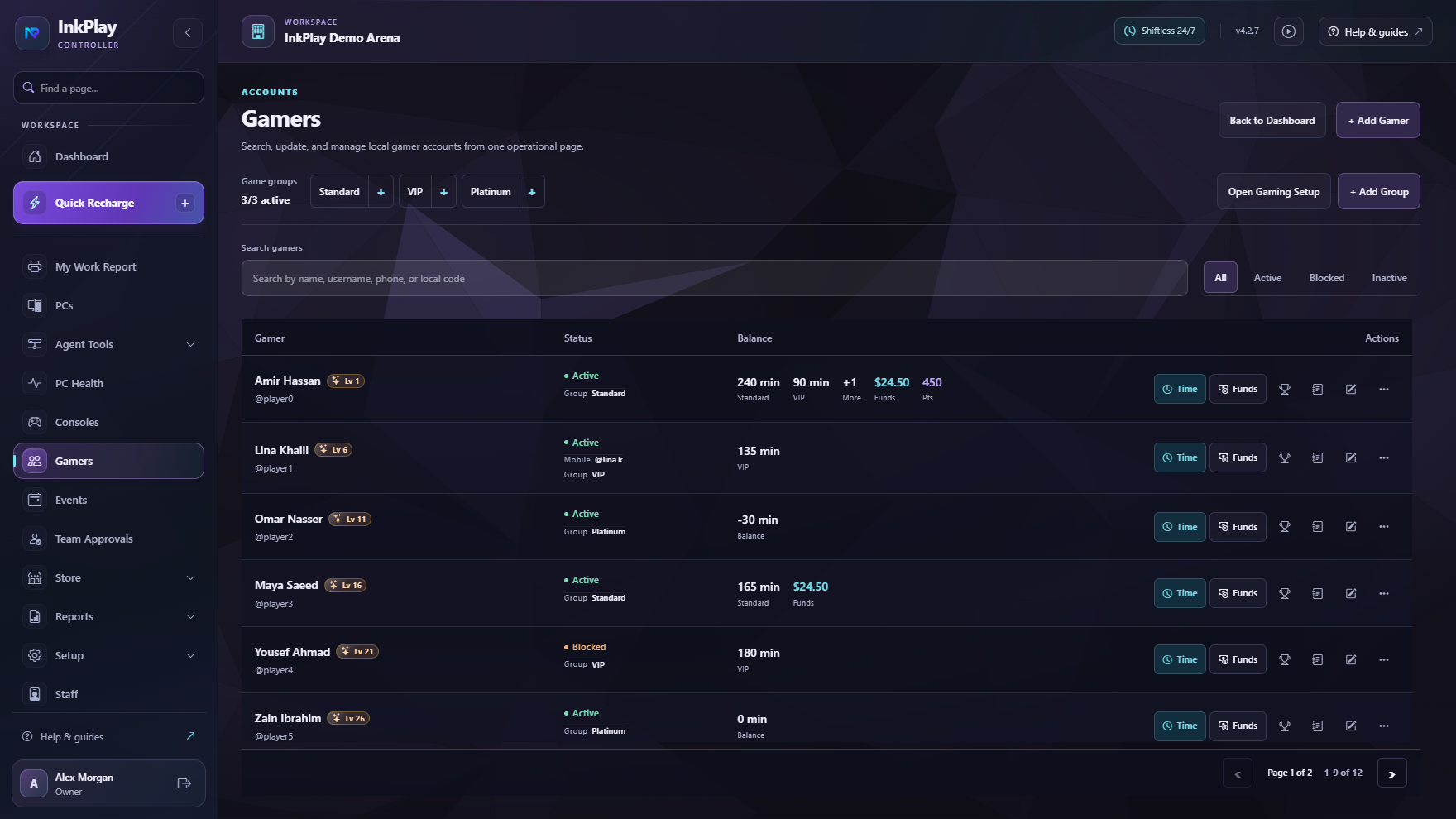
Support QR login, wallet visibility, branch activity, squads, teams, and account context for regular players.
PC room control
Simple timers break down when the room gets busy. InkPlay connects PC status, paid playtime, time packages, transfers, balances, support actions, staff shifts, and reporting in one venue workflow.
LAN center flow
Set up stations, rooms, PC types, staff access, Agent PCs, display surfaces, and branch controls.
Staff pick the right PC from the floor map and see whether it is available, active, blocked, or needs attention.
Use guest sessions for walk-ins or registered players for balances, QR login, activity, points, squads, and history.
Handle extensions, transfers, warnings, support actions, store requests, station changes, and cashier updates.
End sessions with player history, branch transactions, cashier visibility, and owner reporting intact.
Player PC experience
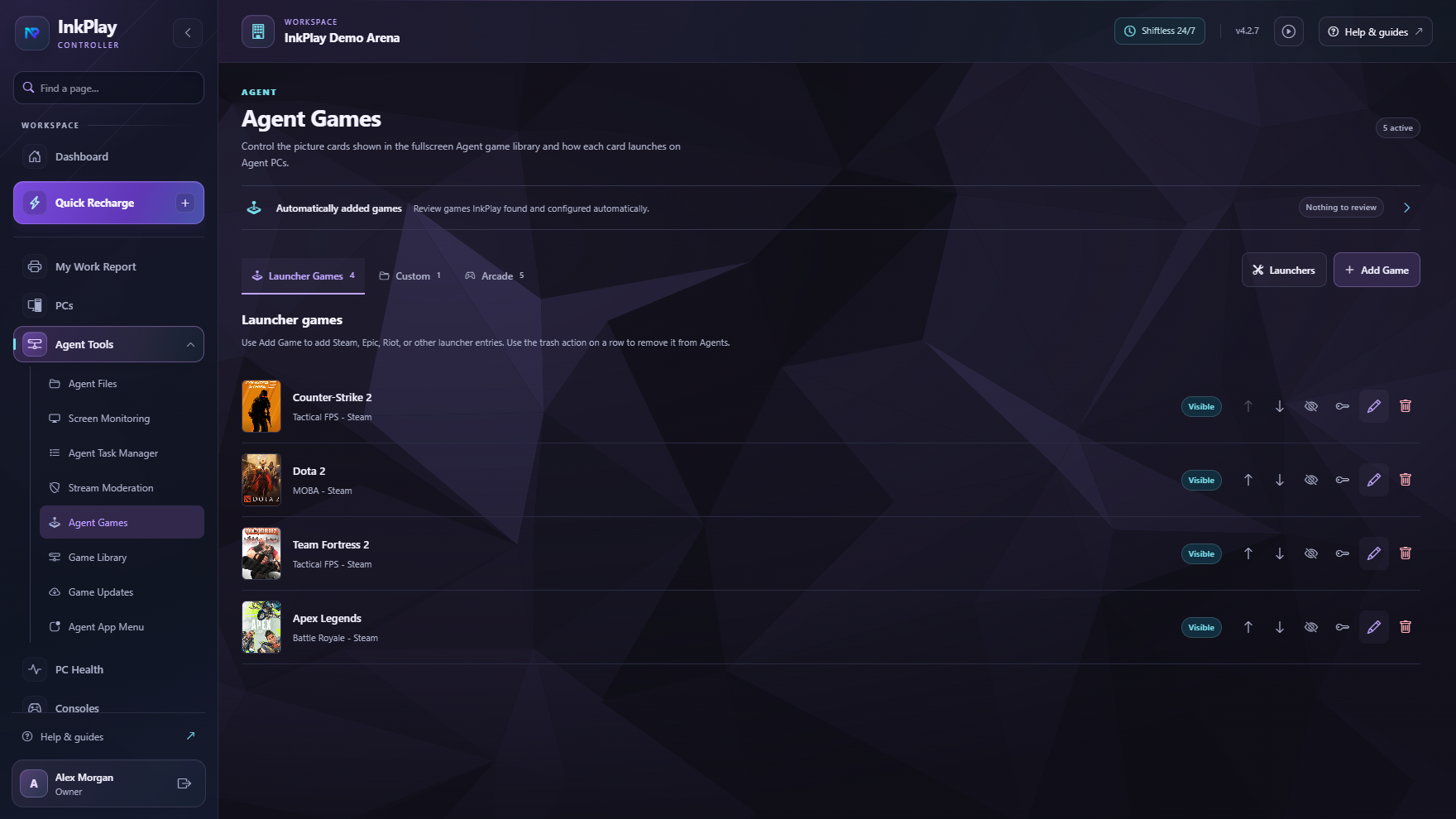
InkPlay Agent gives players a controlled PC experience with games, session time, wallet visibility, prize points, store requests, support actions, and promotions while the counter manages time and station state.
Questions operators ask
LAN center management software helps operators manage networked gaming PCs, paid sessions, station status, time packages, cashier shifts, player accounts, balances, and reporting.
The needs overlap. LAN center searches usually focus more on networked PC-room control, while gaming cafe searches often emphasize walk-ins, packages, balances, and counter flow. InkPlay covers both workflows.
Yes. InkPlay supports paid PC sessions, guest sessions, registered-player sessions, package-style time, manual durations, extensions, transfers, balances, and session history.
Yes. InkPlay Agent runs on venue PCs so players can see games, session time, wallet balance, prize points, store requests, support actions, and controlled venue surfaces.
Ready to target LAN center searches
The focus here is networked PC-room operations: station control, paid sessions, time packages, cashier shifts, player balances, Agent PCs, and branch reports.