Computer and PC session control
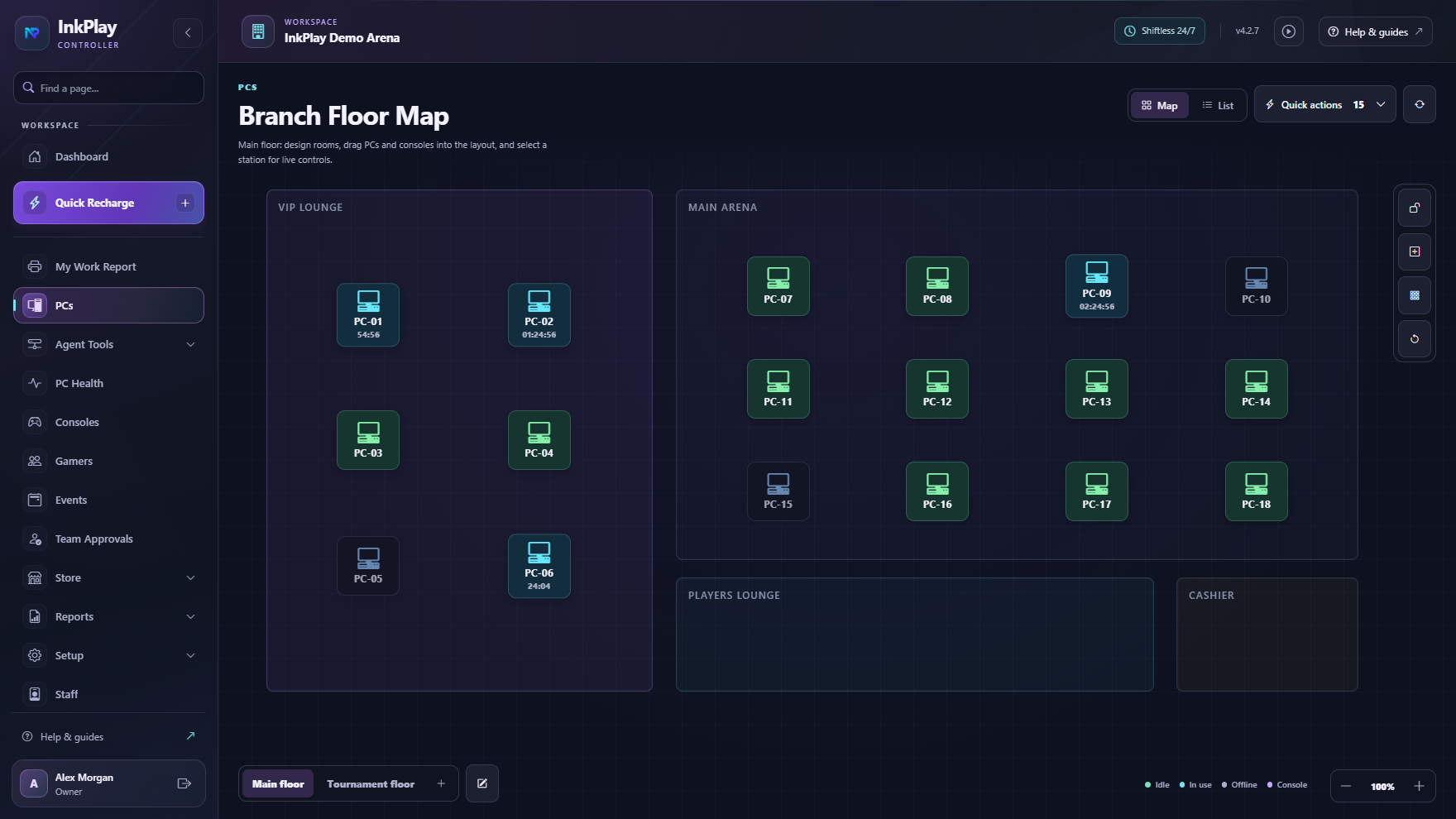
Manage available computers, active sessions, station states, rooms, warnings, transfers, and support needs.
 InkPlay
Internet Cafe Management Software
InkPlay helps internet cafes, PC cafes, LAN centers, and gaming cafes manage paid computer time, walk-ins, packages, player accounts, cashier shifts, QR login, Agent PCs, store requests, displays, and reporting.
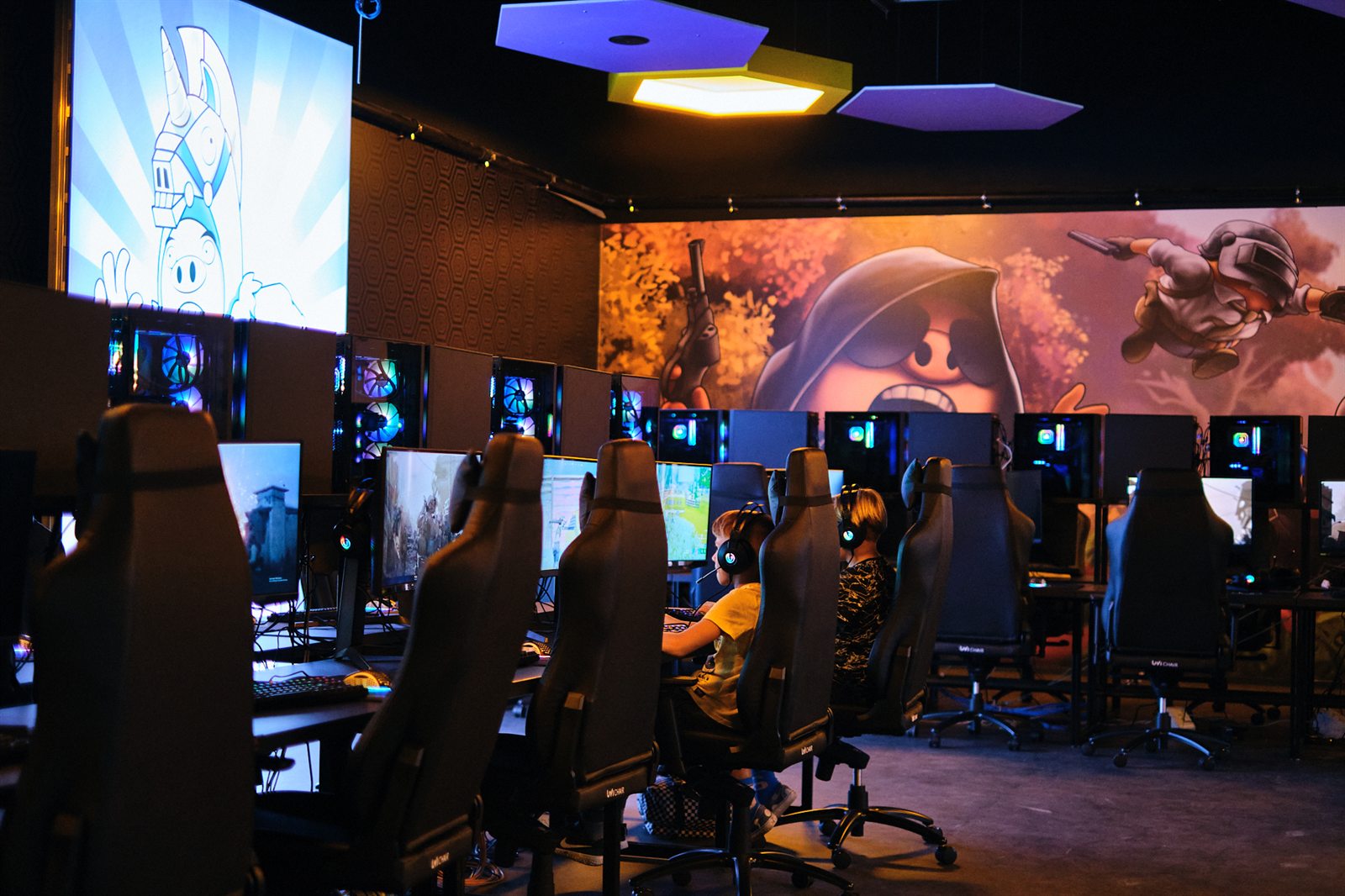
Built for paid PC access
This page is for operators searching with the older internet cafe phrase. InkPlay connects that intent to modern PC-room operations: paid time, stations, accounts, balances, staff visibility, and repeat players.
Manage available computers, active sessions, station states, rooms, warnings, transfers, and support needs.
Support guest sessions, registered-player sessions, manual time, package time, extensions, and session history.
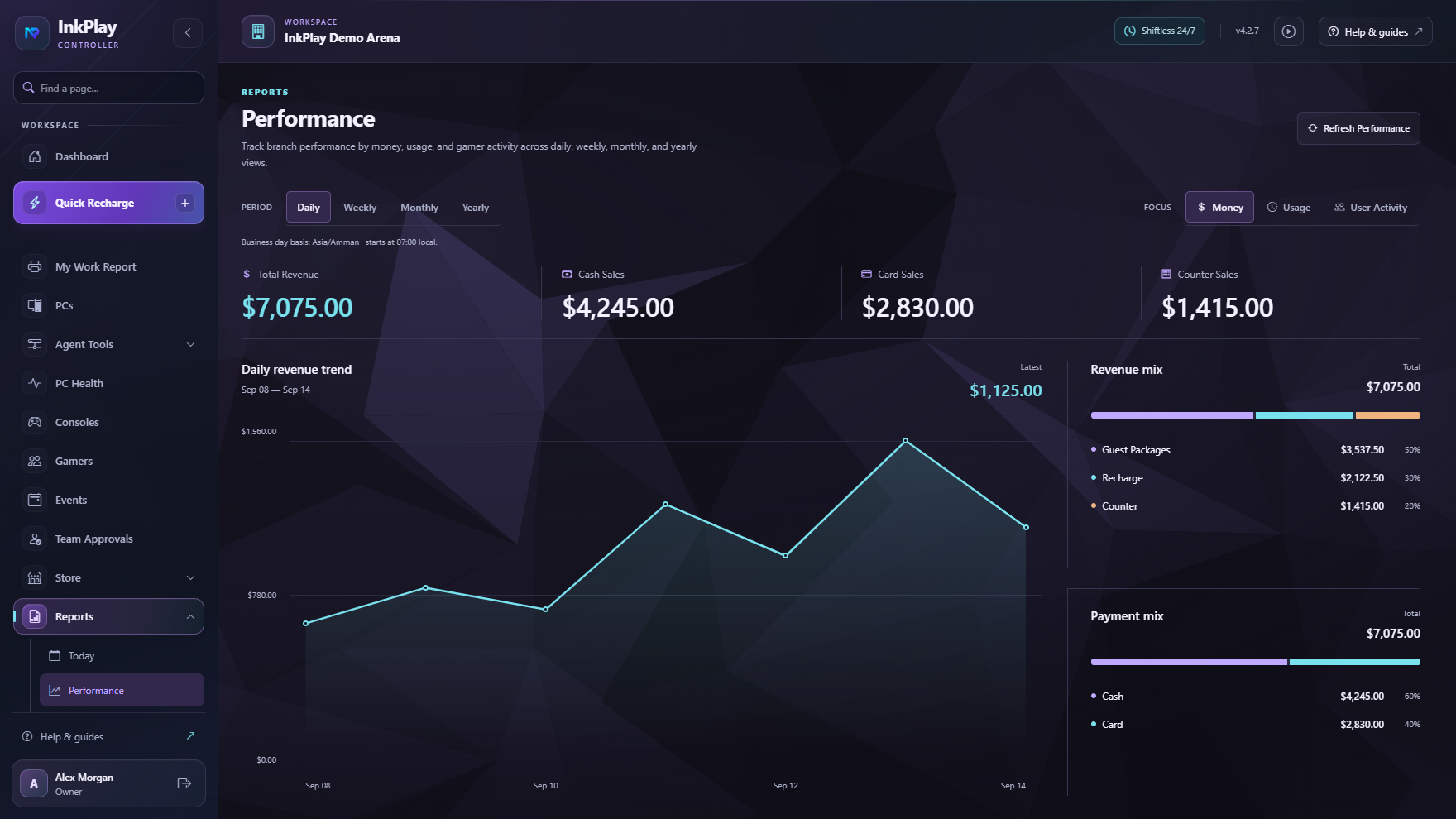
Connect funds, balances, debts, cashier shifts, branch transactions, prize points, and daily reporting.
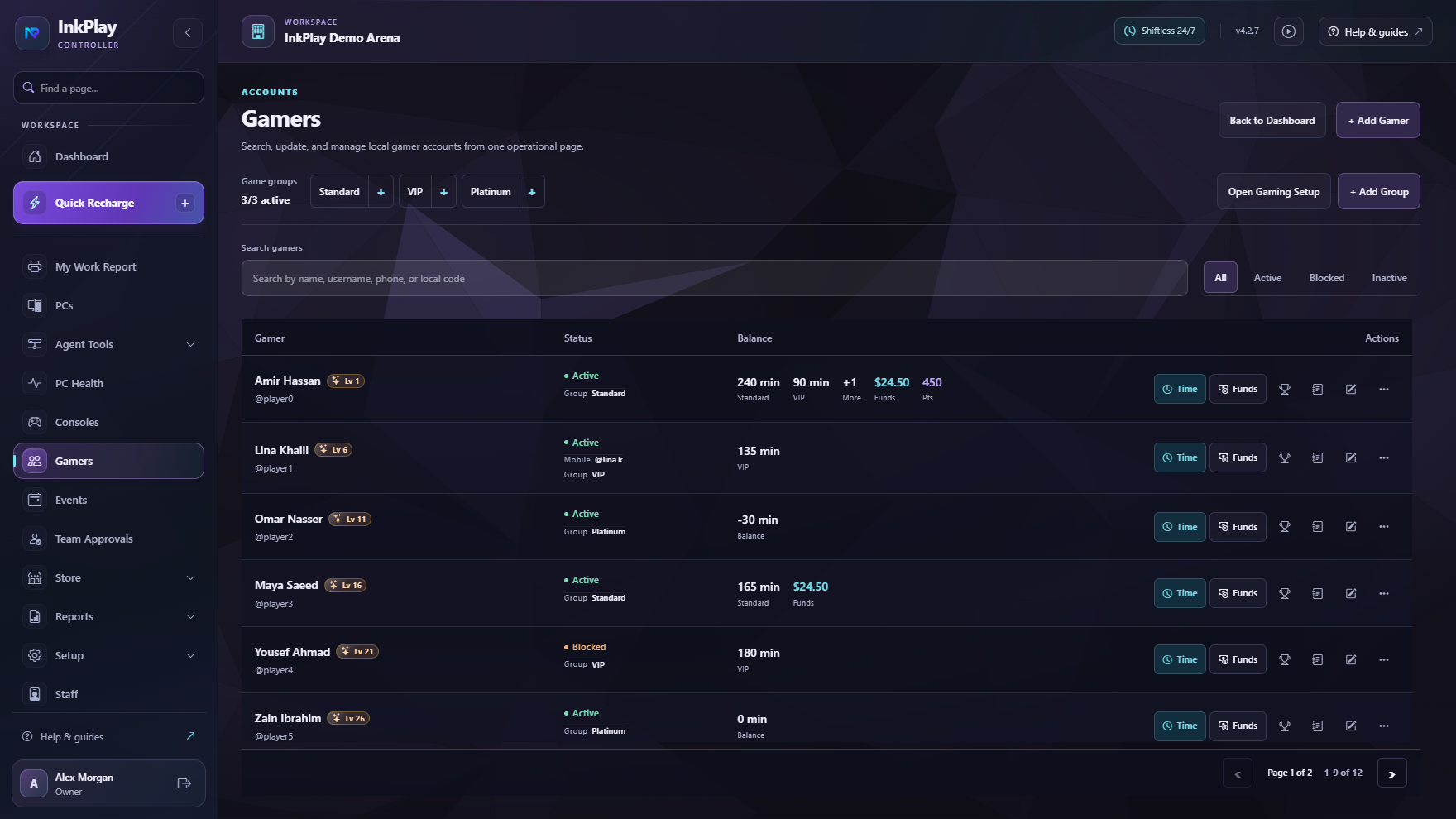
Let returning players use QR login, wallet visibility, activity, squads, teams, and branch-linked history.
Cafe control
An internet cafe may serve quick walk-ins, regular gamers, browsing time, PC sessions, store requests, and package sales in the same day. InkPlay keeps time, station state, cashier shifts, player balances, and reports connected.
Internet cafe flow
Staff see station status from the room view and assign the right PC to a guest or registered player.
Start a fast guest session or use a registered account for balances, QR login, points, activity, squads, and teams.
Apply manual time, package time, saved balances, extensions, transfers, and session warnings from one flow.
Keep store requests, support actions, debts, funds, cashier shifts, and branch transactions connected to the session.
End sessions with player history, cashier visibility, branch reports, owner signals, and return-visit context.
Player and customer experience
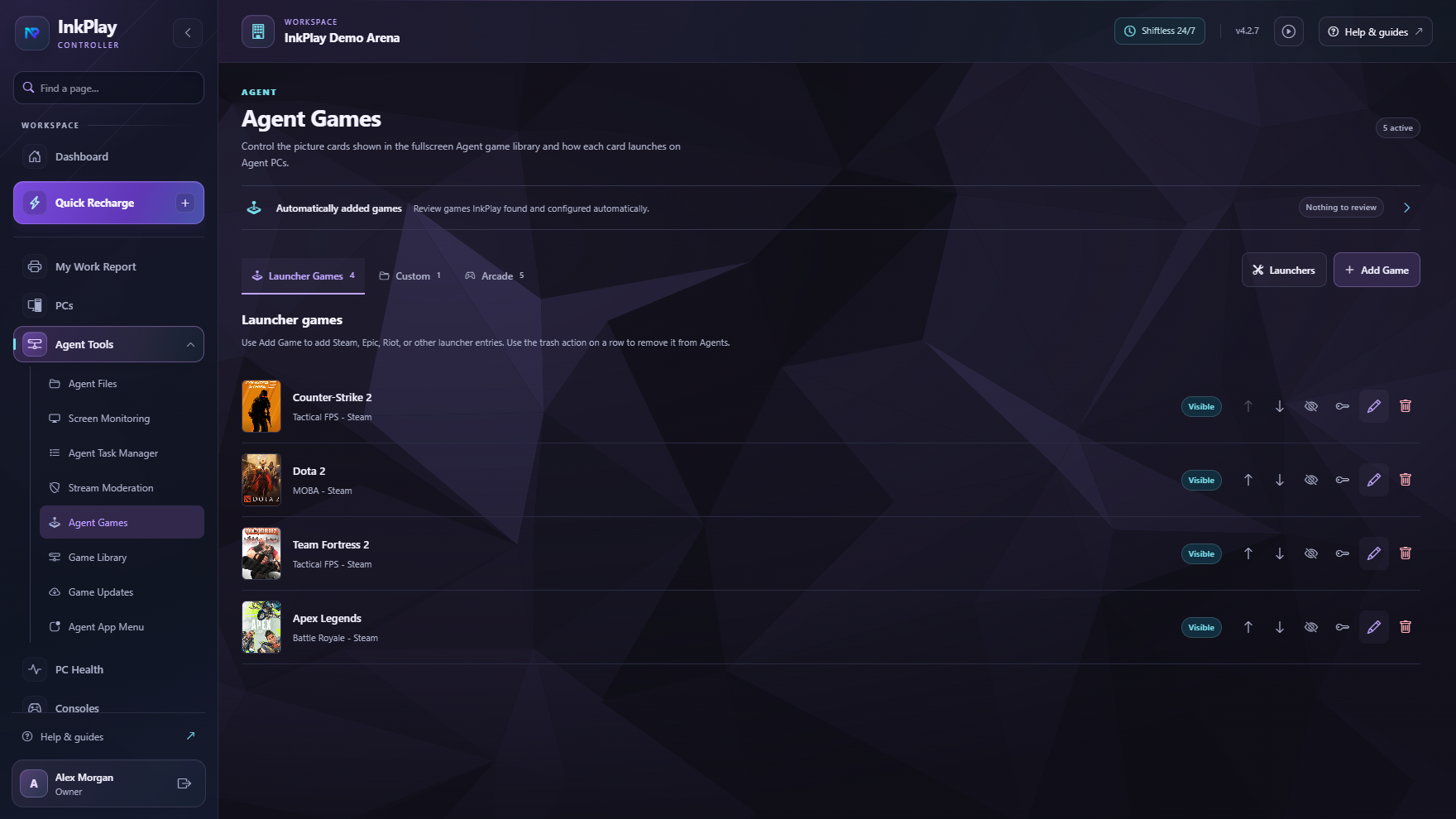
Staff can run fast guest sessions while registered players use QR login, balances, prize points, activity, squads, teams, and a controlled Agent PC experience.
Questions operators ask
Internet cafe management software helps operators manage paid computer access, PC sessions, station status, time packages, cashier shifts, customer accounts, balances, and reporting.
The terms overlap. Internet cafe searches usually use older wording around paid computer access, while PC cafe and gaming cafe searches focus more on gaming sessions, packages, and regular players. InkPlay covers the shared operations.
Yes. Staff can start quick guest sessions while regular players can use accounts, balances, QR login, prize points, activity, squads, teams, and branch-linked history.
Yes. InkPlay connects Controller operations with Agent PCs so staff can manage sessions while players see games, session time, wallet balance, store requests, support actions, and promotions.
Ready to target internet cafe searches
The focus here is paid computer access, PC-room control, walk-ins, packages, cashier shifts, player accounts, balances, Agent PCs, and reporting.