Supervised access
Approve PCs, lock down the Agent shell, and show only the student-facing actions your staff allows.
 InkPlay
Solutions / Schools
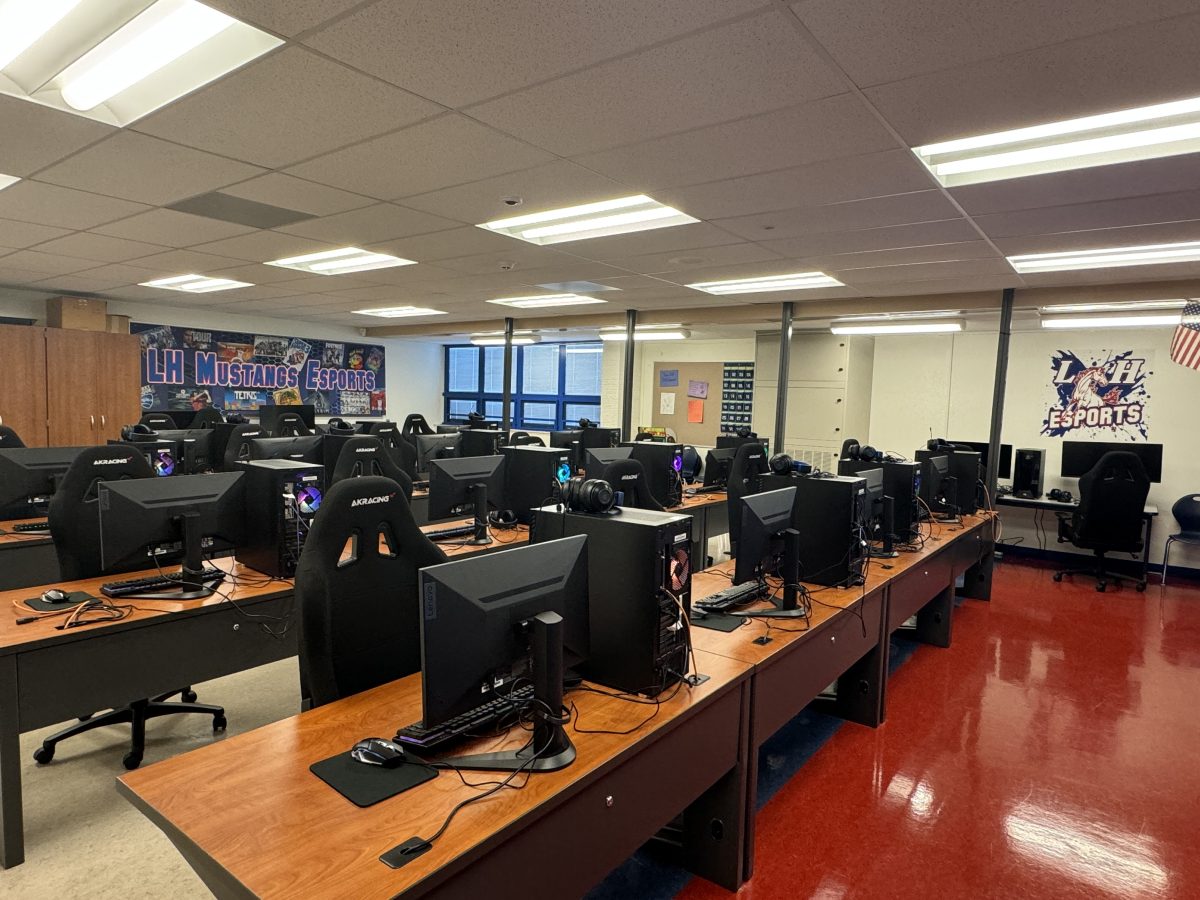
InkPlay helps schools run supervised gaming rooms, STEM clubs, and after-school esports programs without giving students open access to the whole PC.
Education operations
Approve PCs, lock down the Agent shell, and show only the student-facing actions your staff allows.
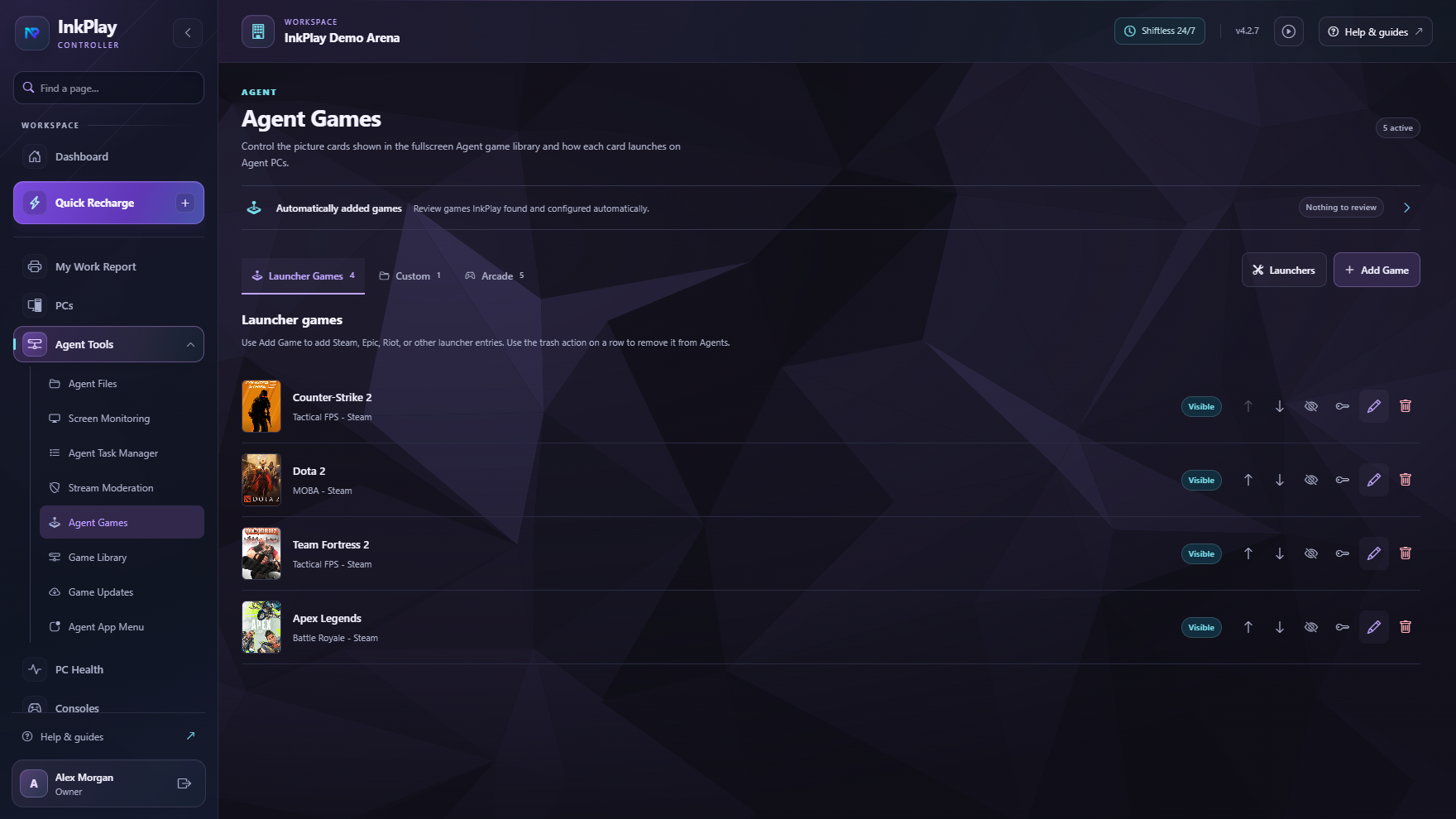
Publish the games and launch shortcuts students can use from the fullscreen Agent experience.
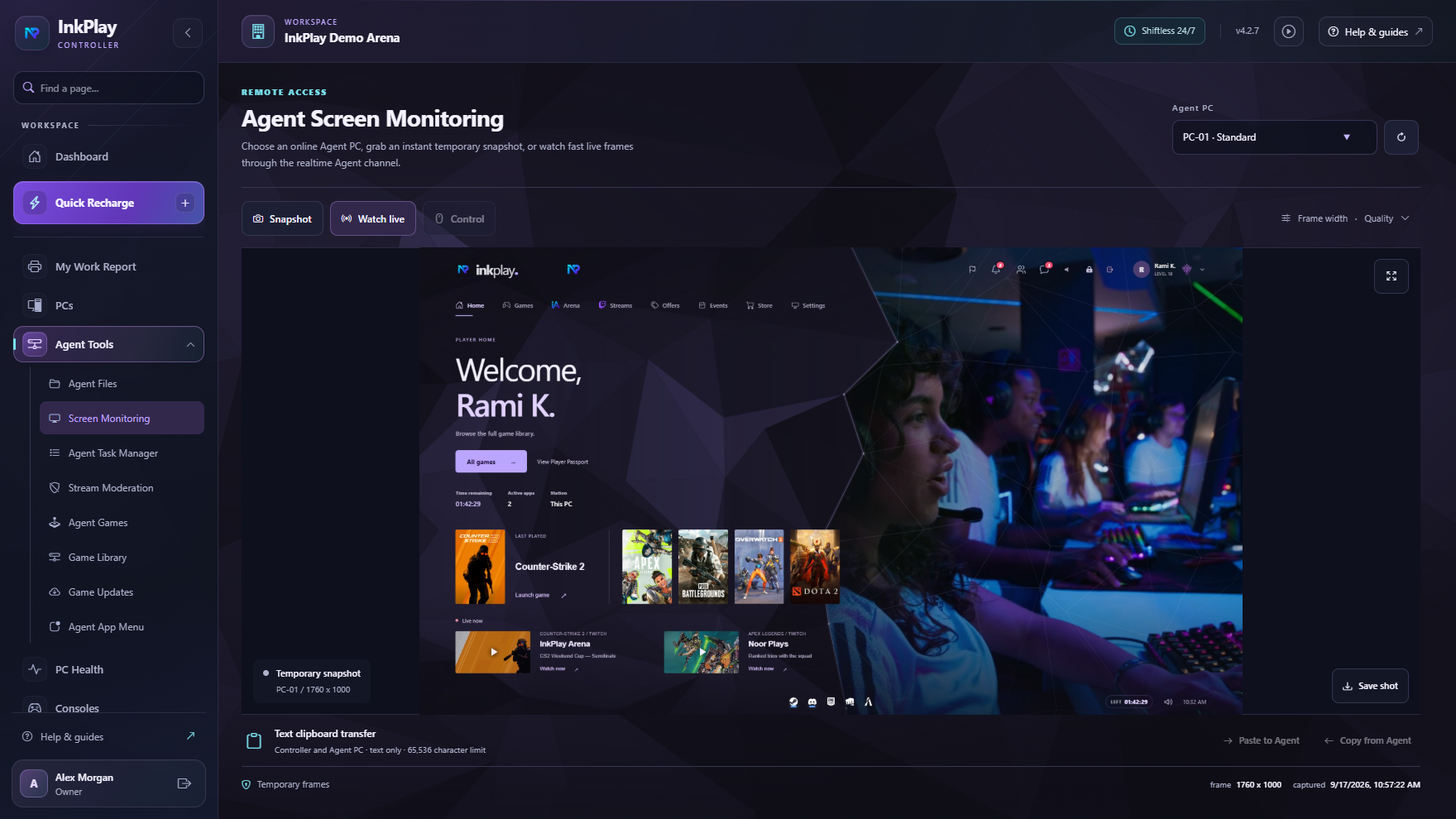
Monitor screens, inspect tasks, browse allowed files, and help students from the Controller.
Track play sessions, student accounts, attendance-like activity, reports, and audit logs.
Real rooms, cleaner control
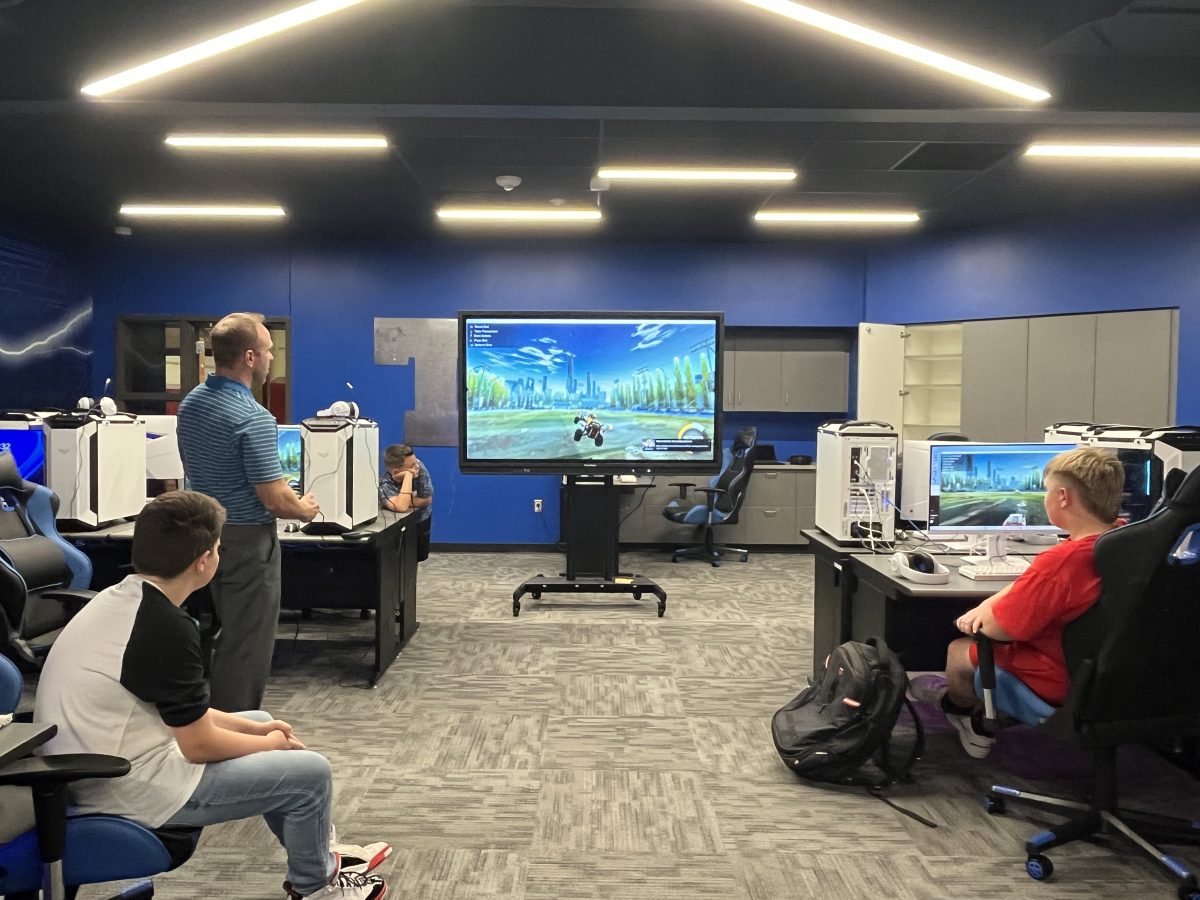
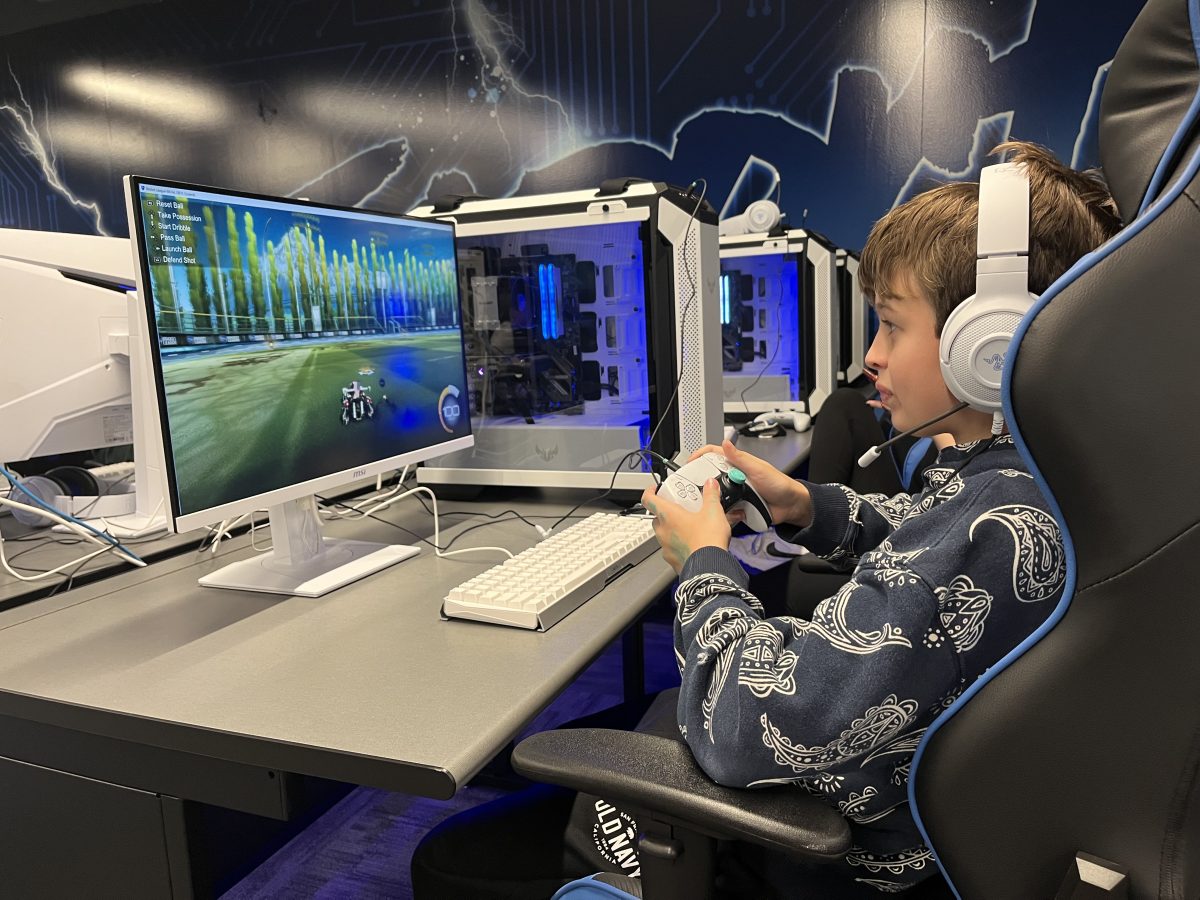
Schools can run a structured room where younger players see the right games and staff can still help quickly when something goes wrong.
Operating path
Install Agents, approve devices, and assign PC types for the school room.
Use permissions, game cards, shortcuts, and security settings to shape what students see.
Start timed or account sessions for classes, clubs, tournaments, and open lab windows.
Check health, screens, files, and processes without breaking the room flow.
Use reports and history to understand usage, issues, and student participation.
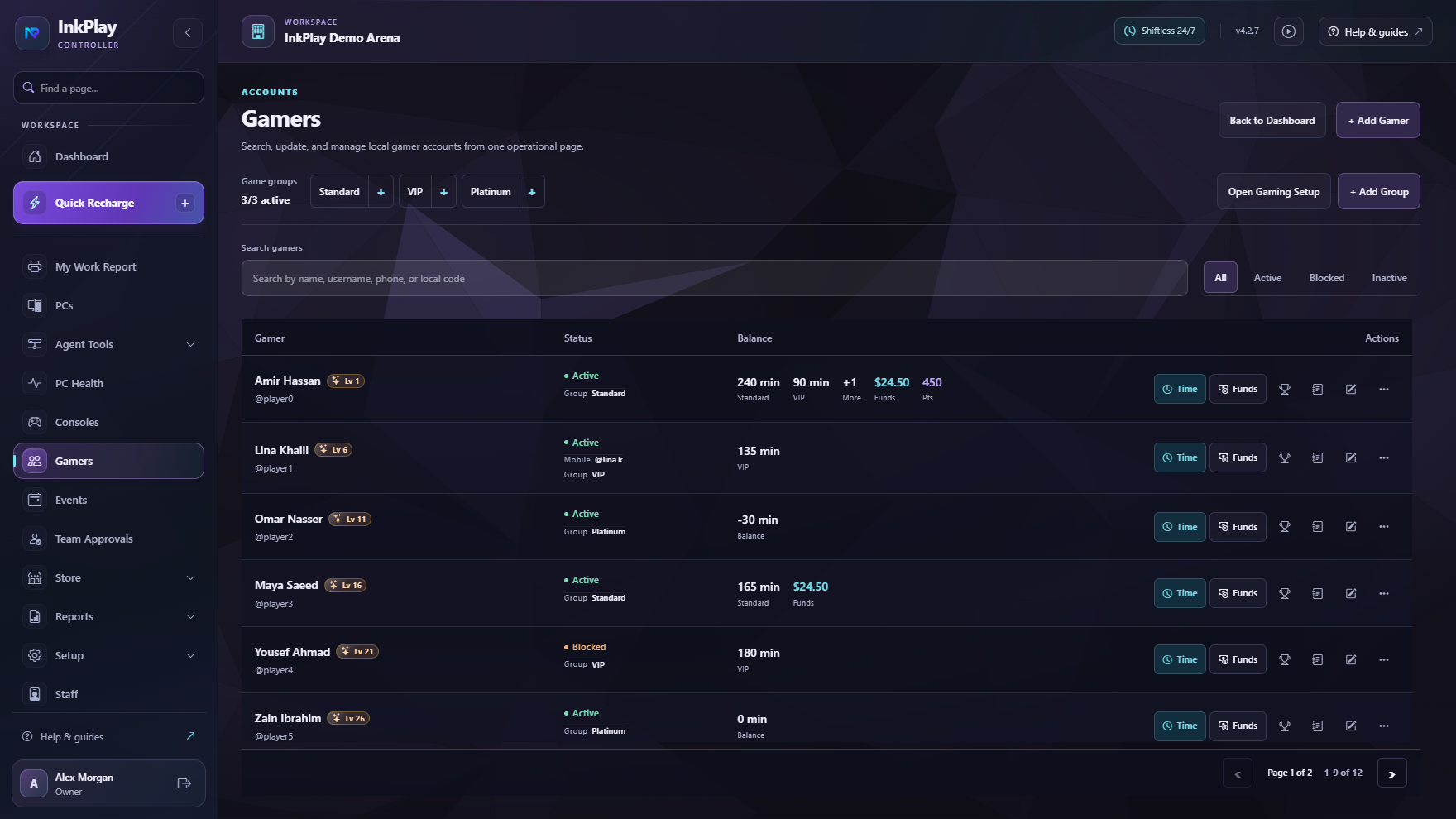
Centralized management
The Controller keeps the technical pieces in one place: stations, sessions, reports, remote access, game menus, security, and permissions. Students get a clean shell; staff keeps the keys.
Student-facing shell
The Agent can work as a compact session widget or a fullscreen player shell. Staff decide which games, app shortcuts, support actions, and store options appear.
Ready for the next setup