
Arrive. Scan. Play.
Mobile QR login, linked branch accounts and PC requests.
 InkPlay
THE CONNECTED GAMING PLATFORM
Give your gaming center the platform it deserves.
Sessions, staff, players and community. Bring every part of your venue together with InkPlay.
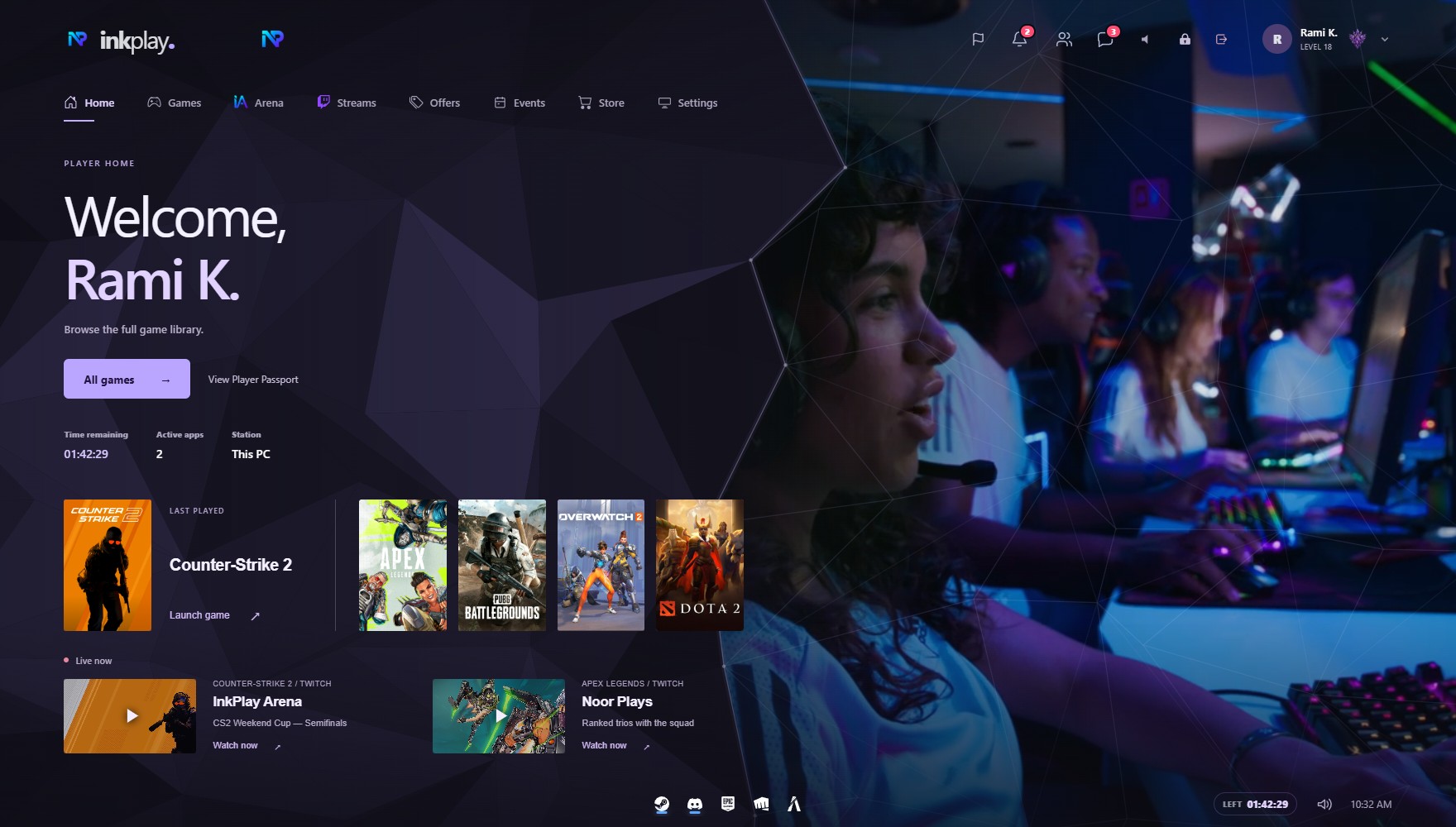
ONE PLATFORM. EVERY SCREEN.
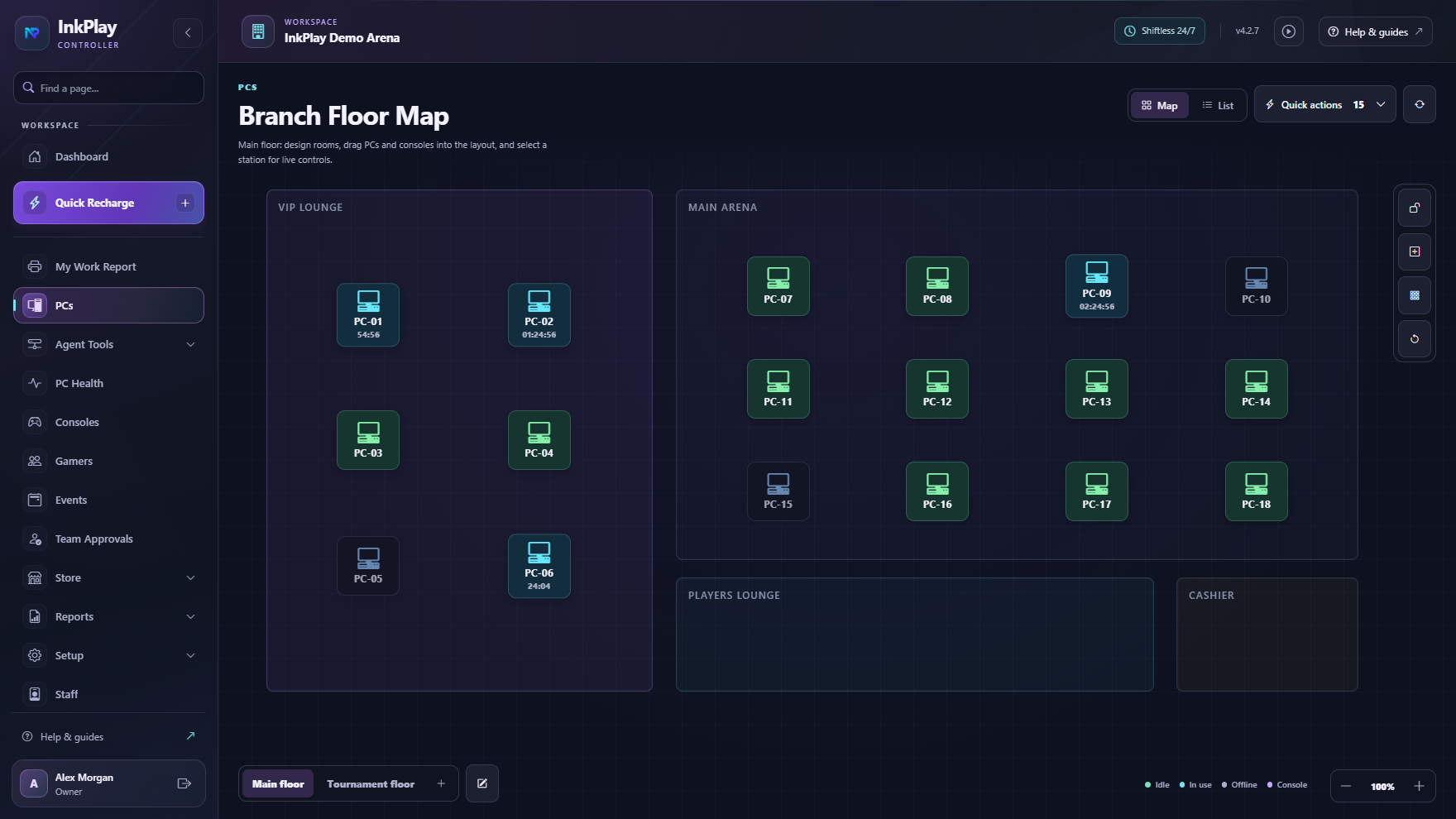
01 / RUN YOUR VENUE
Keep the daily work moving, from the first sign-in to the final shift report.
Manage the PC floor, playtime, transfers and player activity.
Handle store sales, player funds and rewards alongside your sessions.
Give staff the right access and keep owners informed with reports.
MADE FOR EVERY PART OF THE VISIT
Mobile QR login, linked branch accounts and PC requests.
Game libraries, launchers and shortcuts on the Agent.
Player funds, playtime packages, store requests and prize points.
Friends, squads, Duo discovery and a shared player identity.
Streams, venue promotions and paired TV displays.
Branch reports, owner tools, remote monitoring and support.
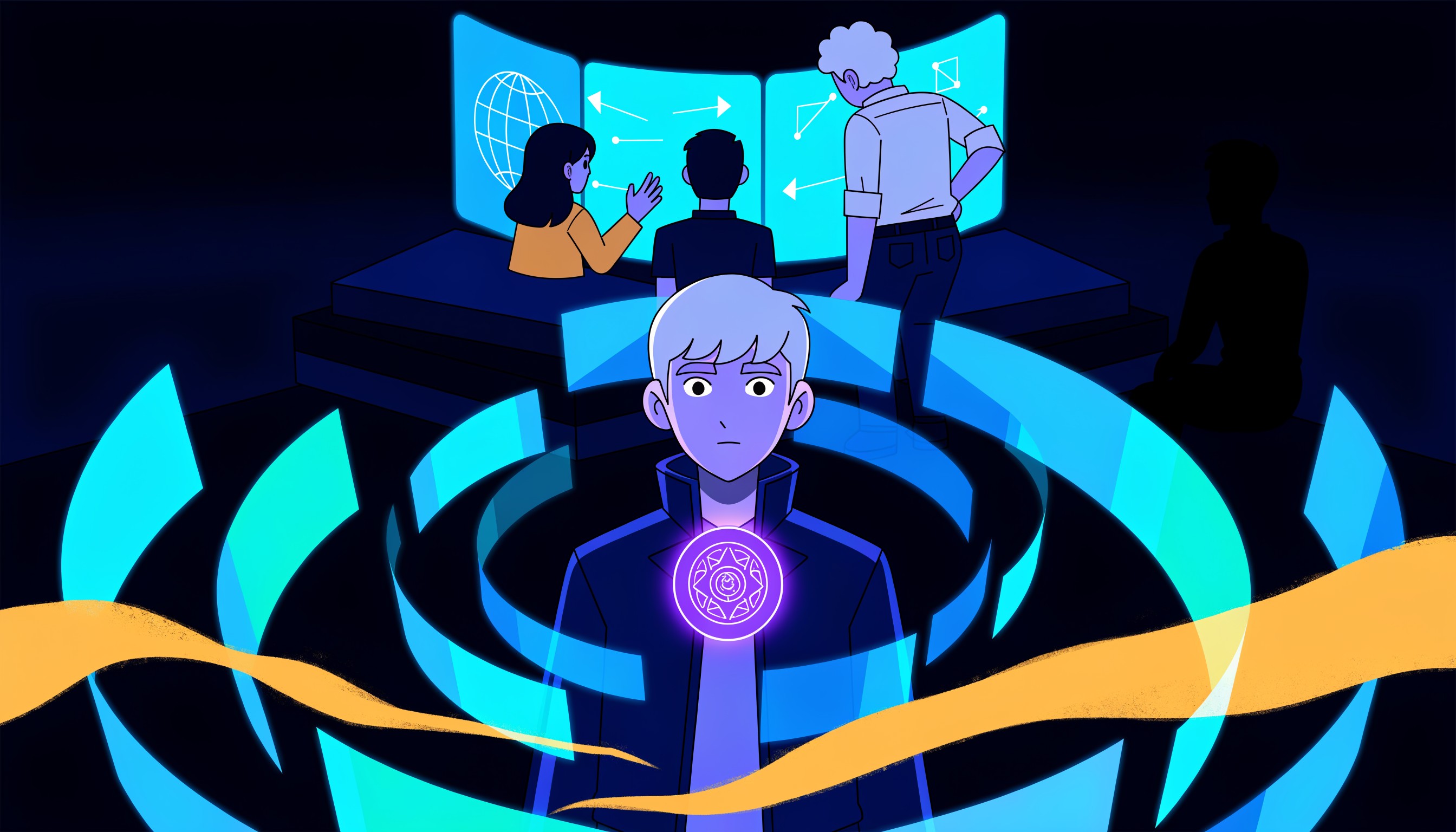 GOOD GAMES START WITH GOOD PEOPLE.
02 / CONNECT YOUR PLAYERS
Player Passport, friends, squads and events connect the people who play at your center to the wider InkPlay community.
Explore the NetworkRun events for your own center. Join global organization tournaments when your center chooses to host.
Discover events03 / MAKE IT YOURS
Start with a few PCs, build your branch setup, and grow at your own pace.
Set up the business owner workspace and prepare the first branch profile.
Put the staff command center on the counter machine or operations workstation.
Add test player PCs first, confirm online status, then roll out the branch floor.
Set the first playtime packages, staff roles, player account flow, and cashier expectations.
Start, extend, transfer, and close a session while verifying Agent and report behavior.
BEFORE YOU JUMP IN
No. InkPlay connects sessions, Controller operations, Agent PCs, player accounts, mobile login, displays, promotions, reports, and owner visibility.
Yes. The safest rollout is to set up a small group of test PCs, verify the session loop, then expand the branch floor.
The documentation gives owners and staff practical operating instructions for setup, daily sessions, Agent PCs, displays, and maintenance.
LET’S GET YOUR CENTER CONNECTED
Start your InkPlay setup, or take a closer look at the plans.