Computer access control
Start guest or registered sessions, assign available computers, extend time, transfer stations, and end sessions clearly.
 InkPlay
Computer Cafe Software
InkPlay helps computer cafes, PC cafes, internet cafes, and gaming rooms manage computer access, paid sessions, time packages, player accounts, cashier shifts, QR login, Agent PCs, support requests, and reports from one local-first platform.
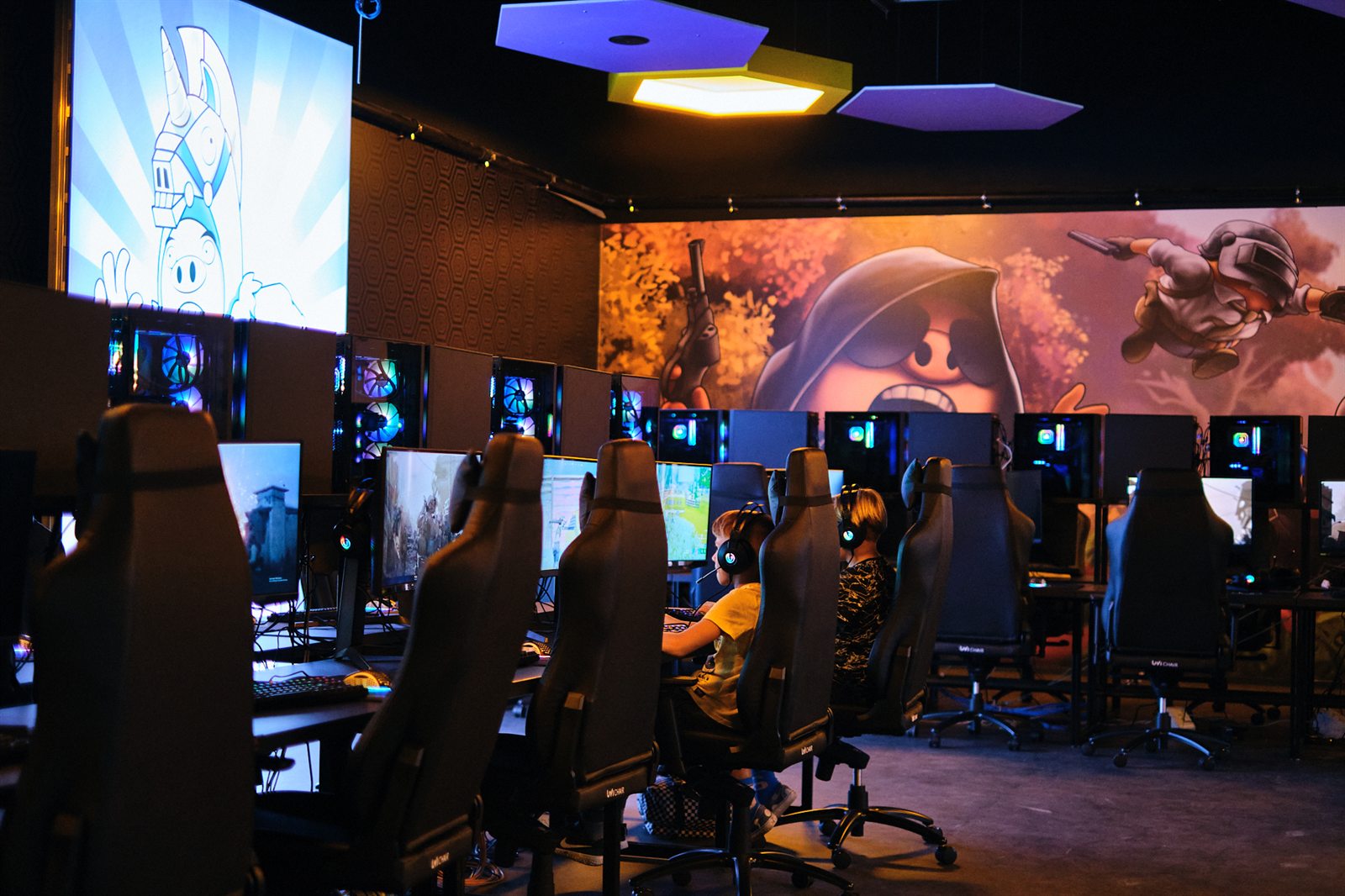
Computer cafe operations
This page is for operators searching for computer cafe software. InkPlay focuses on the practical venue flow: available computers, paid time, packages, cashier actions, returning players, and branch history.
Start guest or registered sessions, assign available computers, extend time, transfer stations, and end sessions clearly.
Handle hourly packages, manual time, saved balances, extensions, warnings, session history, and branch transactions.
Keep funds, debts, prize points, balances, staff actions, cashier shifts, and reports connected to the session.
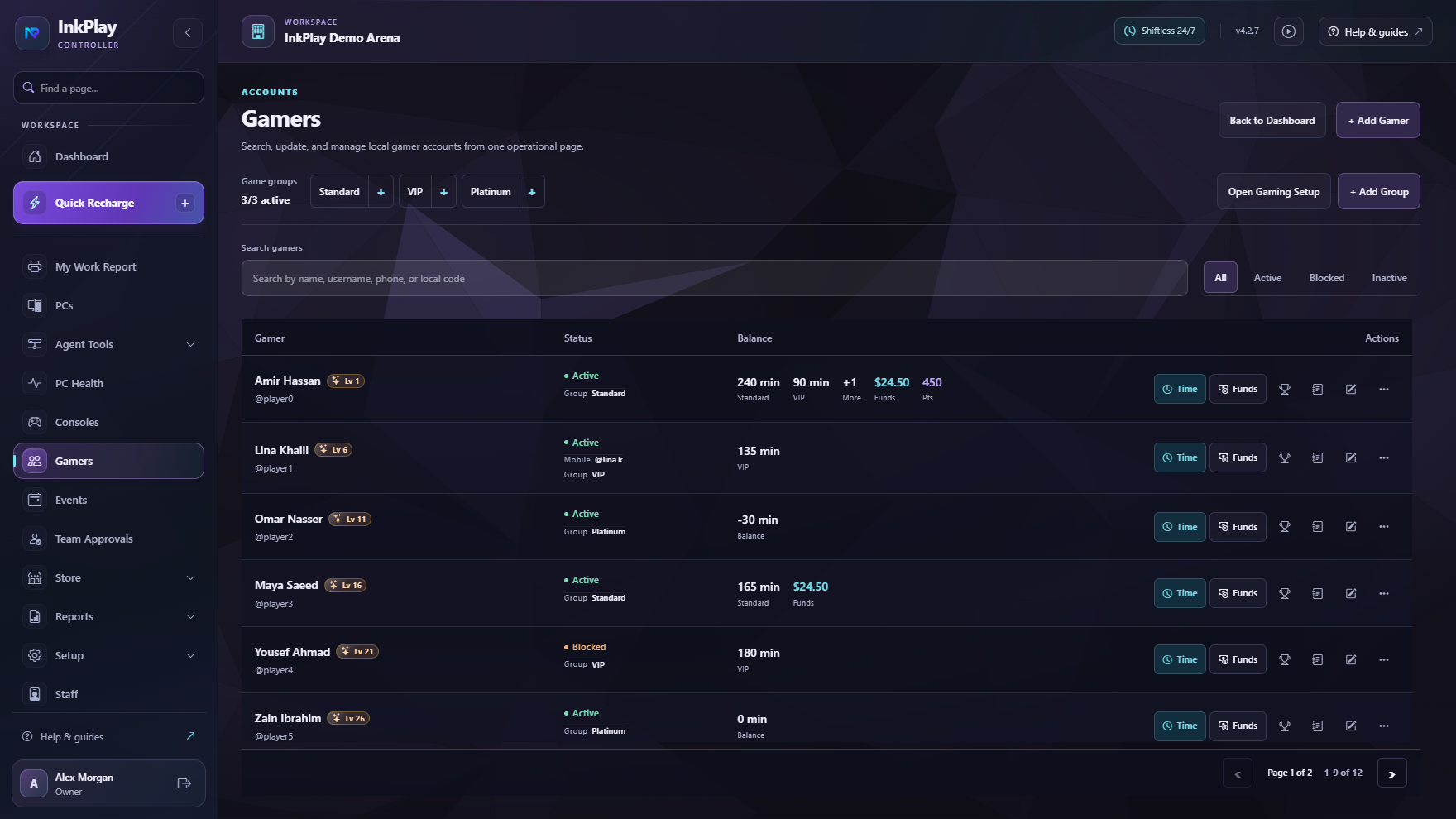
Support fast walk-ins plus returning customer accounts with QR login, activity, wallet visibility, teams, and branch history.
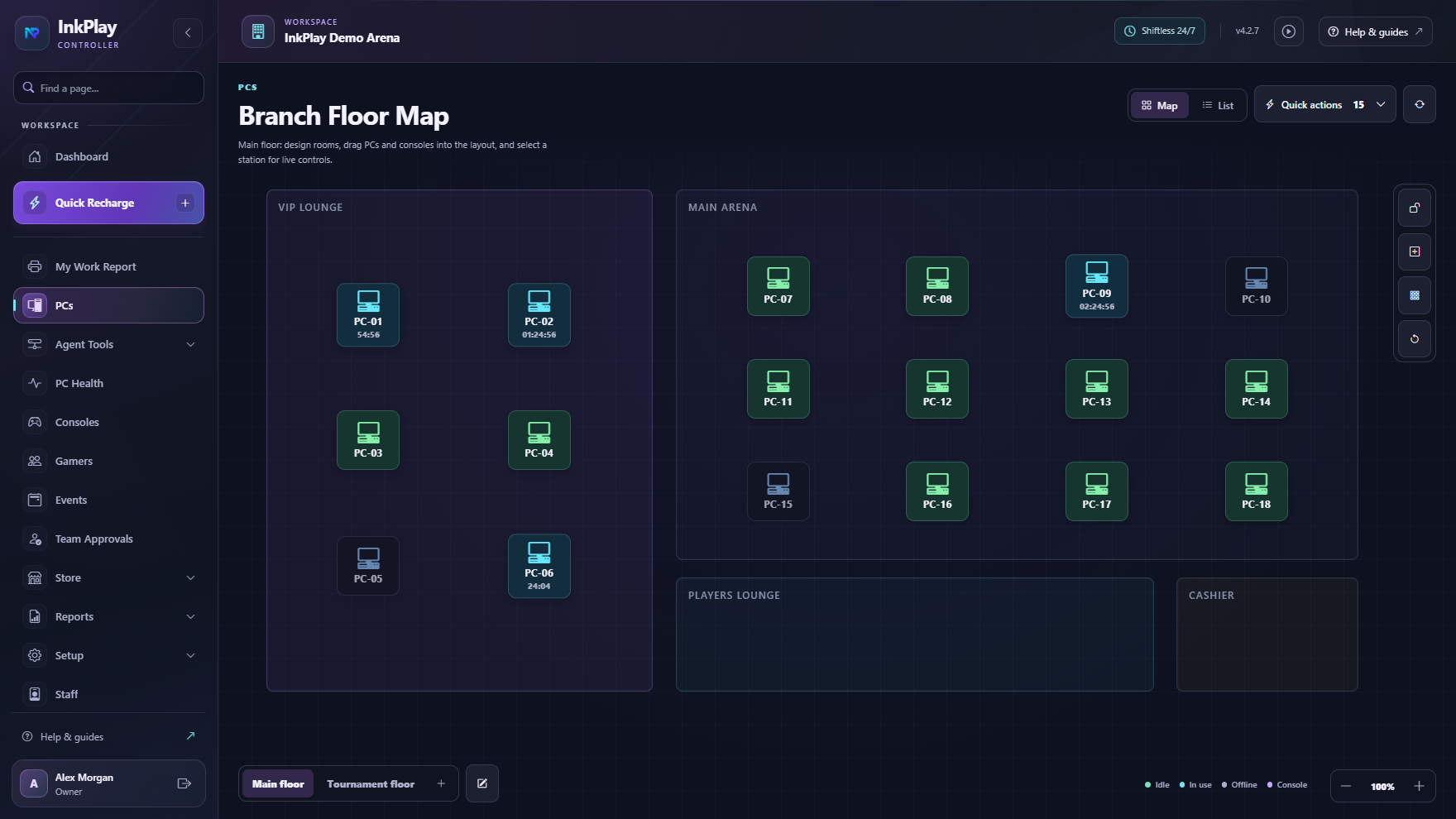
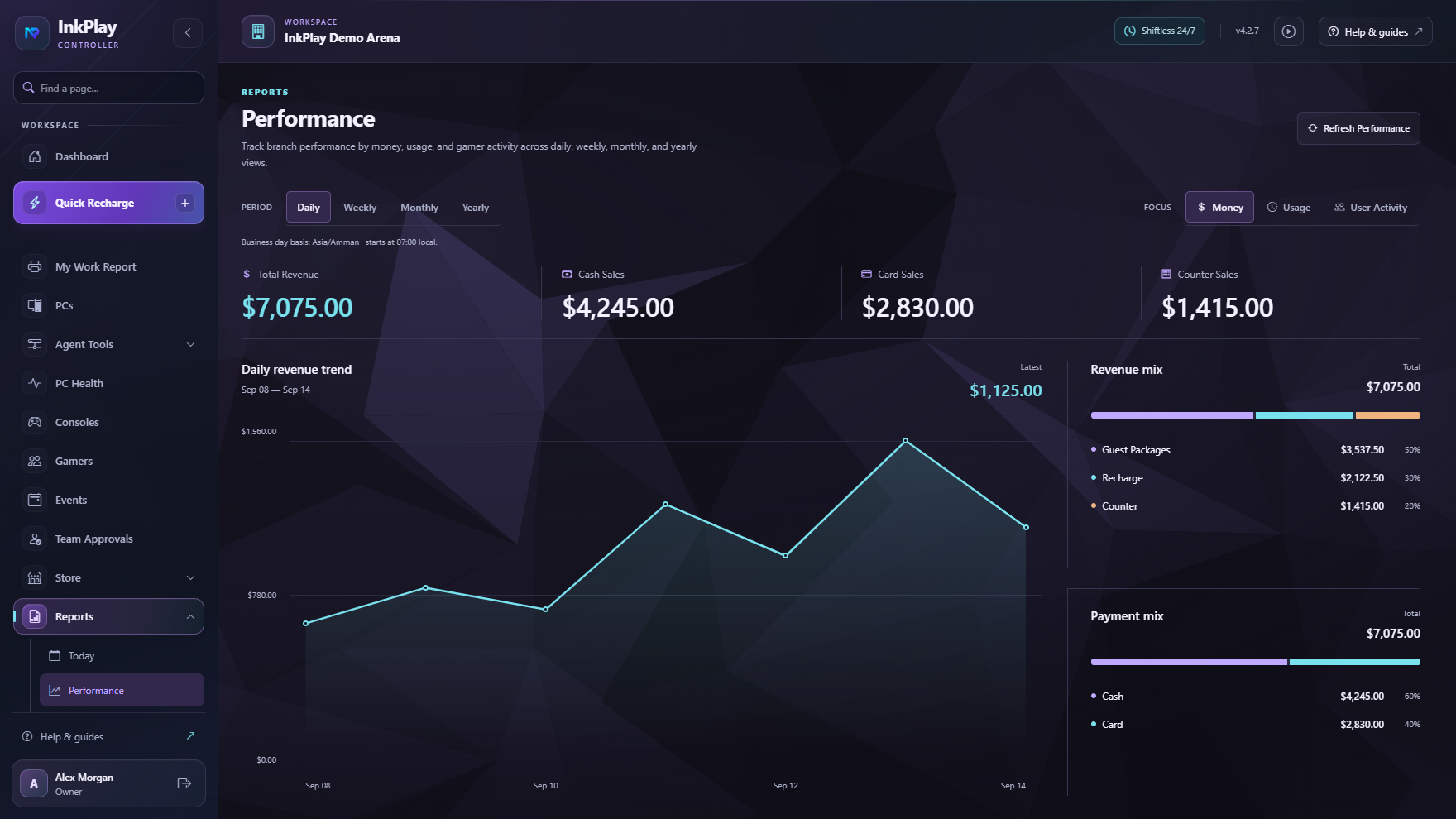
Cafe management
Computer cafes need more than a list of machines. InkPlay connects station state, paid playtime, balances, cashier shifts, support actions, Agent screens, customer accounts, and reporting so staff can keep the room moving.
Computer cafe flow
Staff see available stations and start the right computer for a walk-in guest or registered customer.
Use a package, manual duration, saved balance, or extension while the session remains tied to the computer.
Keep funds, debts, prize points, staff shift activity, branch transactions, and session records together.
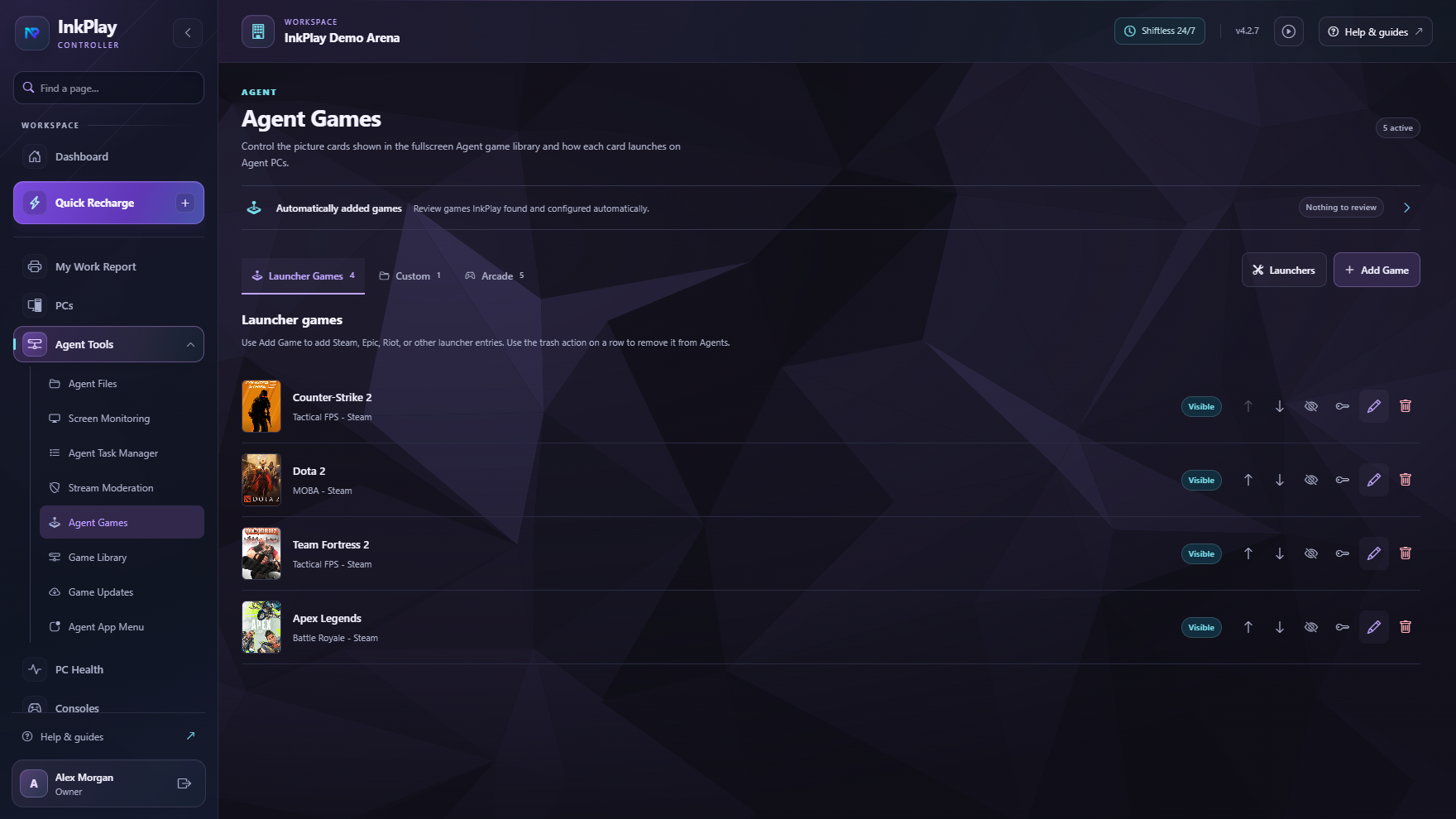
Agent PCs show games, session time, wallet visibility, support actions, store requests, and promotion surfaces.
Owners and staff can review reports, cashier history, session behavior, customer activity, and branch visibility.
For returning customers
InkPlay supports guest sessions for speed and registered accounts for balances, QR login, wallet visibility, prize points, activity, squads, teams, and venue history.
Questions operators ask
Computer cafe software helps operators manage paid computer access, sessions, time packages, customer accounts, cashier shifts, balances, staff actions, and reports.
The search wording is different, but the operating need is close. InkPlay supports computer cafes, PC cafes, internet cafes, LAN centers, and gaming cafes.
Yes. Staff can start fast guest sessions, then use registered accounts for returning customers who need balances, QR login, activity, prize points, squads, teams, and history.
Yes. InkPlay connects paid time, packages, funds, debts, balances, prize points, cashier shifts, branch transactions, and owner reports.
Ready to target computer cafe searches
The focus here is computer cafe operations: walk-ins, paid access, packages, player accounts, cashier shifts, Agent PCs, support requests, and reports.