PC session control
Start, extend, transfer, warn, and end sessions while keeping stations tied to the real gaming floor.
 InkPlay
Gaming Center Management Software
InkPlay helps gaming centers, gaming cafes, PC lounges, and esports venues manage PC sessions, billing, gamer accounts, QR login, TV displays, promotions, staff flow, and owner visibility from one local-first platform.
What the software covers
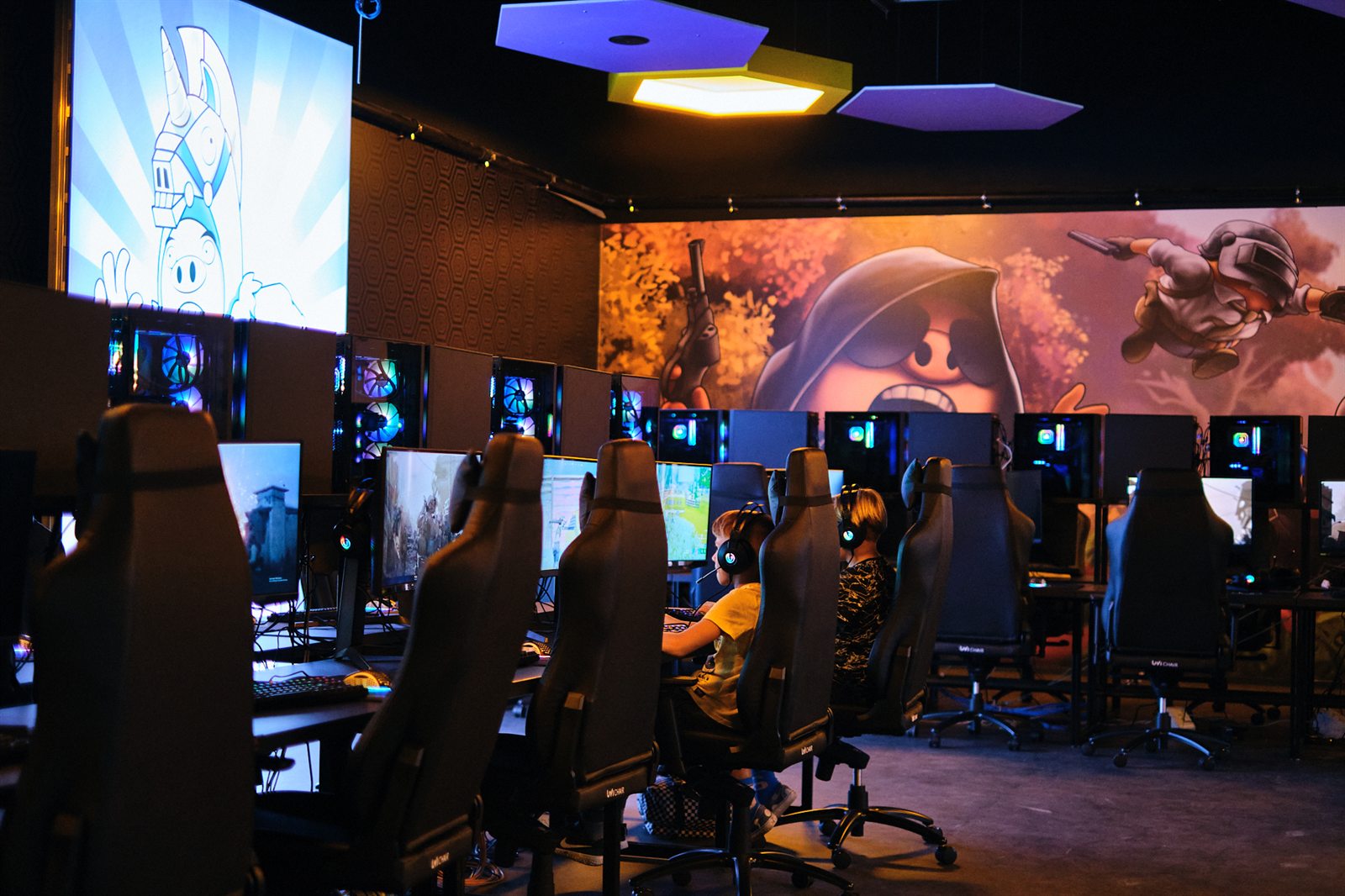
This page is for owners comparing gaming center software, not players looking for a generic game app. InkPlay focuses on the daily operating loop inside the venue.
Start, extend, transfer, warn, and end sessions while keeping stations tied to the real gaming floor.
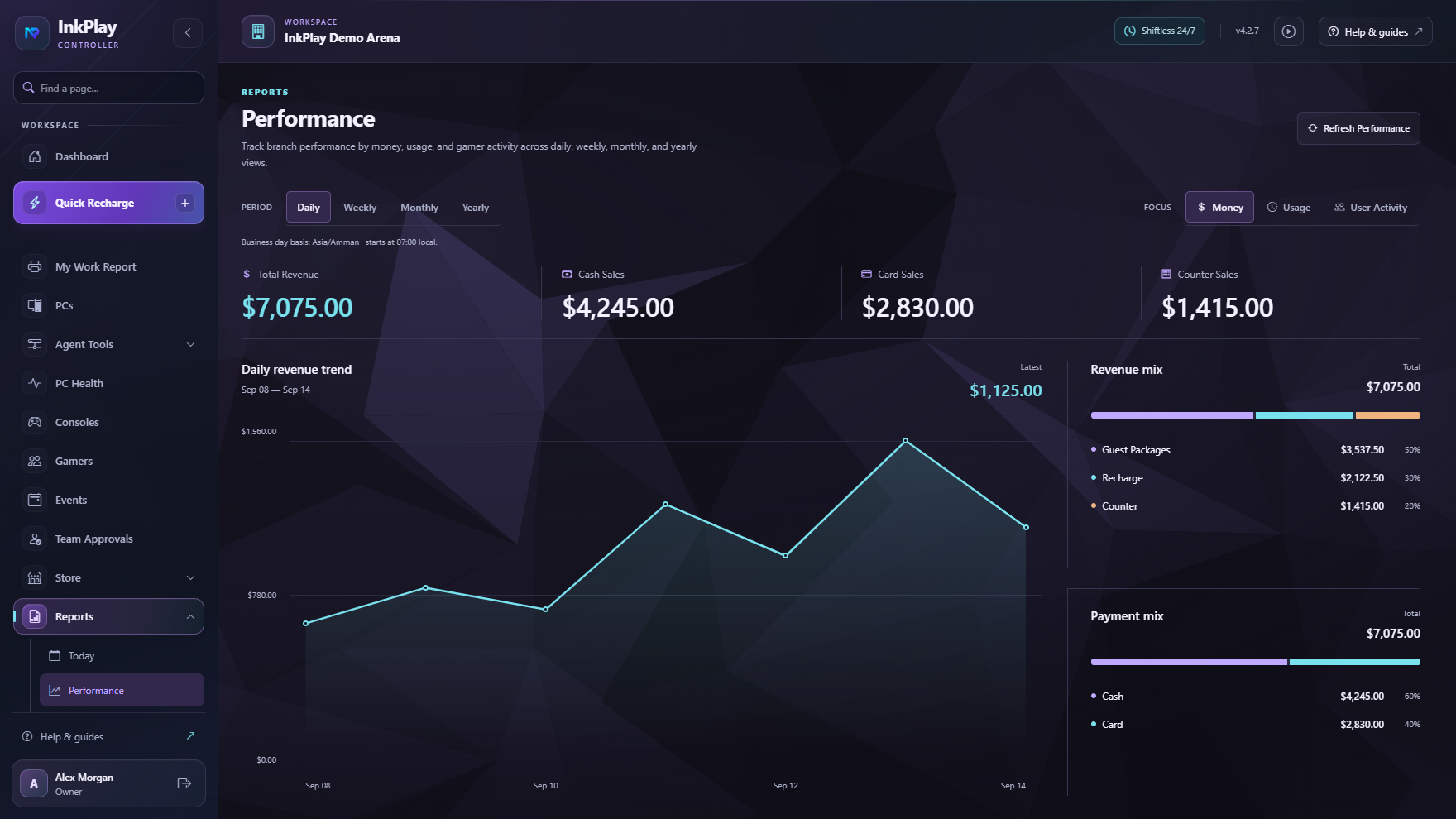
Track playtime, funds, cashier shifts, player balances, prize points, debts, and branch transaction history.
Connect player identity, QR login, branch linking, PC requests, squads, friends, teams, and return visits.
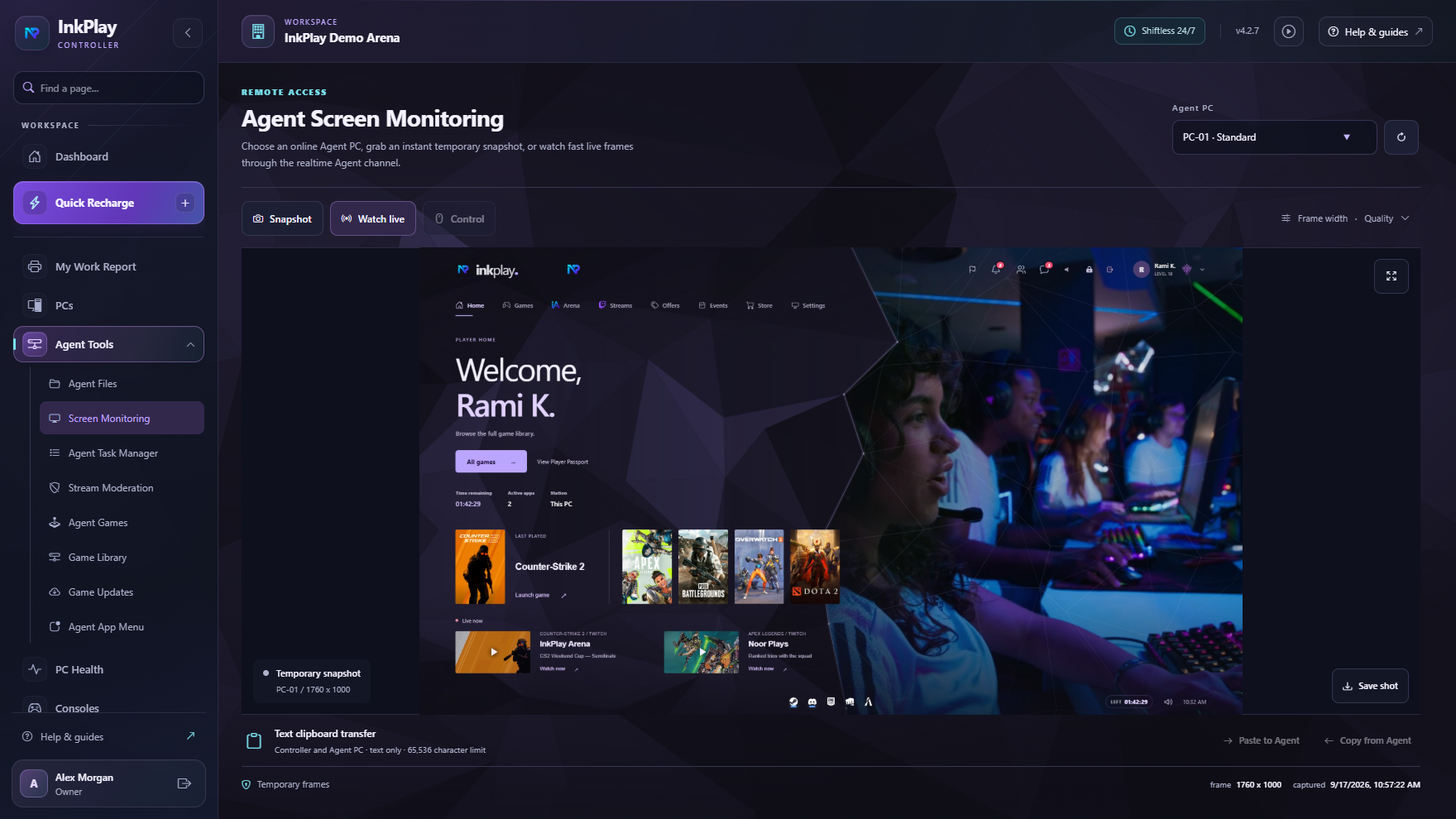
Pair TV displays, brand station screens, and show promotion moments without handing customers the Controller.
Management, not just timing
A gaming center management system has to do more than count minutes. InkPlay connects station control, cashier flow, player identity, local branch safety, and owner reporting so the center can operate with less improvising.
How InkPlay runs the center
Create the owner account, activate the Controller, and bind the local branch to the right venue.
Approve Agent PCs, organize rooms and floors, connect console displays, and prepare the player shell.
Staff start sessions by player, guest, package, manual time, or saved balance from one operational view.
Players see their time, wallet, prize points, games, store options, help actions, squads, and events.
Owners see branch status, reports, subscriptions, releases, promotions, and remote management signals.
Player-facing software
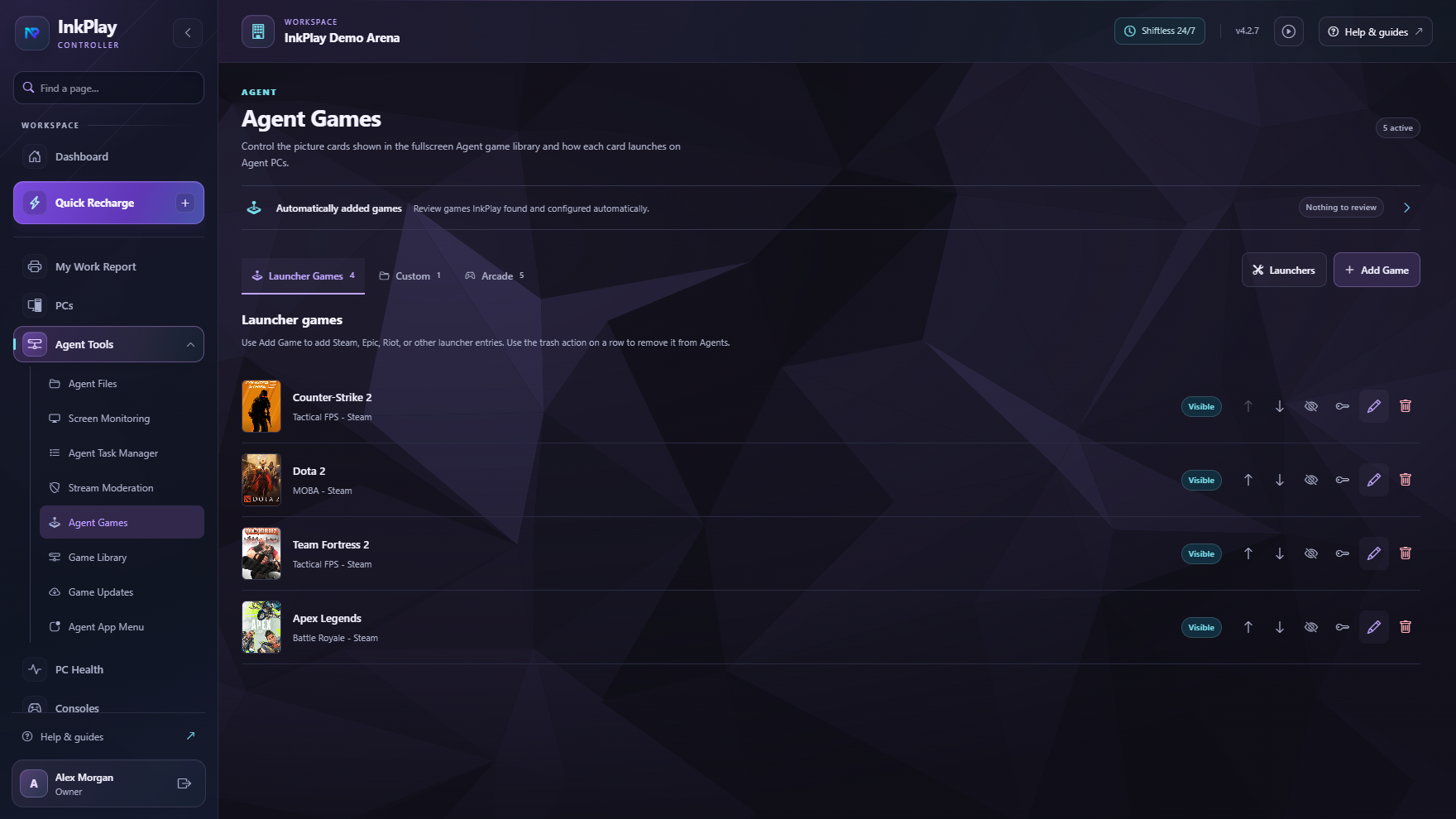
InkPlay Agent gives players a fullscreen PC shell with games, session time, wallet balance, prize points, store requests, help actions, and promotion surfaces. Staff keep the operational controls.
Questions owners ask
Gaming center management software helps a venue control player PCs, paid sessions, staff actions, balances, gamer accounts, reporting, and customer-facing screens from one operating system.
No. InkPlay includes PC session control, Agent player shell, cashier and wallet workflows, prize points, mobile QR login, TV displays, promotions, reports, and owner visibility.
Yes. InkPlay is built for gaming centers, gaming cafes, PC lounges, esports rooms, schools, and university gaming spaces that need staff control plus player-facing experiences.
Branch-critical actions run through the local Controller and Agent flow first, while the cloud supports owner accounts, sync, reporting, releases, subscriptions, and broader visibility.
Start with the core venue software
This is the page Google should understand first when someone searches for gaming center management software.