PC and console lounge flow
Manage player stations, console display surfaces, Agent PCs, rooms, floors, and session state from one venue view.
 InkPlay
Gaming Lounge Software
InkPlay helps gaming lounges run PC and console sessions, walk-ins, packages, player balances, staff shifts, QR login, Agent PCs, TV displays, promotions, events, and owner reporting from one local-first platform.
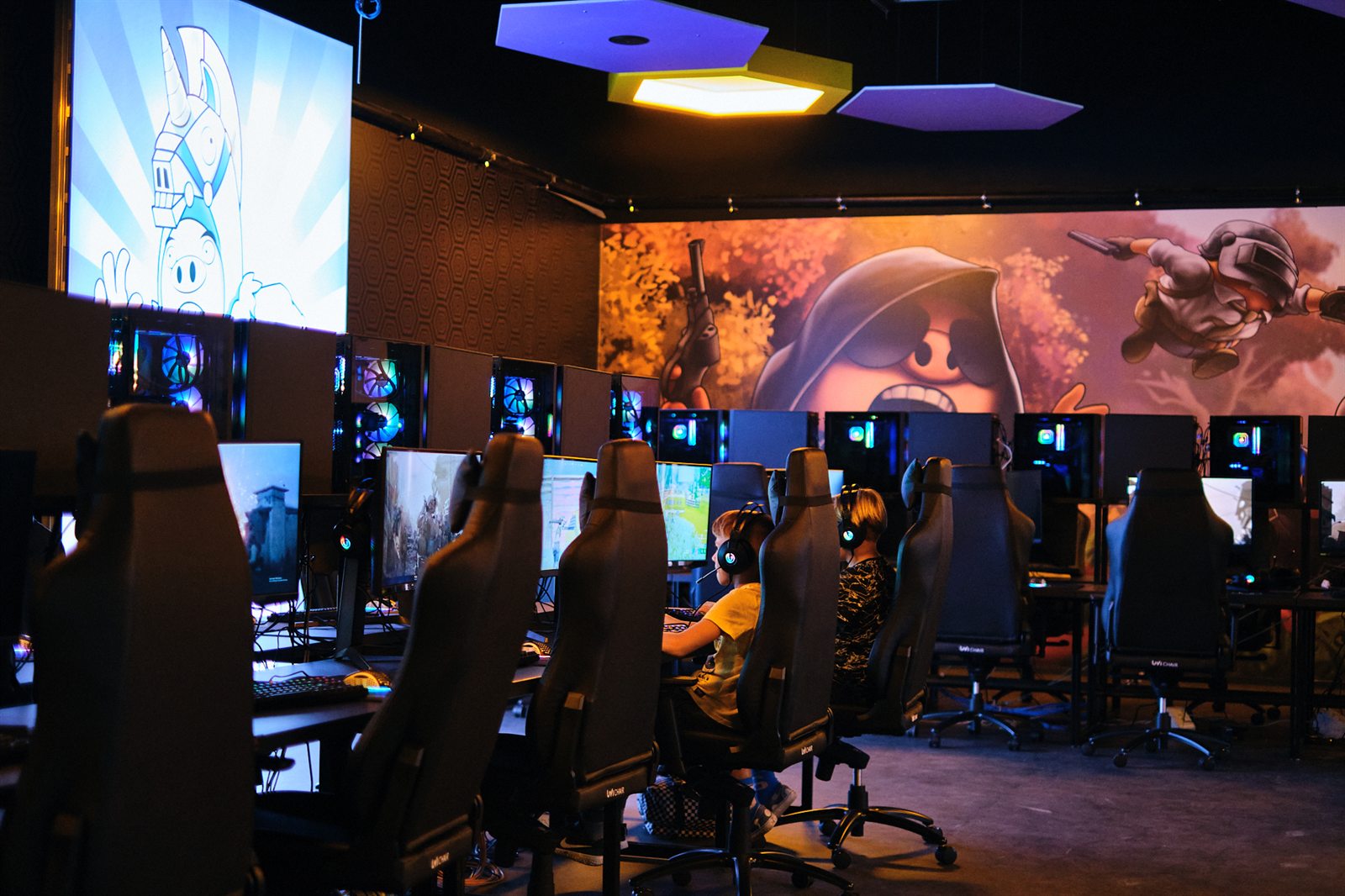
Built for lounge operations
This page is for operators searching for gaming lounge software. InkPlay focuses on the daily venue loop around paid playtime, staff service, player accounts, display surfaces, and returning groups.
Manage player stations, console display surfaces, Agent PCs, rooms, floors, and session state from one venue view.
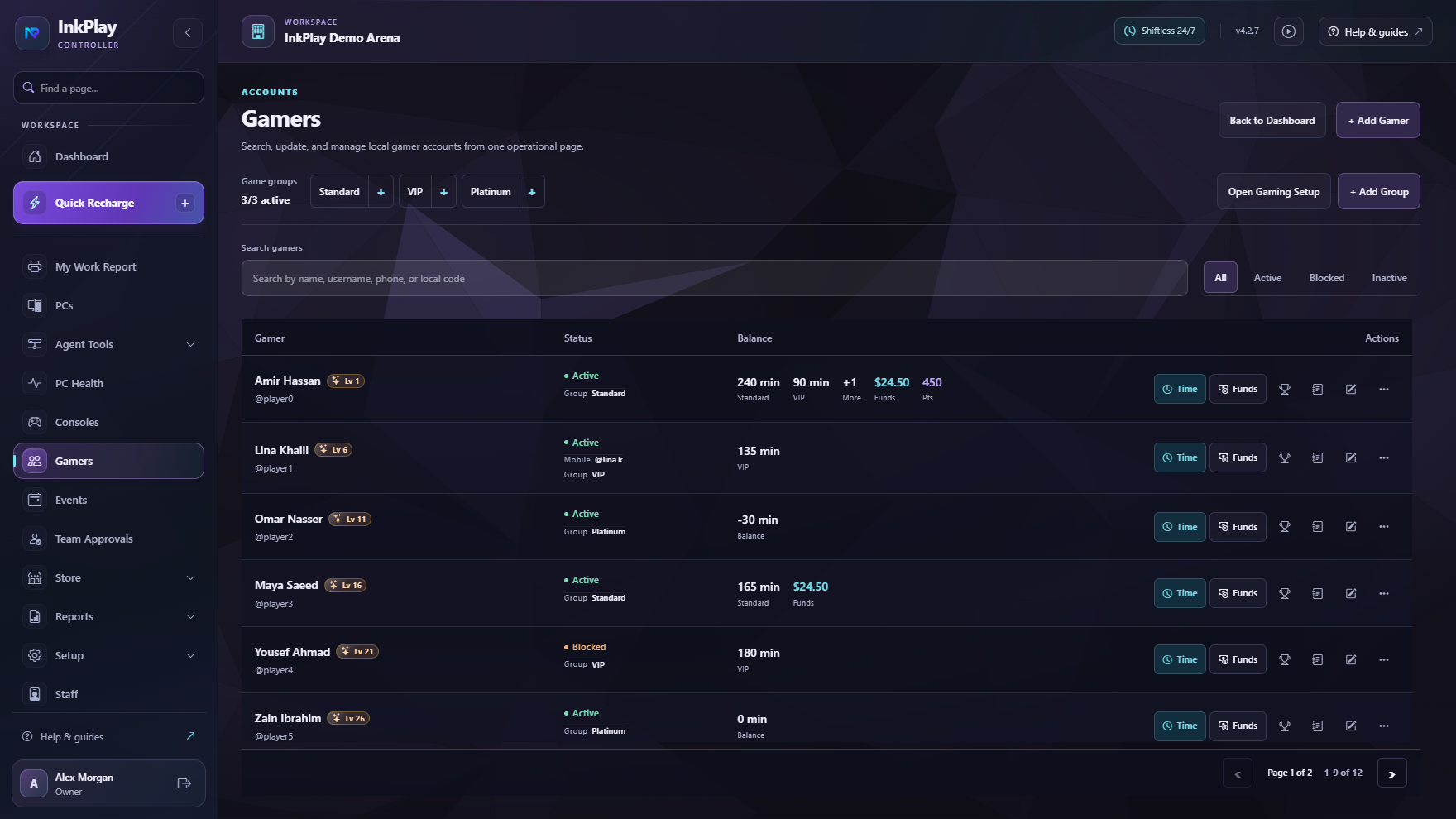
Support guest sessions, registered players, QR login, balances, prize points, squads, teams, and repeat visits.
Connect playtime, package sales, store requests, funds, debts, cashier shifts, and branch transactions.
Use Agent, TV displays, mobile identity, branch activity, and campaign surfaces to keep the lounge active.
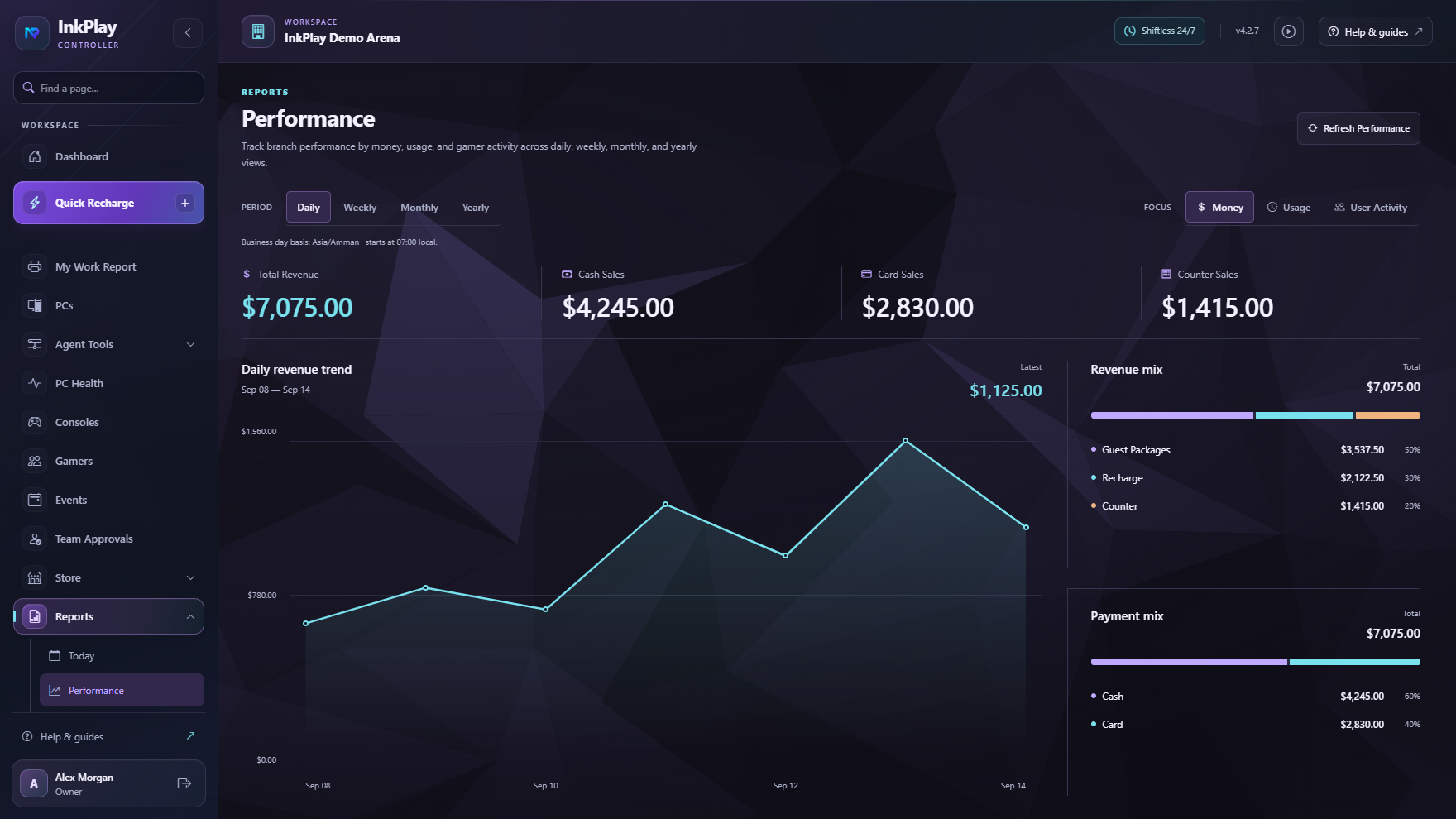
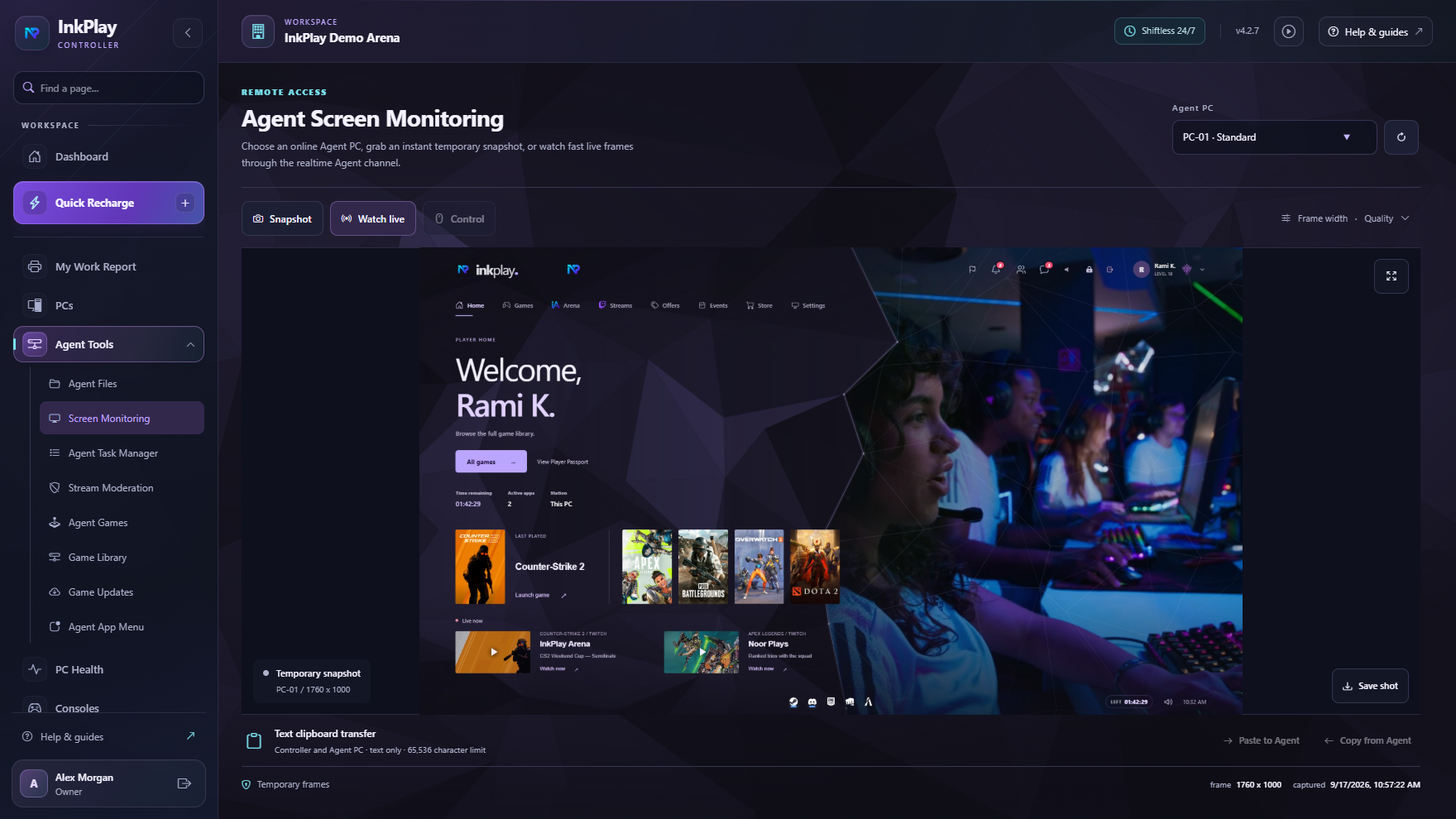
Lounge control
Gaming lounges need fast service and a polished customer experience. InkPlay connects sessions, station state, player balances, cashier shifts, support actions, store requests, promotions, and reports so staff can focus on the room.
Lounge flow
Set up PC stations, console display surfaces, rooms, staff permissions, Agent PCs, packages, and branch controls.
Start a guest session quickly or use a registered account for balances, QR login, activity, points, squads, and teams.
Apply package time or manual duration, extend time, transfer stations, handle warnings, and keep staff context visible.
Keep store requests, support actions, cashier updates, funds, debts, and player balances connected to the branch.
Use displays, promotions, mobile activity, teams, squads, events, and branch history to support repeat lounge visits.
Player-facing lounge experience
InkPlay Agent, mobile identity, and display surfaces help players see games, session time, wallet balance, prize points, store actions, support, squads, teams, events, and promotions.
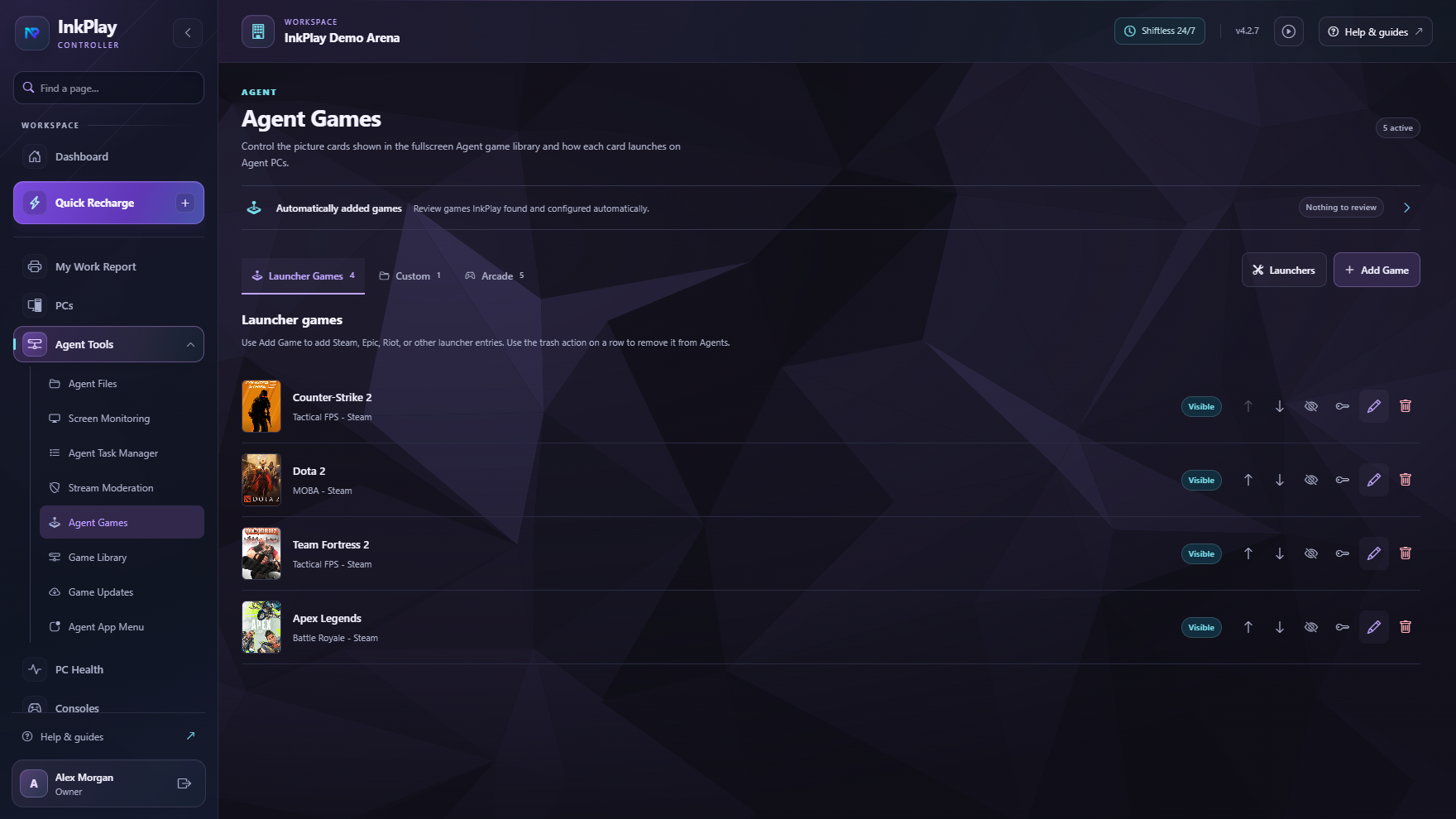
Questions lounge owners ask
Gaming lounge software helps operators manage PC and console play areas, paid sessions, player accounts, staff service, store requests, displays, promotions, and reporting.
The needs overlap, but gaming lounge searches often include a wider social venue experience with PC stations, console areas, groups, displays, events, and promotions. InkPlay supports both workflows.
Yes. Players can use accounts, balances, QR login, prize points, activity, squads, teams, friends, and branch-linked history while staff control the stations.
Yes. InkPlay includes Agent PC surfaces, TV display flows, venue branding, campaign art, promotion placements, and player-facing activity surfaces.
Ready to target gaming lounge searches
The focus here is lounge-style operations: PC and console sessions, walk-ins, packages, regulars, displays, staff flow, promotions, and reporting.