Session-linked transactions
Tie paid playtime, package use, extensions, transfers, and session history back to the player and station.
 InkPlay
Gaming Cafe POS Software
InkPlay helps gaming cafes connect paid PC sessions, time packages, player balances, cashier shifts, funds, debts, store requests, prize points, branch transactions, and reports in one venue workflow.
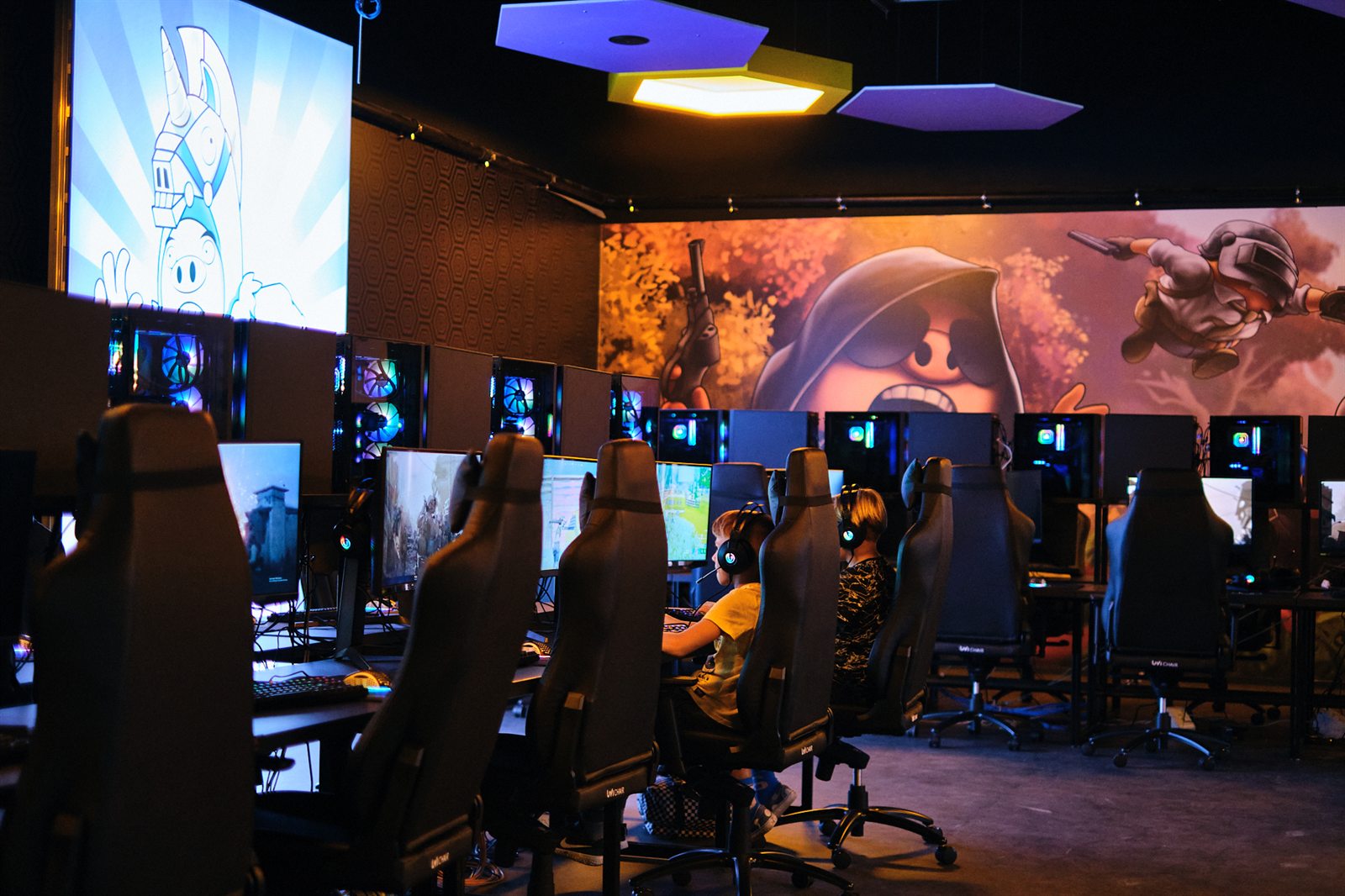
Built for gaming cafe counters
This page is for operators searching for gaming cafe POS software. InkPlay focuses on the venue-specific money flow around playtime, player accounts, staff shifts, and branch history.
Tie paid playtime, package use, extensions, transfers, and session history back to the player and station.
Track player funds, saved balances, prize points, debt records, cashier actions, and branch transactions.
Keep staff shifts, counter actions, session starts, package use, store requests, and reports in one workflow.
Connect store requests and support actions to active sessions instead of handling them as disconnected notes.
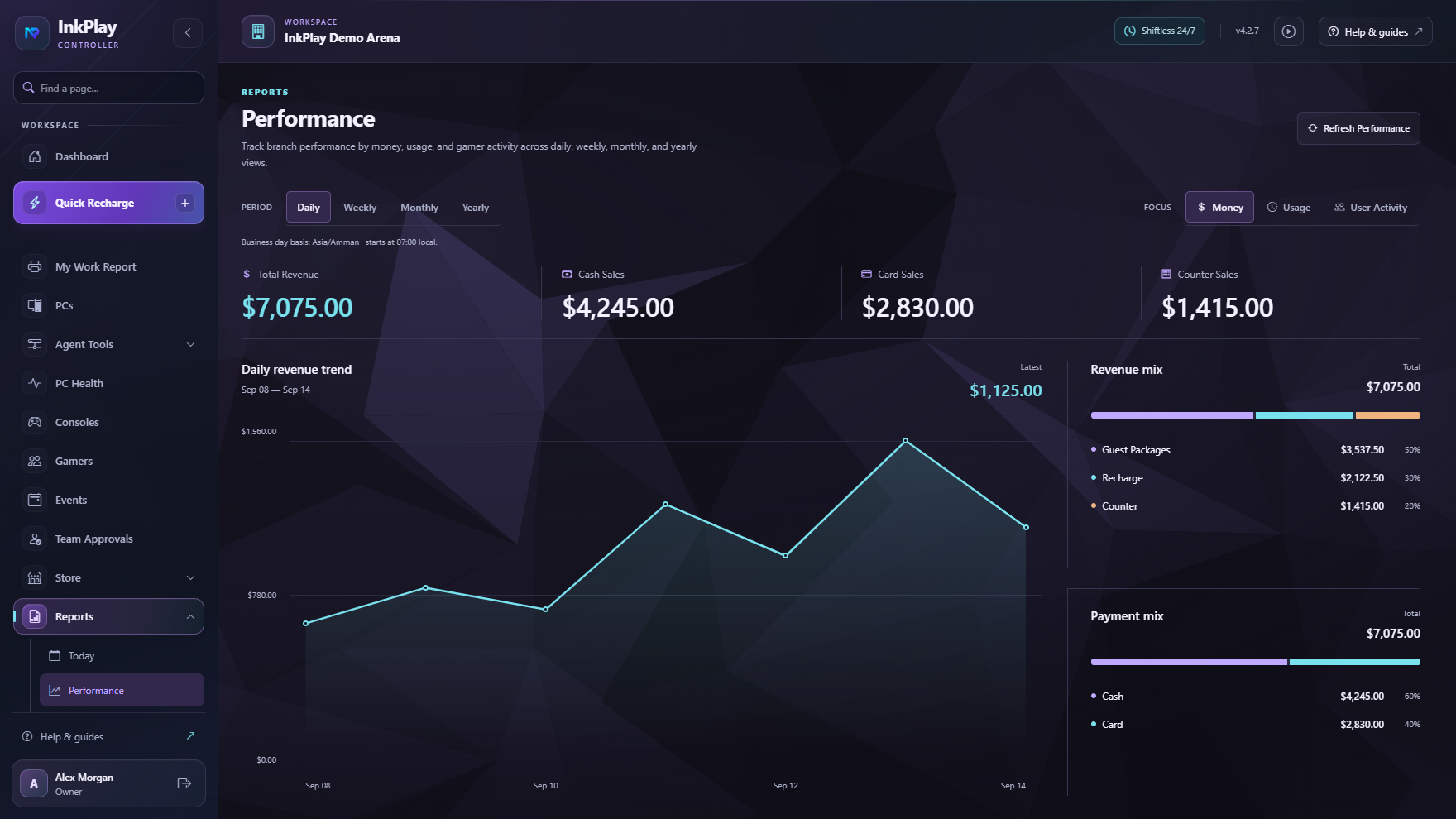
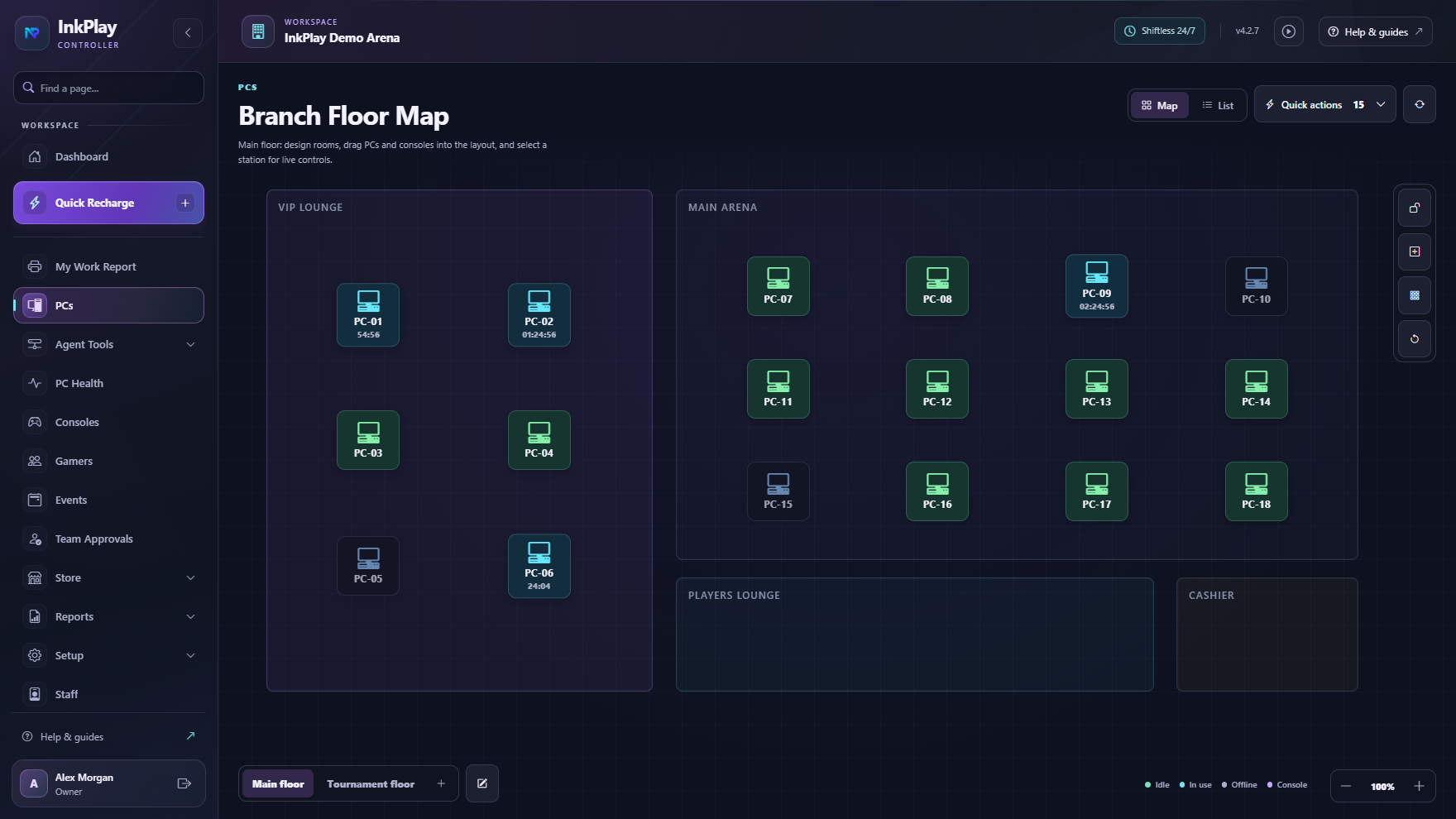
Cashier and session control
A gaming cafe POS has to understand more than a product sale. InkPlay connects paid time, packages, wallet balances, prize points, debts, store requests, cashier shifts, and session records so staff can see what happened at the counter.
POS flow
Start with a walk-in guest or registered player account so the transaction follows the correct session context.
Apply package time, manual time, saved balance, or an extension while the assigned station stays visible.
Keep funds, debts, prize points, branch transactions, staff shifts, and session records connected.
Connect store requests, support actions, balance questions, and station changes to the active player flow.
Use branch history, cashier visibility, session records, and player activity to review what happened.
Player balance context
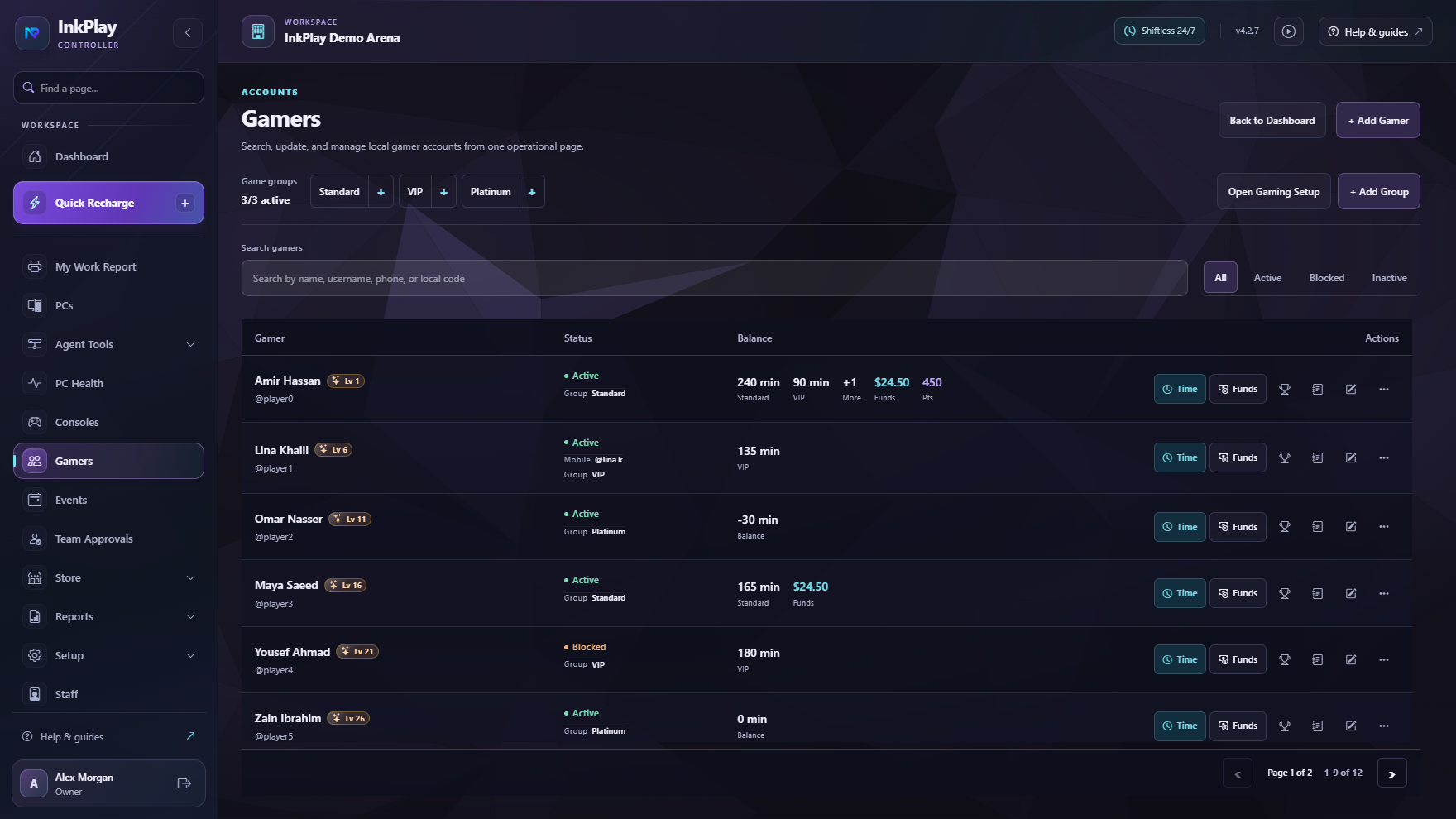
InkPlay connects the player-facing Agent and mobile identity to wallet visibility, prize points, session time, QR login, support actions, store requests, and account activity.
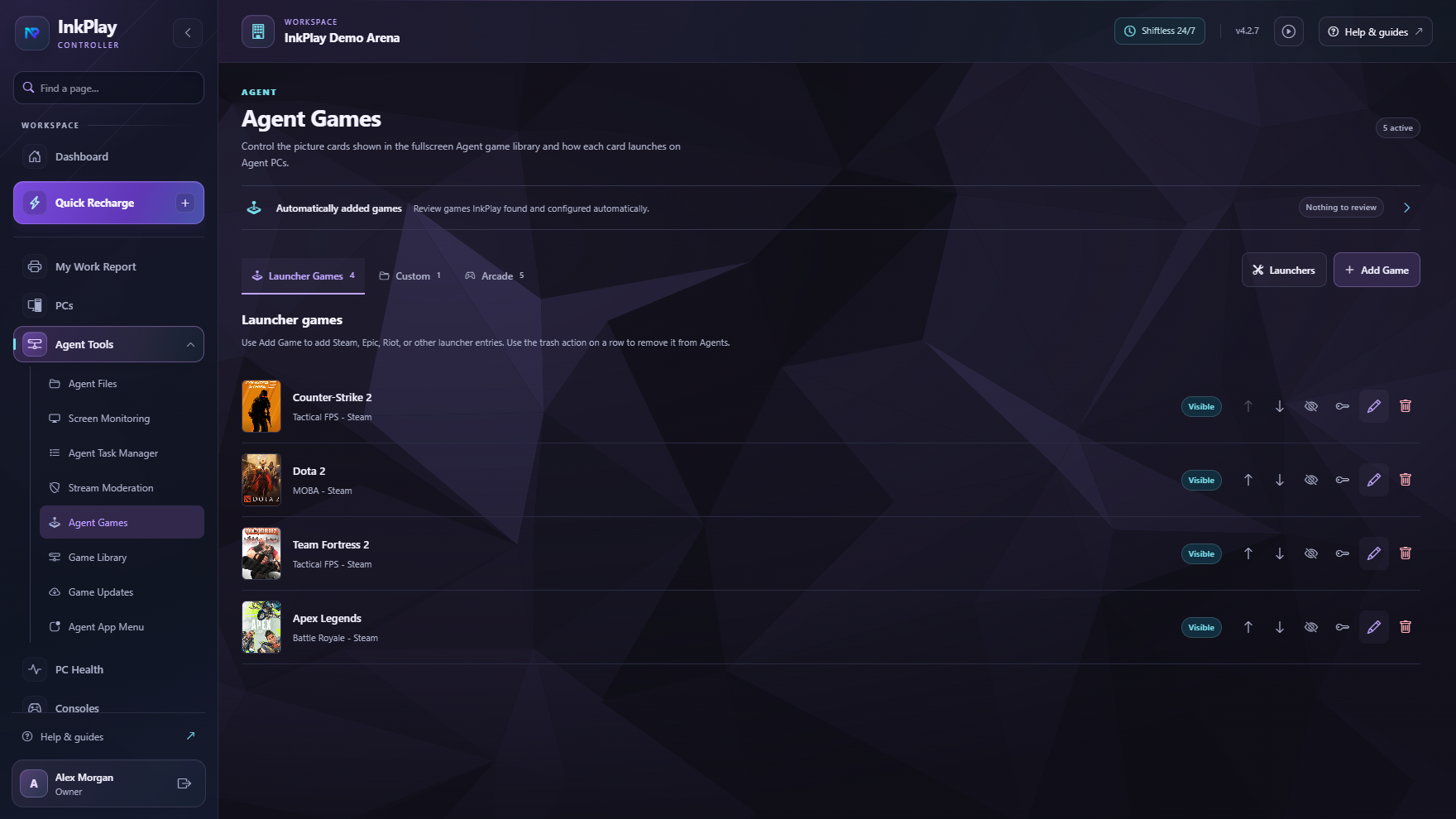
Questions owners ask
Gaming cafe POS software helps operators manage cashier work around paid playtime, packages, balances, debts, player accounts, store requests, shifts, and reporting.
InkPlay is focused on gaming venue operations. Its cashier flow is connected to PC sessions, players, balances, prize points, station state, and branch reports rather than being a generic retail-only POS.
Yes. InkPlay supports funds, balances, prize points, debts, player accounts, branch transactions, wallet visibility, and player activity in the venue workflow.
Yes. InkPlay connects cashier actions to paid PC sessions, packages, manual time, extensions, transfers, session history, and active station visibility.
Ready to target POS searches
The focus here is cashier operations for gaming cafes: playtime sales, packages, balances, funds, debts, shifts, store requests, and reports.