Competitive room control
Track player stations, PC states, staff actions, support requests, transfers, and branch floor visibility.
 InkPlay
Esports Venue Management Software
InkPlay helps esports venues, gaming arenas, PC lounges, and competitive gaming rooms manage player stations, paid sessions, team activity, staff flow, TV displays, promotions, and owner visibility from one local-first platform.
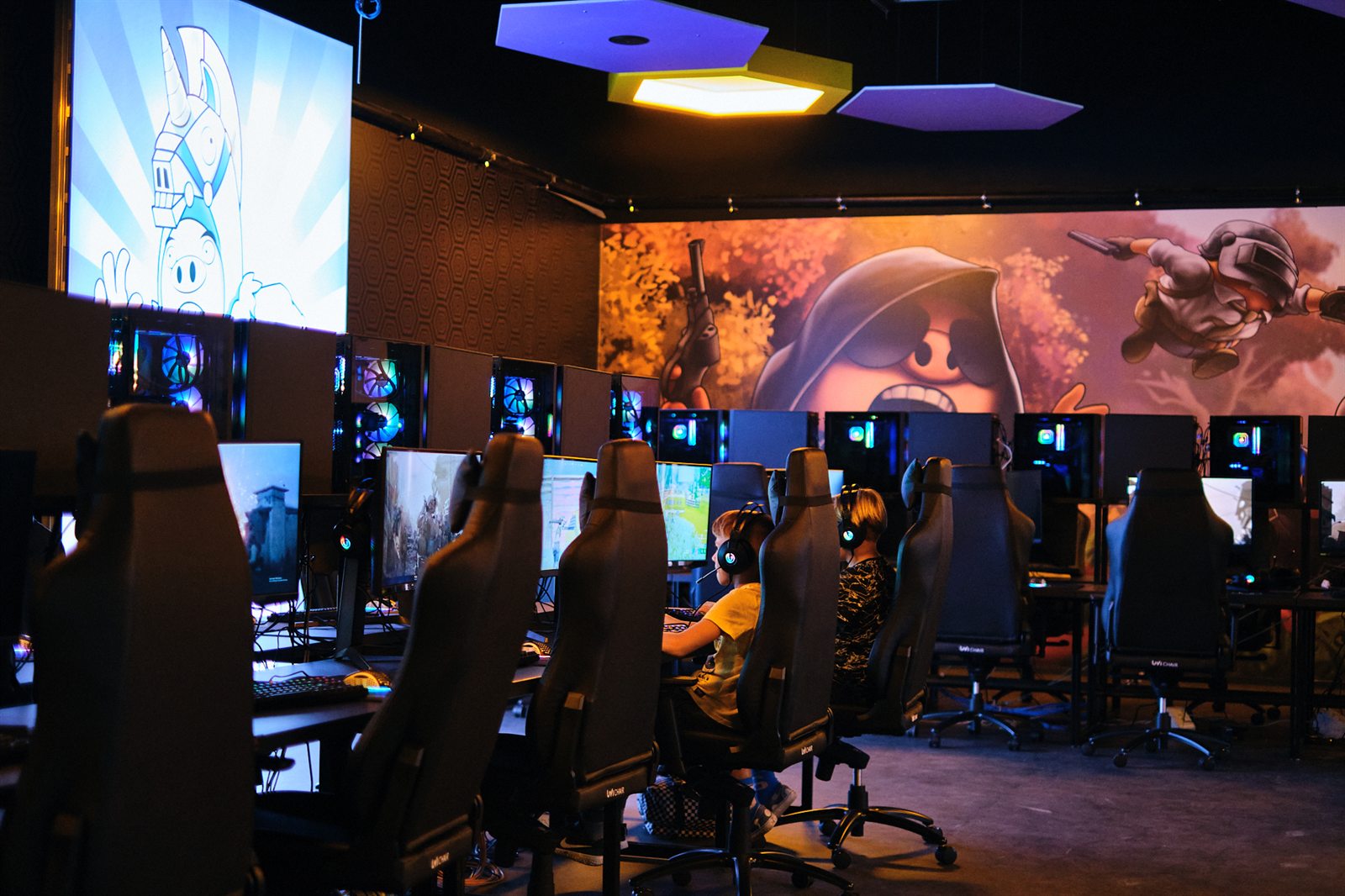
Built for esports spaces
This page is for operators searching for esports venue software, not a generic game app. InkPlay focuses on the operational layer around competitive rooms, player PCs, staff work, and returning players.
Track player stations, PC states, staff actions, support requests, transfers, and branch floor visibility.
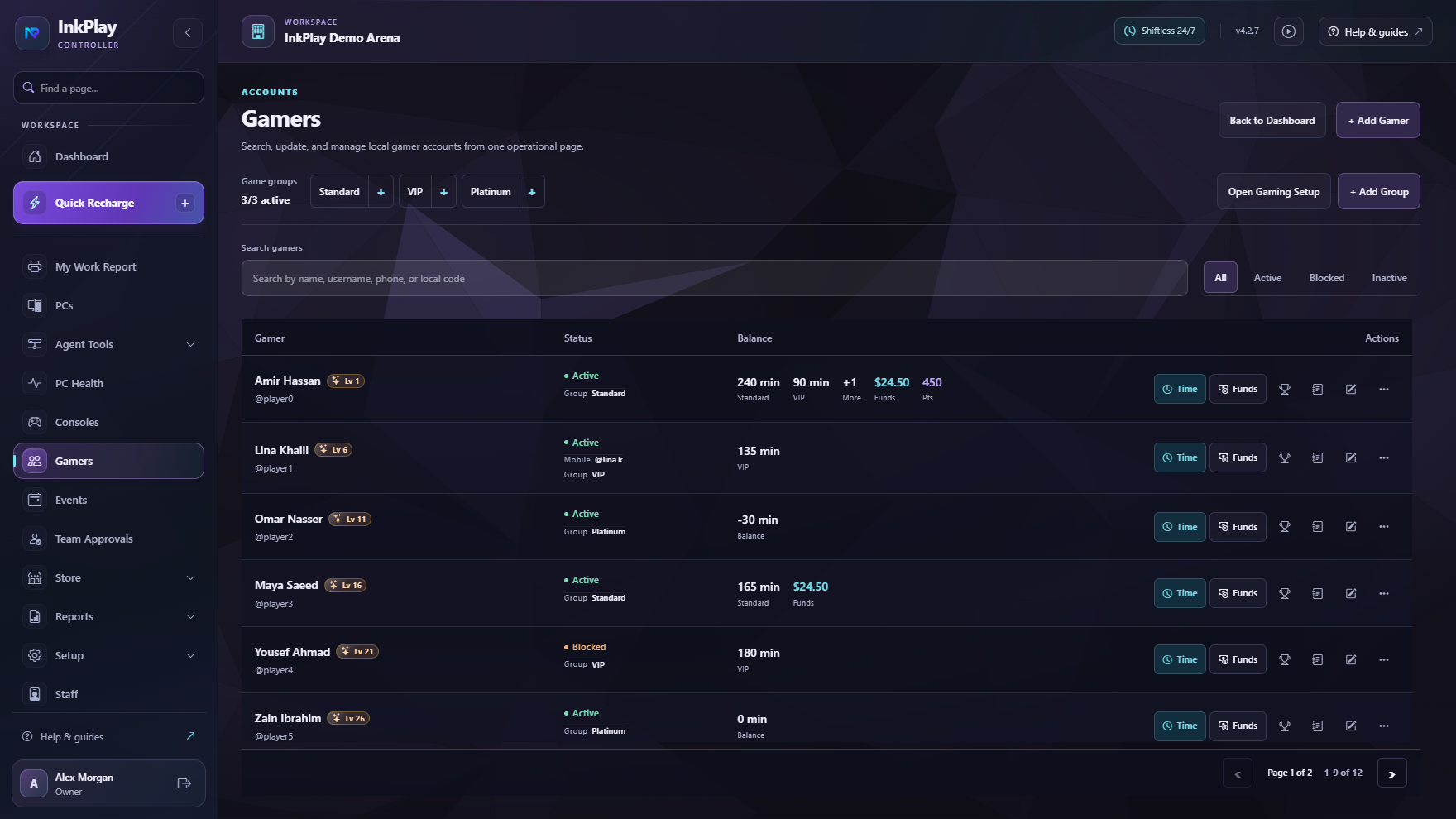
Support gamer accounts, QR login, friends, squads, teams, activity, balances, and repeat venue visits.
Use TV displays and Agent surfaces for station context, venue branding, campaign art, and promotion visibility.
Keep reports, shifts, funds, subscriptions, branch status, releases, promotions, and venue operations connected.
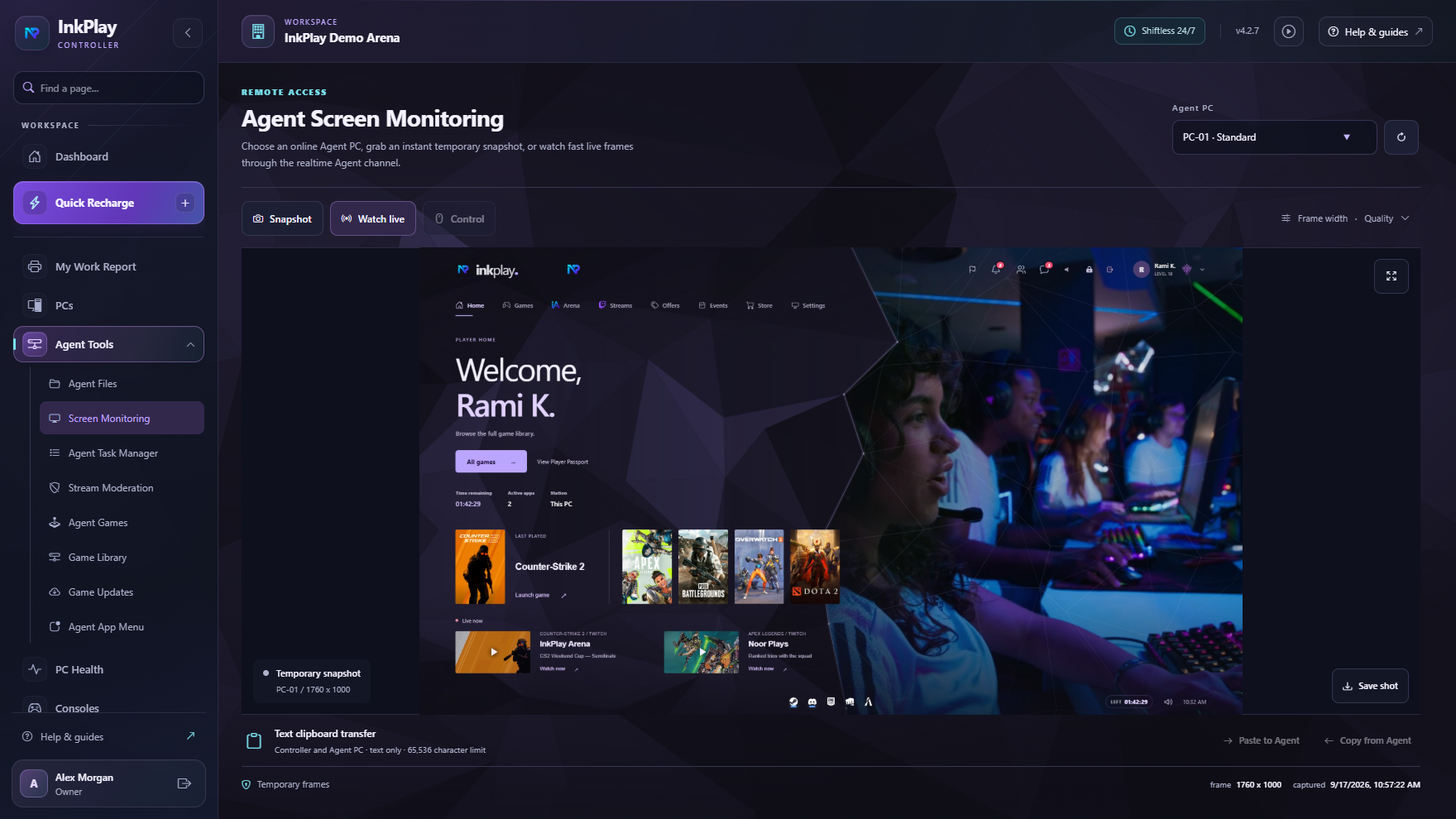
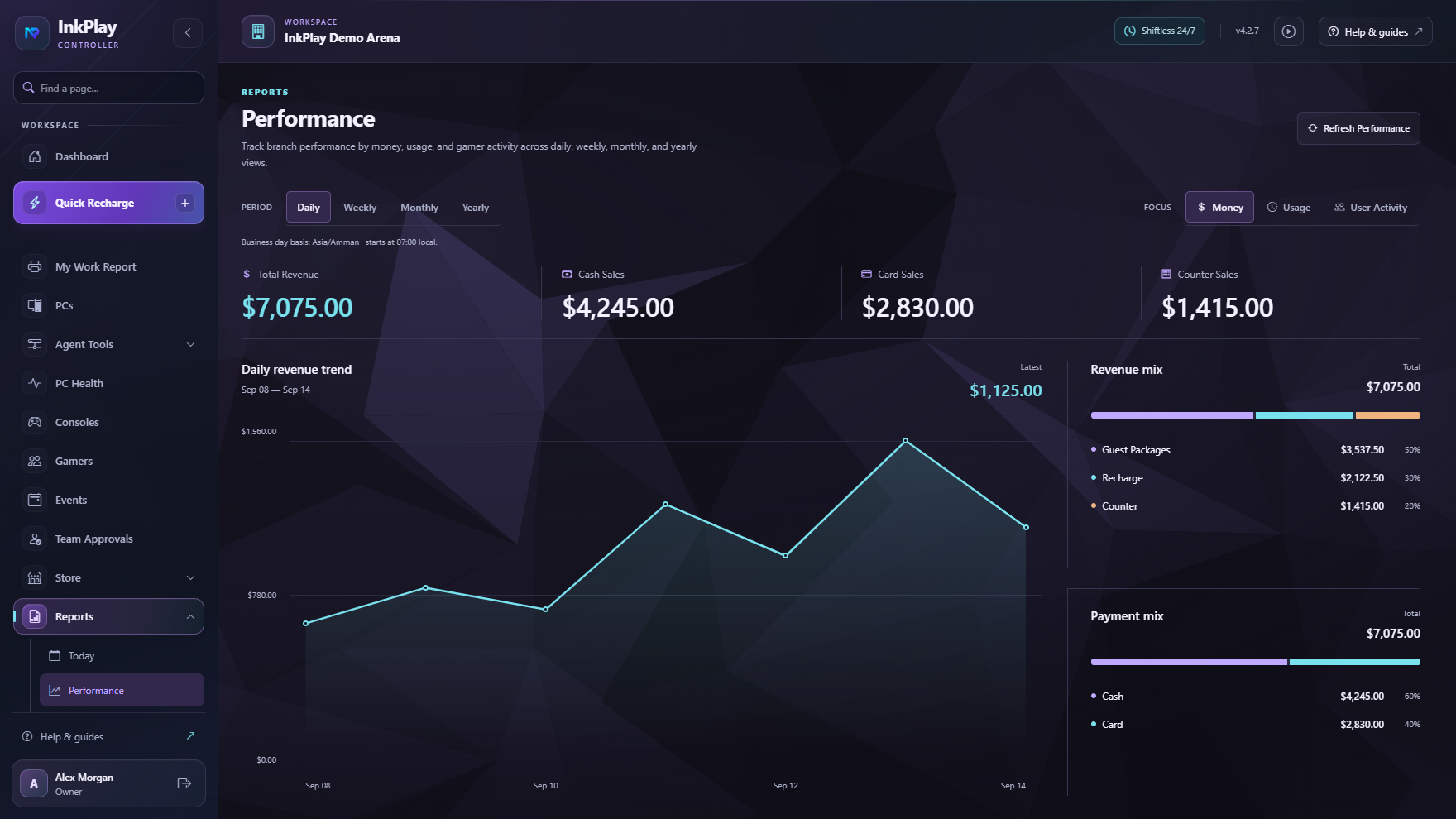
Venue control
An esports venue needs more than a booking page. Staff need PC visibility, player identity, paid time, account balances, support actions, display surfaces, and promotion tools while owners need reporting and branch control.
Event-day flow
Set up stations, rooms, PC types, Agent PCs, console display surfaces, staff access, and branch controls.
Use guest sessions for fast service or registered gamer accounts for balances, QR login, points, teams, and history.
Start paid playtime, apply packages or manual durations, transfer stations, warn players, and keep the floor visible.
Use Agent, TV display, mobile, and promotion surfaces to make the venue feel active and organized.
Track branch activity, player history, funds, cashier shifts, promotions, and reporting signals after the event day.
Player and team context
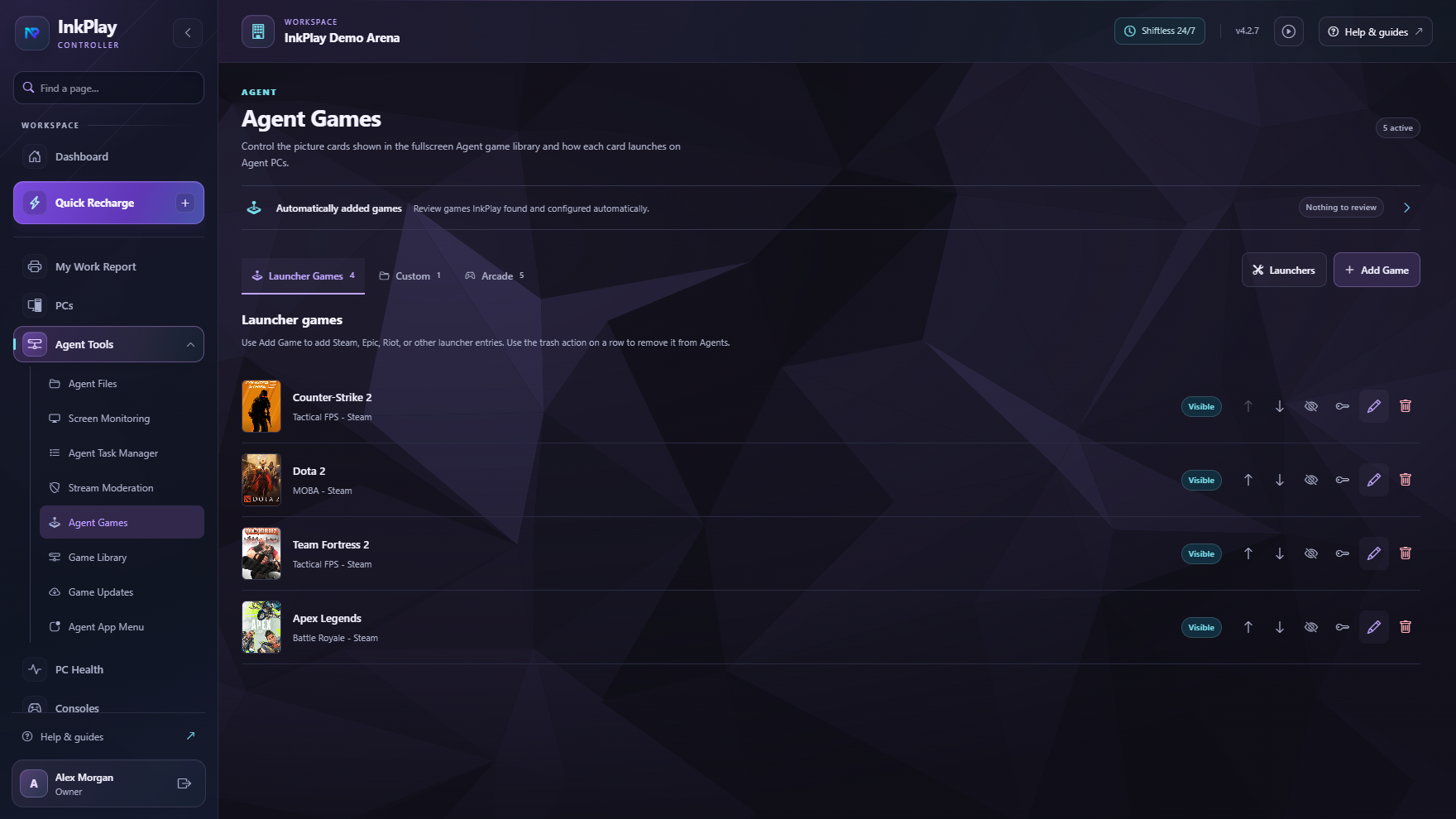
InkPlay connects the Agent PC experience with mobile identity, squads, teams, QR login, wallet visibility, prize points, support actions, and venue activity, while staff keep control of the stations.
Questions operators ask
Esports venue management software helps operators manage the competitive gaming space around stations, sessions, players, staff, displays, payments, promotions, and reporting.
No. InkPlay works for gaming cafes, PC lounges, gaming centers, esports venues, supervised rooms, and other branch-style gaming spaces that need operational control.
InkPlay focuses on the venue operations around esports activity: PCs, sessions, players, teams, displays, promotions, staff flow, and branch reporting. It is not positioned as a bracket-only tool.
Yes. Registered players can use mobile identity, QR login, balances, prize points, activity, squads, teams, and branch-linked history while staff keep control of the venue stations.
Ready to make esports operations searchable
The focus here is competitive venue operations: stations, sessions, players, teams, display surfaces, promotions, and owner visibility.